SmartThings recently announced changes to its API program, requiring paid API access for both individual developers and commercial integrations. In response, SharpTools will introduce monthly allowances for SmartThings API usage from SharpTools Rules beginning October 1, 2026.
Nothing is being limited yet. Monthly allowance enforcement begins October 1, 2026.
Rather than introducing separate usage-based charges for SmartThings API access, the allowances are designed to accommodate normal Rule Engine usage across all SharpTools plans.
We’ve also made significant improvements behind the scenes to reduce the number of SmartThings API calls SharpTools Rules need to make. As a result, most users are already comfortably within their allowance and won’t need to make any changes.
For users with Rules that generate unusually high SmartThings API usage, we’ve added new tools to identify where that usage is coming from and help make adjustments before the monthly allowance takes effect.
What changes on October 1?
The monthly allowance applies to SmartThings API calls generated by your SharpTools Rules.
- SmartThings API calls from SharpTools Rules are subject to a monthly usage allowance.
- Premium accounts include significantly higher monthly allowance than Free accounts.
- Usage is shared across all Rules and SmartThings locations on your SharpTools account.
- SharpTools Dashboards, device synchronization, and other normal platform activity do not count toward this allowance.
If your Rules reach the monthly allowance, additional SmartThings API calls from Rules will pause until the allowance resets the following month. Dashboards and other SharpTools functionality will continue working normally.
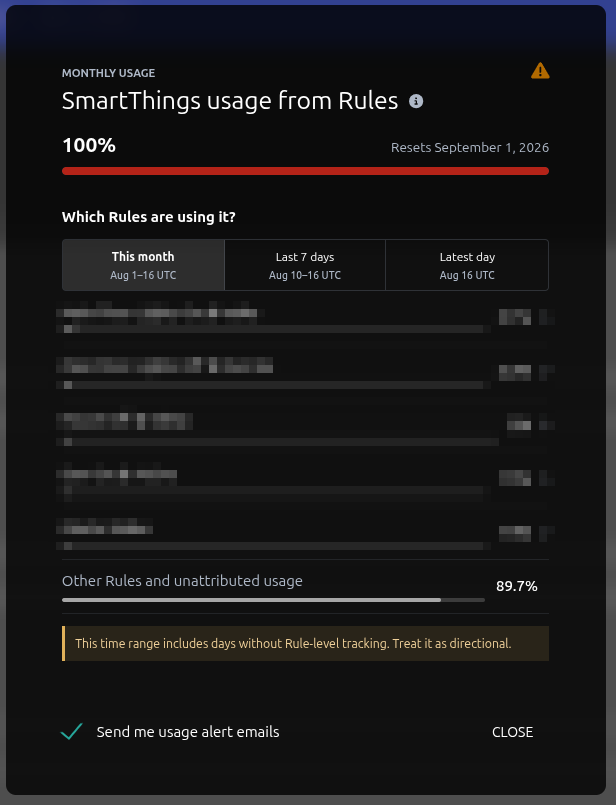
Check your SmartThings usage from Rules
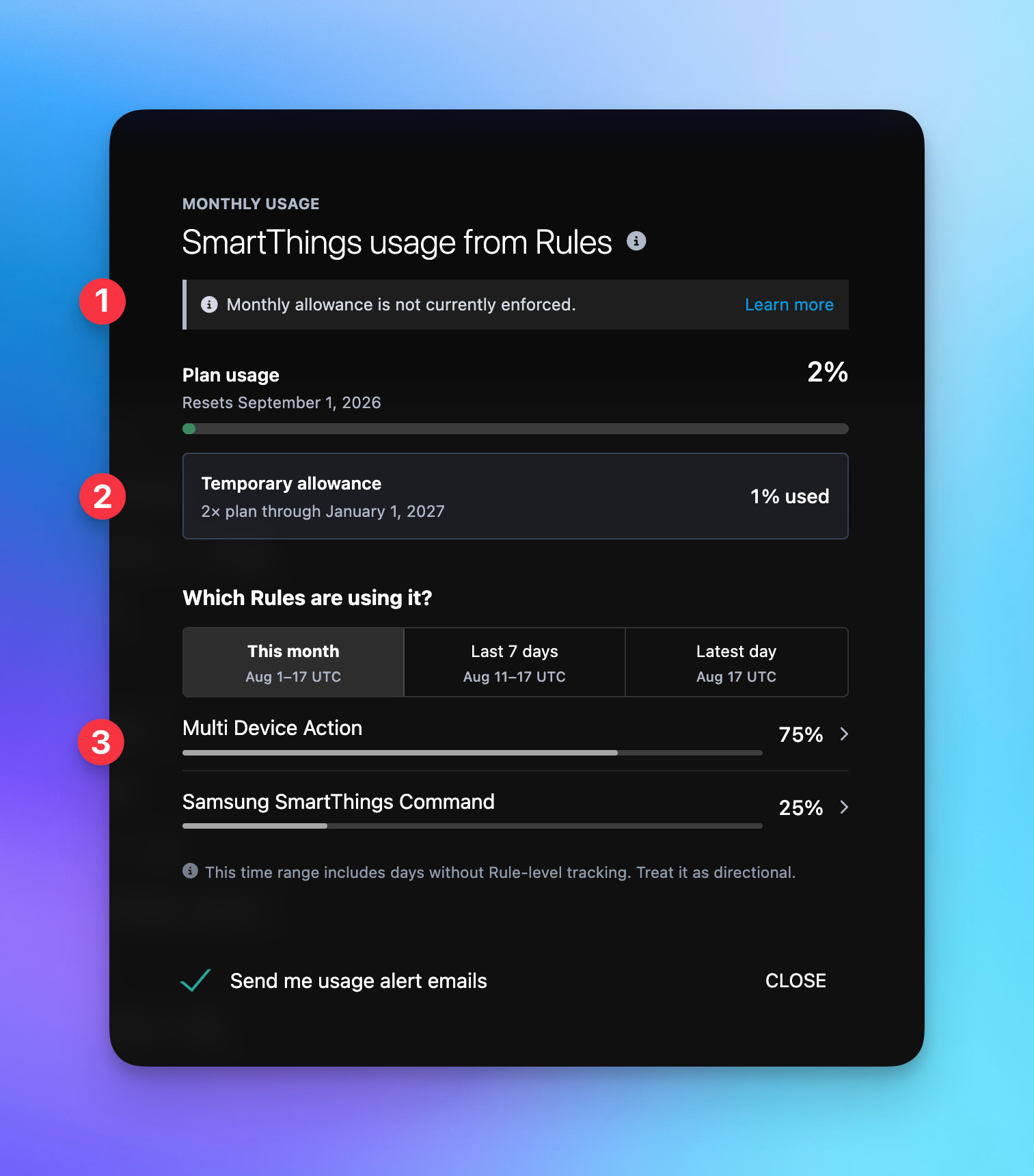
From the Rule Engine, select the ⋯ menu in the upper-right and choose SmartThings Usage.
You’ll see:
- Your monthly usage as a percentage of your allowance
- The Rules contributing the most usage
- This month, Last 7 days, and Latest day views
The shorter time ranges are especially useful after making changes to a Rule.
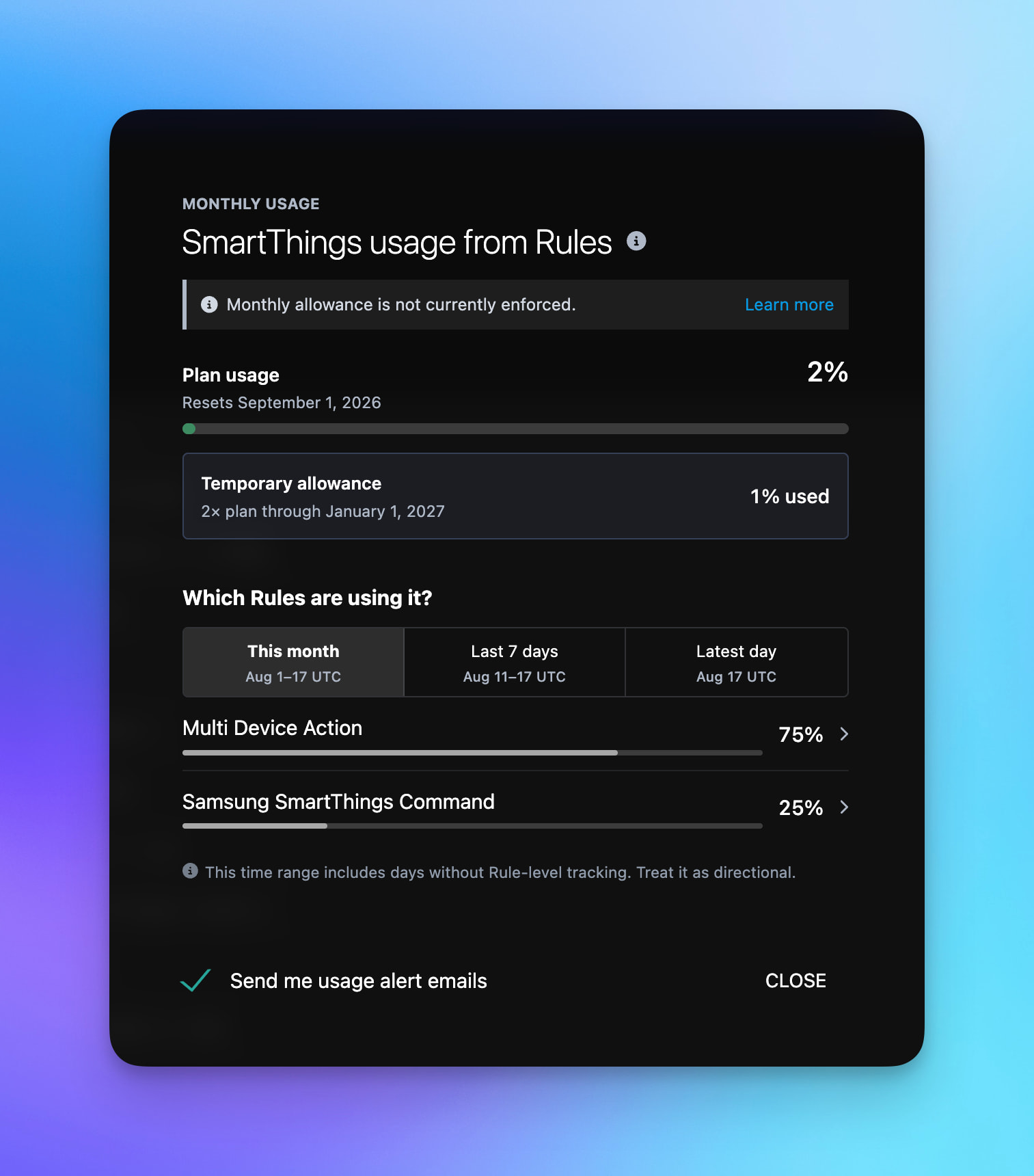
If SmartThings Usage shows a Temporary allowance, it gives your account additional time to make adjustments. It does not replace your standard plan allowance, so use Plan usage as your long-term target.
Note: Latest day represents the most recently completed UTC day, so changes made today may not be fully reflected yet.
Ways to reduce high usage
If you’re approaching or exceeding your allowance, start with the Rules at the top of the usage list.
Common patterns worth reviewing include:
Frequent or rapidly changing triggers
A Rule that runs every few seconds, or reacts to a value that changes very frequently, can generate a large amount of SmartThings API traffic over time.
Consider whether every change needs to result in a SmartThings command or whether updates can happen less frequently.
Refresh or ping commands
Many devices do not need to be refreshed after every command.
In particular, avoid automatically sending Refresh immediately after another device command unless you know the device or integration requires it.
Mirroring rapidly changing values
Continuously copying changing values into SmartThings virtual devices can generate significant API usage.
If the value is primarily used by SharpTools Rules, consider using a SharpTools Variable instead.
If it needs to be mirrored into SmartThings, consider only updating it when the value actually changes or when the change is meaningful.
Rules that trigger themselves
Watch for Rules where an action causes the same Rule or another Rule to trigger again.
These feedback loops can be intentional, but an uncontrolled loop can generate a very large number of API calls quickly.
Large numbers of device commands
A Rule that controls many SmartThings devices at once will naturally use more API calls than one controlling a single device.
That’s perfectly reasonable in many automations, but Rules that both run frequently and control many devices are worth reviewing.
Duplicate or unnecessary commands
Look for multiple Rule paths that ultimately send the same SmartThings command or perform the same update.
Removing unnecessary duplicate actions can reduce usage without changing the behavior of your automation.
Do I need to change anything?
For most users, no.
If your SmartThings Usage page shows that you’re comfortably within the monthly allowance, you can continue using your Rules as you do today.
If your Plan usage is approaching or exceeding the standard allowance, we recommend reviewing your highest-usage Rules before October 1, even if your account currently has a Temporary allowance.
We’ll also reach out directly to users whose recent activity indicates they’re likely to exceed the new allowance.
If you’re seeing high usage and aren’t sure what’s causing it, feel free to post in the community and we’ll be happy to help you review your Rules.
 .
.