Sorry if this has been covered elsewhere, but I’m brand new here, and have tried most things.
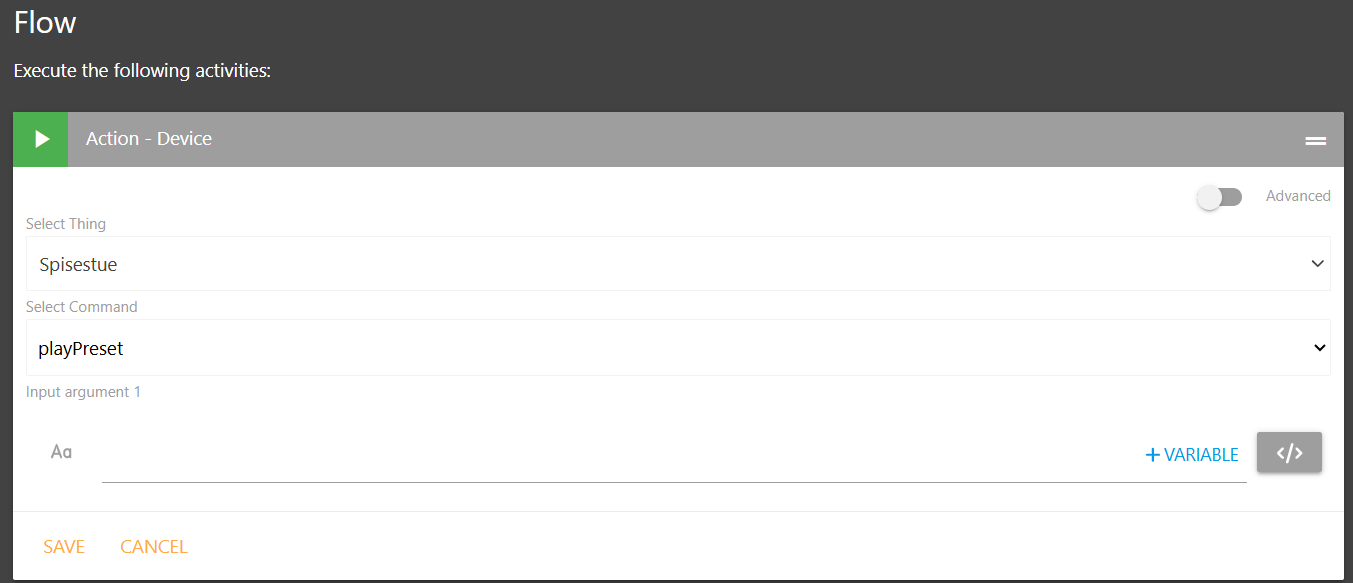
I would like help making a tile that plays a Sonos favorite radio station. I’ve tried with Chatgpt, but “we” can’t get it to work.
I’ve made a button that, when first activated, turns the volume down on the speaker to 20. It works fine. But I can’t get the one that plays the radio to work.
The Create a Jukebox thread might be a helpful reference to you. Especially the Create rules to change the music/station/playlist expandable section.
Check out the full thread for some different approaches to running the rules including the use of the Media Tile for full bleed edge-to-edge images to get the style @james used in his Jukebox.
THANK YOU - I didn’t catch that. Now there’s music Thanks for the help. There’s still a bit to learn. Like so many others, I’m coming straight from Actiontiles. Looking forward to SharpTools becoming my new friend

 Thanks for the help. There’s still a bit to learn. Like so many others, I’m coming straight from Actiontiles. Looking forward to SharpTools becoming my new friend