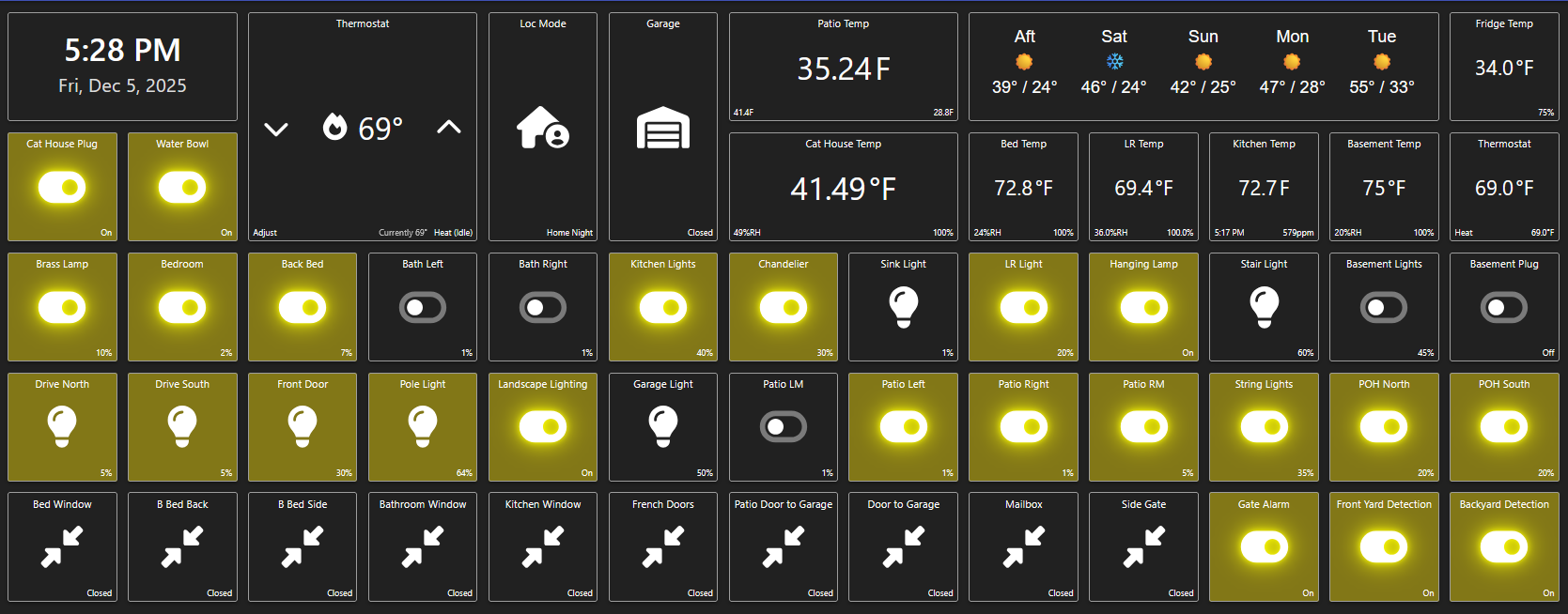
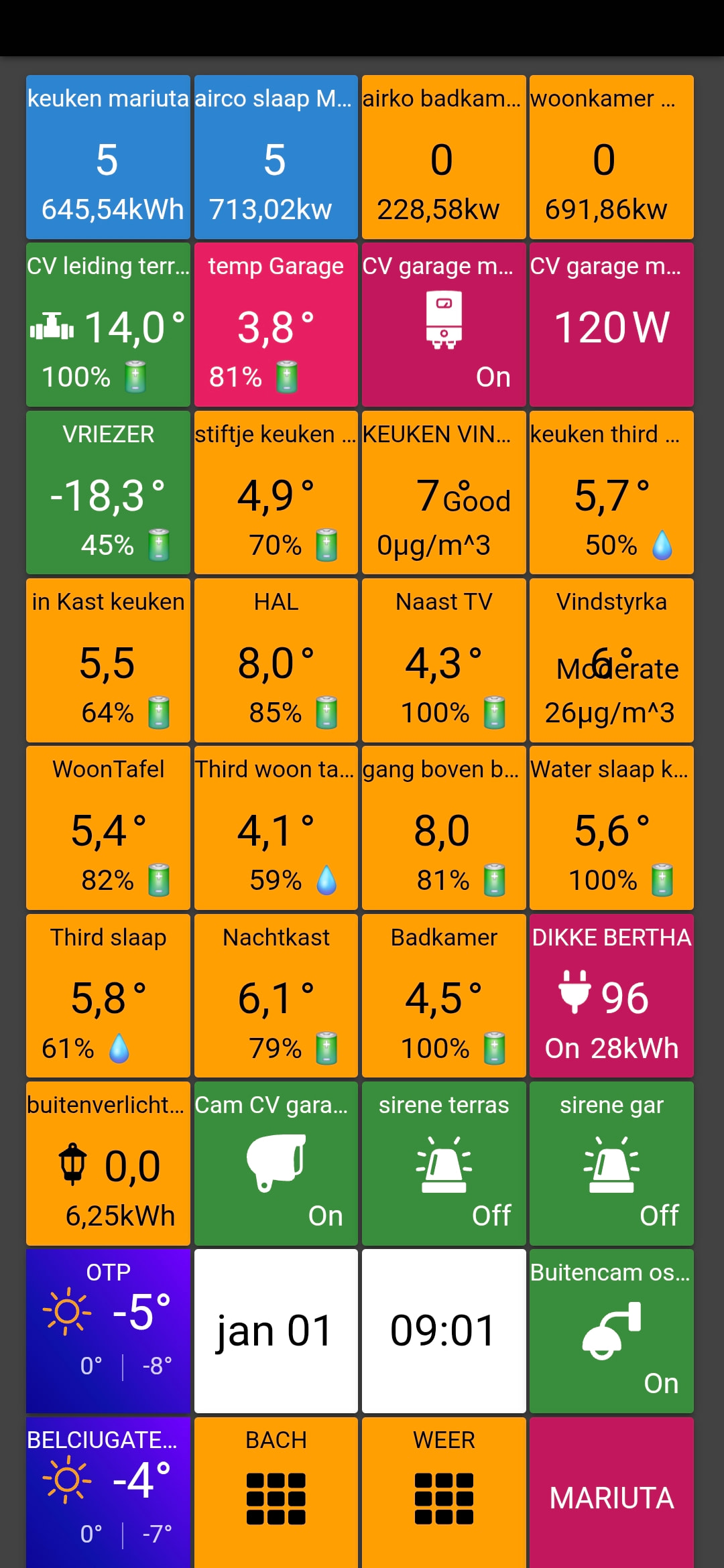
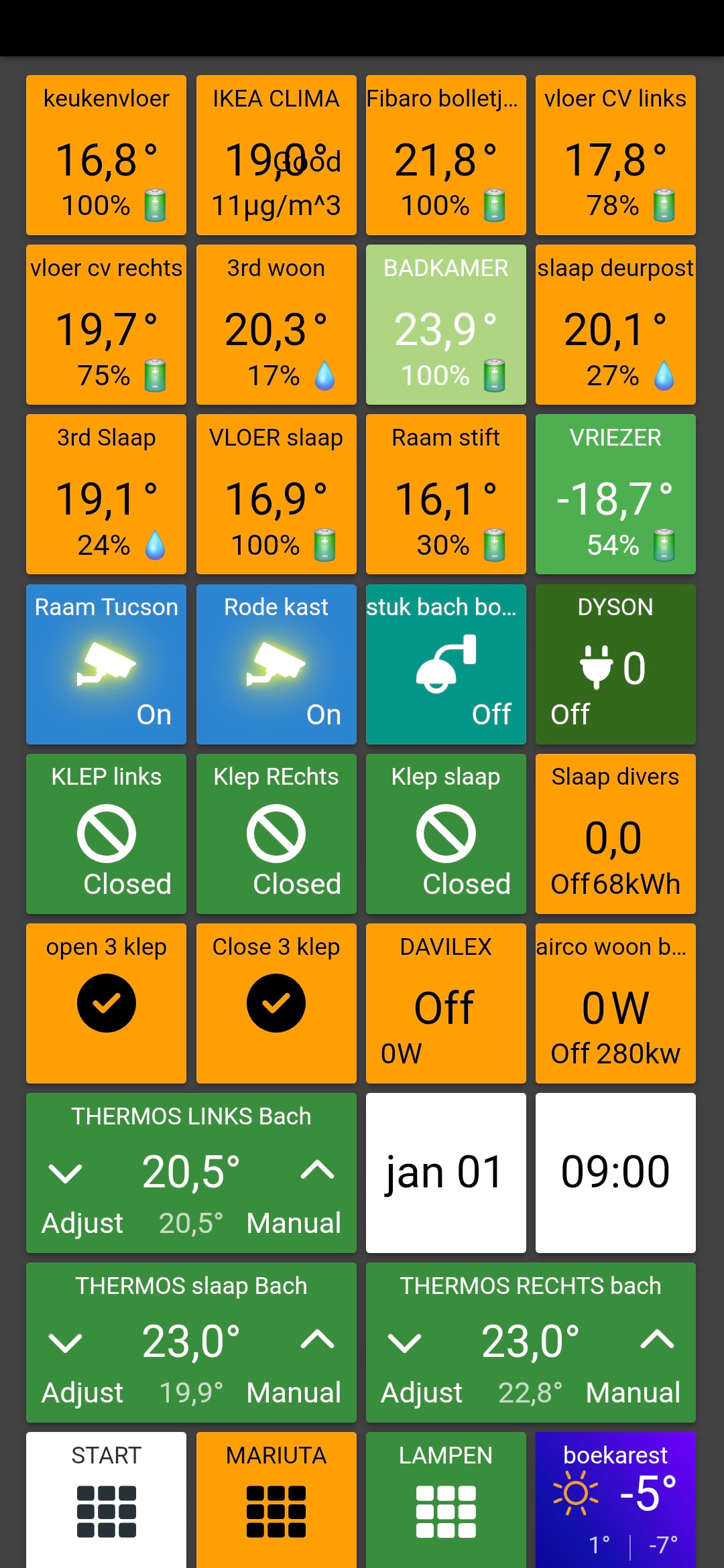
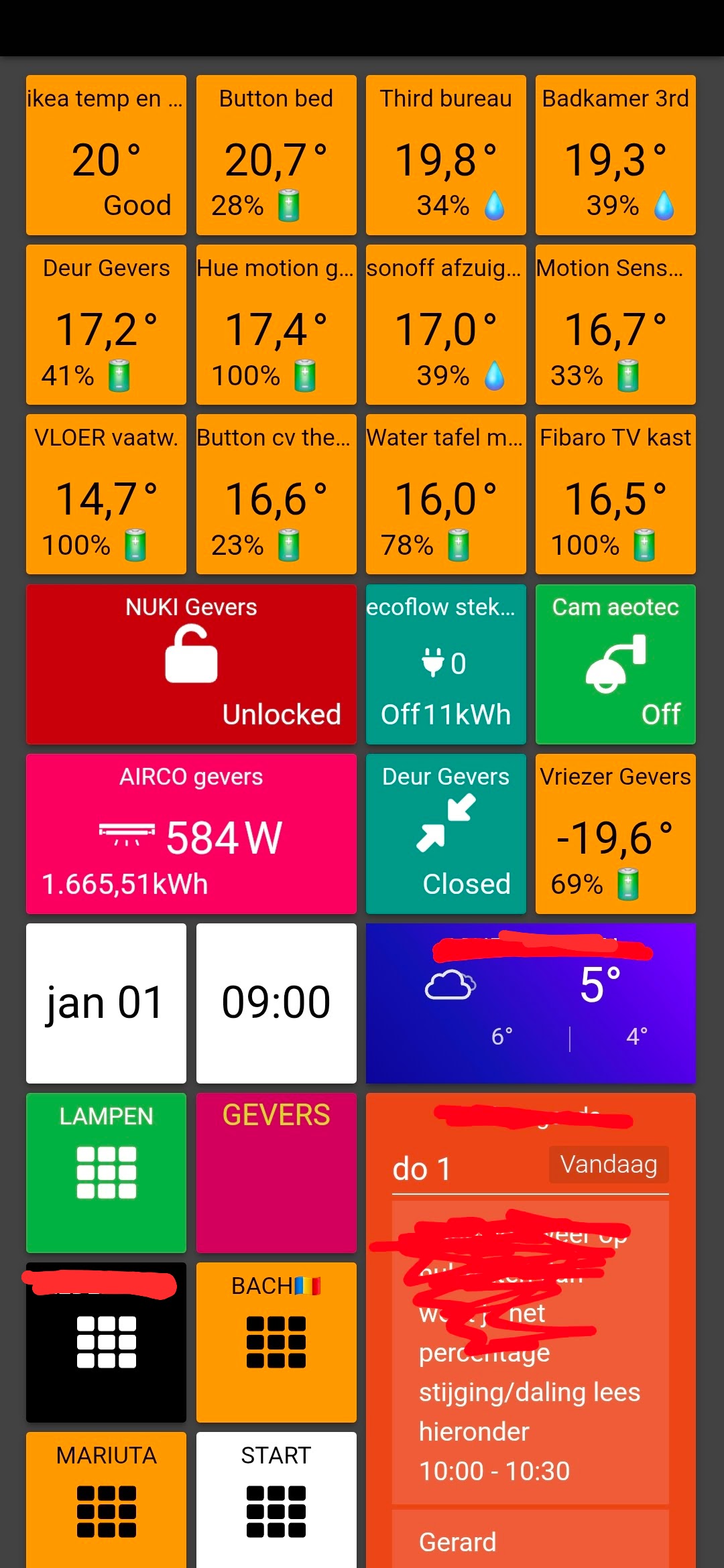
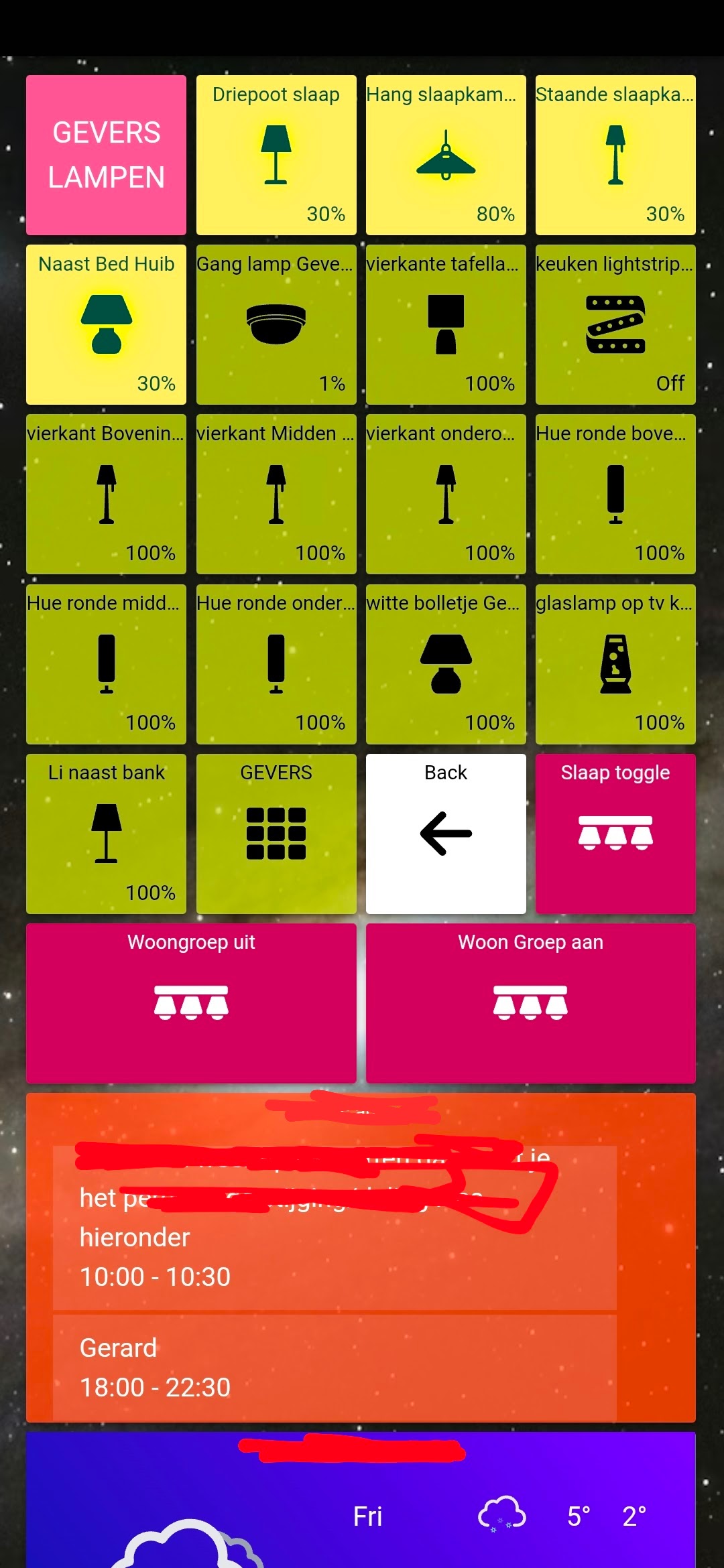
Another refugee from ActionTiles here. I’ve made good progress in emulating the look/feel that we used and liked in AT but there is something I’m missing. When I am laying out my tiles, I sometimes leave a spacer in place for a tile that I will add later. Unfortunately, when I move a tile onto that spacer, adjacent tiles move and scatter even though I am just replacing that one spacer.
Is there a different type of tile I can use as a placeholder? Is there a way to lock tiles so they don’t move around. It’s almost like throwing dice sometimes. Thanks for any suggestions. Other than that, I really like ST and here’s what our tablets look like so far:
I haven’t too much time to figure out yet but I will get it , I figured out already Im trying to answer you back with my Panel but didn’t let me Thanks
I too found editing and rearranging it a bit arcane, taking way too many clicks and moves.
The Tile selection & setup is overly complicated, too. With AT, we could select Capabilities 1st.
But, I just stuck with it and have pretty much what I had with AT now. Took me a day for each dashboard
Same here, long time Actionties user, now moving back to Sharptools (in my case). I have pretty much given up trying to arrange tiles, it feels like shaking a marbles bag each time I move something.
Seriously, this hasn’t improved in years and is such a core feature. Here’s a ferw ways this could be fixed…
Drag to a new location simple swaps start and end positions - this is already way better.
Drag to new location swaps in the tile you dragged and exchanged the tile being dragged for the destinations old tile - place the exchanged one in a new location.
Introduce groups (without massive seperators!) and have the tiles only free-flow inside these groups!
The best approach in that case is to remove the spacer tile which will leave the blank space in tact, then add the new tile to the dashboard as it will fill the empty space.
When dragging a tile, it will always push other tiles down.
1:1 Swap of Same Size
If it’s a perfect 1:1 swap of the same size tiles, then it just pushes the other tile down… effectively swapping places.
Different Size: Gaps Filled
If the tile you are dragging is a different size than the tile it’s replacing, it will push the other tile(s) down to make space and if there’s gaps remaining, it will try to pull up other tiles to fill in the space. For example, if you drag a 1x1 tile over a 1x3 tile, it will push the 1x3 tile down then try to pull up two other 1x1 tiles to fill the space.
Different Size in Both Dimensions
If the tile is bigger in both horizontal and vertical dimensions, it may pull up additional tiles to fill in the gaps across multiple rows. For example, it you draggef a 2x2 tile over a block of multiple 1x1 tiles it’s able to just push those 1x1 tiles down as needed. But if a 2x2 tile gets dragged over another oddly shaped tile, it will push that tile down and then try to pull up other smaller tiles as needed to fill in the gaps.
Alternative Drag/Layout Ideas
I’m not sure any of these ‘fix’ the problem so much as move it. I think the reality is that there’s no perfect solution for this. While there may be cases where you want the tiles to swap places (eg. 1x1 over another 1x1), there’s plenty of other people who would not want that to happen and might instead prefer either the current push down approach or potentially even a push right approach.
I agree that some grouping concept could be a big help though as it seems like a lot of the use-cases where people are frustrated with the pushing approach means they aren’t happy if it pushes down or if it pushes right as they fundamentally want to keep a group of tiles together. There’s still other considerations for that including repositioning of groups themselves, group-of-groups type layouts that are common, and fixed size vs overflowing groups… but that’s probably better suited for a feature request thread. Speaking of which, I think Feature Request - Visual Grouping of Tiles/Tile Merging is the closest existing feature request for this.
For anyone brave and struggling with aranging tiles…
Here’s a client-side script that implements tile-swapping, written out of pure frustration. For me, writing this was a total game changer and prevents the shifting-sands of the current interface.
Install tampermonkey for your browser (works in most of them including mobile), this allows client-side script injection. This script will add a new button in dashboard edit mode. Simply open the ‘swapper’ by pressing the new button, right click on two tiles to swap them. You can keep going until done, then press save. Voila!
I promise there is nothing nafareous in this script, it’s pretty simple and straightforward. That said, use at your own risk.
I’m new to ST, also from AT. I’ve gone mad with this tile dance. So much that I may give up and look elsewhere before the eval period is over. If so many users find it frustrating, but ST doesn’t respond, what can I expect?
Josh, thank you, I saw that, I just don’t think it solves the problem. I understand the reason behind the way this works, but I, as many other users, feel it is not the best for some dashboard designs. An alternative would be useful for some purposes. Anyway, I think SharpTools is amazing, very powerful and flexible. I just paid my subscription and will use patience when designing my dashboards.
Same problem to me. Coming from AT as Smartthings user.
But Sharptools however is so superior over Actiontiles that this inconvenience of “dancing” tiles are accepted by me.
My screens are mostly phonescreens with 4 tiles. Of course on a PC/browser this ‘reflowing” system looks sometimes unorganized. But my phonescreens are the basic of all. I need to see in a fraction which tiles are red etc etc.
I work in four, remote, locations. In even different countries. So alarms like water leakage or danger of freezing radiators, are very important to me. In one blow I want to see my screens.
I have about 50 “things” on each location, inclusive Hue bulbs.
I solved this for me using a small script. I don’t think this was seen by anyone due to the depth of the original post. Be aware this was a quick mock up which did the job for me, you run the risk of dashboard corruption so clone it first.
Just piling on here out of frustration! I’ve been waiting to change JUST THE STYLE of 2 tiles on one of my dashboards. Yes, waiting until I had about an hour to do it. Changing the style takes all of about 15 seconds. Click the save button and watch 134 tiles scatter like a slot machine and then an hour to drag them all back. Yes, I’ve posted about this before. Yes, I’ve created a “Feature Request”. Lock Tiles In Place - Prevent Movement - #8 by JKB121 Maybe a small dashboard is not a problem, but 134 tiles (including some spacers) is not easy to do. I can’t think of any reason why changing the style of a tile would cause it to move on save, but it does. The tile size does not change, this is just PAINFUL! I’d like to add a few “things” but don’t because of the anticipated mess that will result. [/end rant]