I’m trying to use a consistent set of colors for temperature tiles on multiple dashboards because I keep choosing a slightly different shade of (say) red when I configure the style state of the next tile. I have tried creating a theme, but I see no way to configure the style state (for example, if temp <60, background red) as part of that theme.
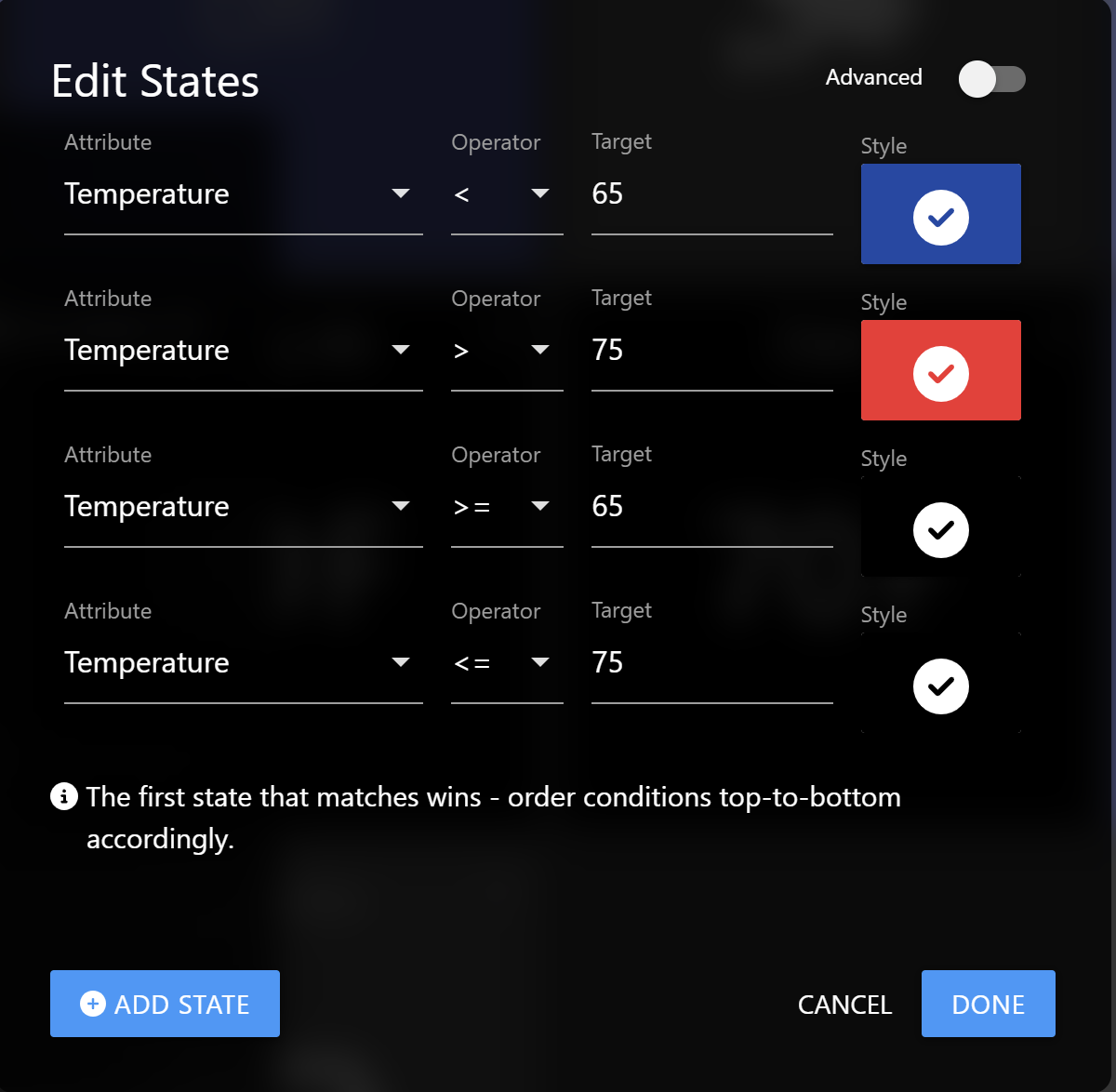
What I’m looking for is to create a style that I would apply to all temperature sensors. Example configuration:
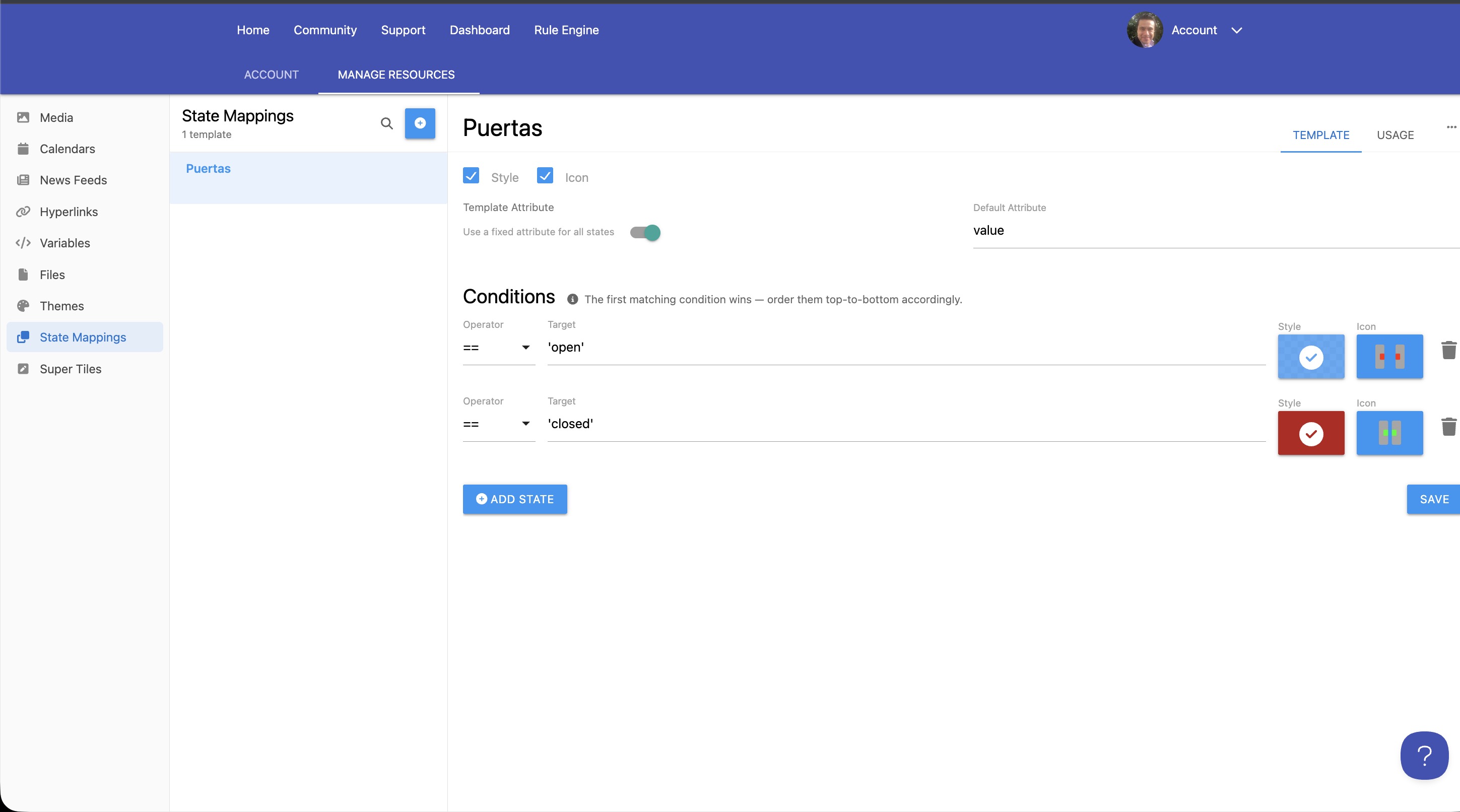
I’m working on a State Mapping Template feature and I’d happy to get you added to the beta so you can try it out once it’s released to beta. Just let me know.
Thanks for the feedback! I think I’m close to the beta release, so it should be available soon if things go as planned.
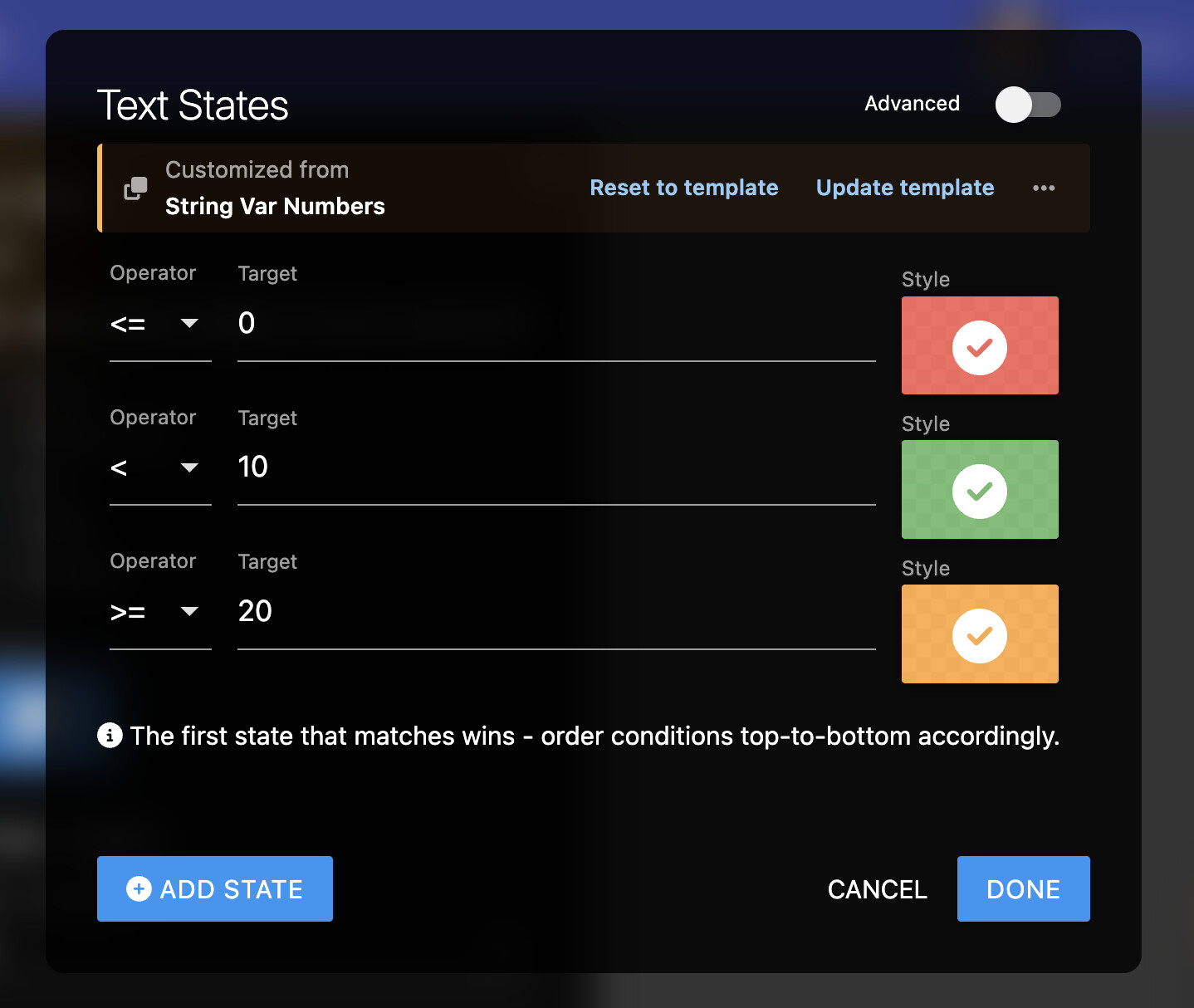
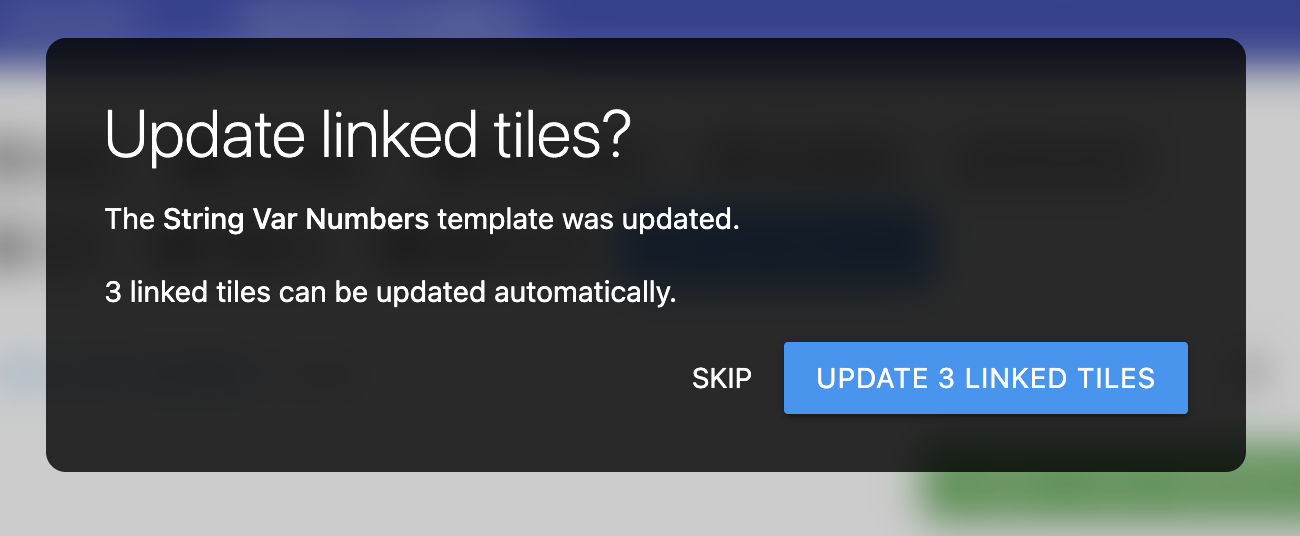
The nice part about the new template approach is if you want to tweak the styles or thresholds later, you can do so in the central template and you have the option to automatically update all the places that use that State Mapping Template.
The feature is intended to work with more complex state mappings like Hero Attribute Templates, Temperature Tiles, and Super Tiles. For supported tile types, when you are editing the style mappings, you will see the option to select a template or your can toggle ‘Advanced’ on while editing a tile that has existing manual style mappings.
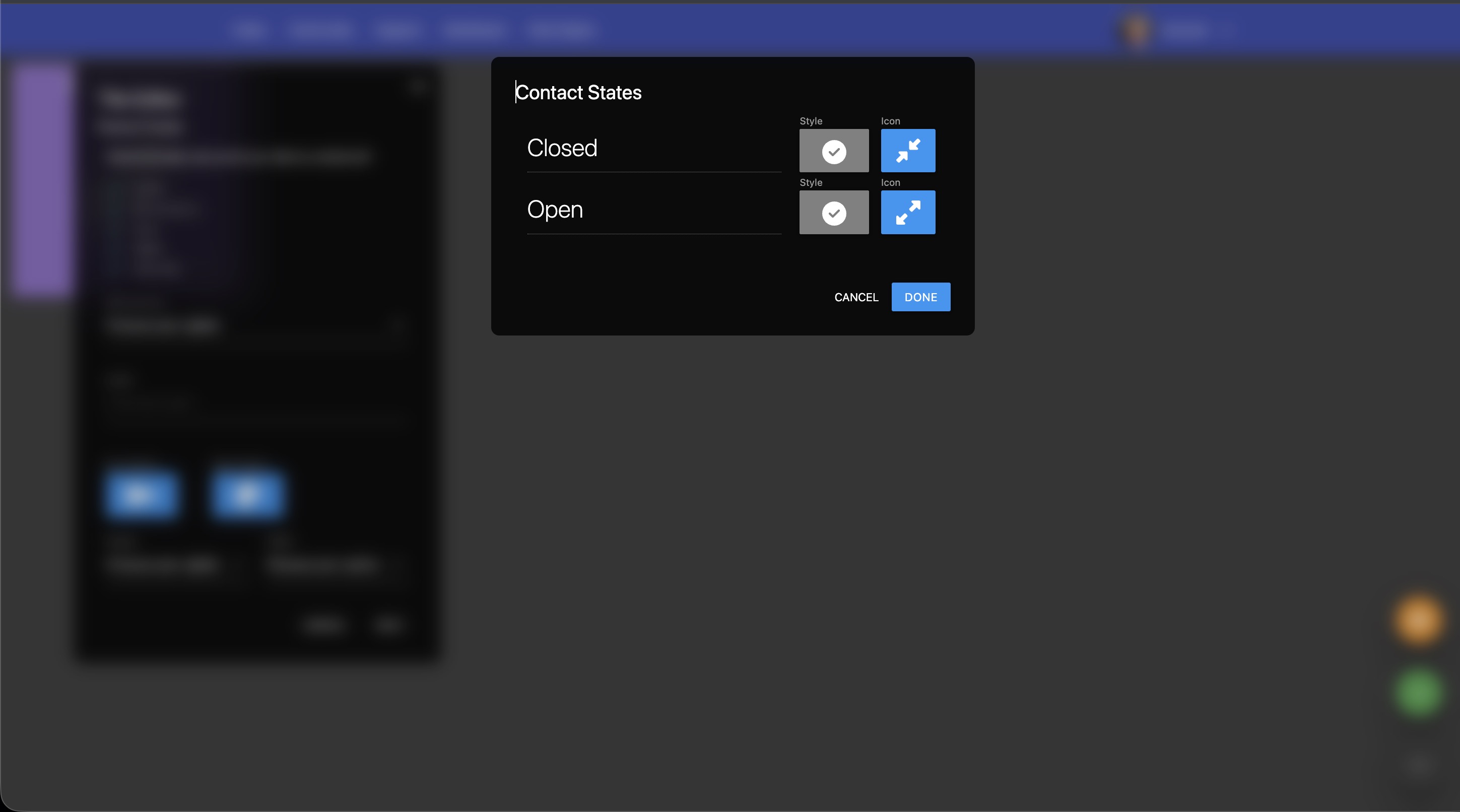
For regular tiles that have two opposing states like on/off, open/closed, wet/dry and so forth, I would recommend taking advantage of the automatic styles that get applied when a Theme is applied to the dashboard. The Default and Active styles from a Theme automatically apply to these kind of tiles with two opposing states.
If there’s some other case that doesn’t cover, I’m open to hearing more about it!
 ).
).
 [Beta] Templates for Style / Icon States