Weird situation - Sometime last week one of my Fire 10HDs running fully kiosk quit connecting to my sharptools dashboard - it just opens as a black page now. Updates are turned off, etc. for the tablet and no settings were changed by anyone in the house, in fact the tablet is hardly ever touched.
Some troubleshooting I’ve tried:
the dashboard page opens fine in the Silk browser
FK will open other random webpages fine, including the sharptools community page
FK will not open Sharptools.io (it flashes briefly, then goes white)
Updated FK to most recent available version through their apk download - no change
Uninstalled FK and reinstalled - no change
Restarted the tablet at various steps
Tried some Gemini - assisted steps, clearing FK cache, etc. but a lot of the settings it was asking me to go through don’t exist, so I doubt it was very helpful and in the end, no change
Three other dashboards around the house on Fire tablets/FK working fine
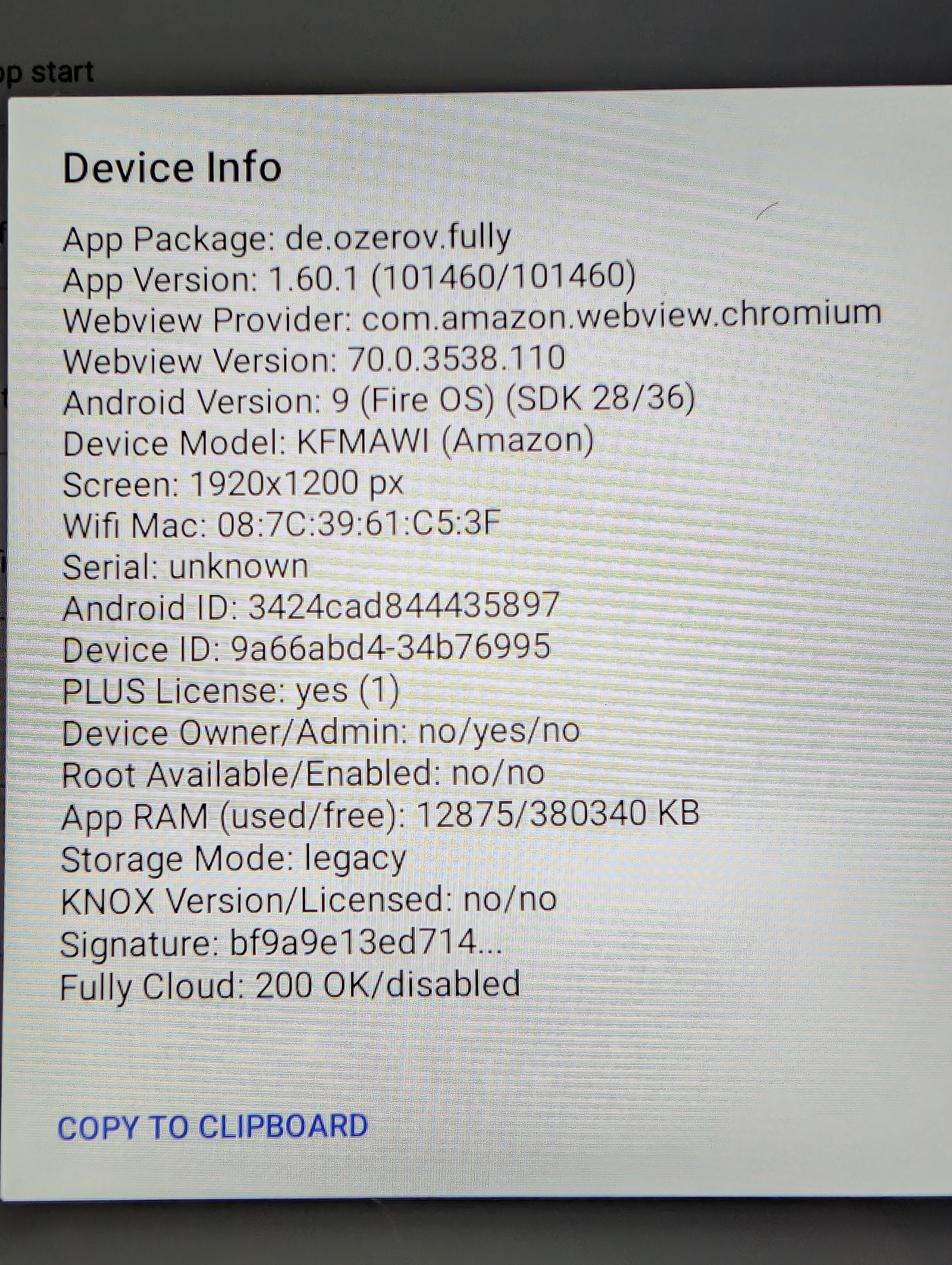
Tablet is on webview 70, for whatever that’s worth
My guess is that this is something FK +/- Fire OS related, but hoping someone has some guidance. Thanks in advance!
This is the primary thing I would focus on. Sometimes data/cache can persist even when the app is uninstalled and reinstalled, so getting the data and cache cleared for the app would be where I would focus effort in case something there got corrupted.
That’s an interesting clue as it’s a really old webview version at this point, but it should still work… and it definitely shouldn’t have just stopped working which is what makes me think the primary focus should be on clearing the cache+data for Fully Kiosk first.
Unfortunately, the WebView is embedded in Fire OS and isn’t something you can update independently (you have to update the underlying Amazon OS)
Silk is not a wrapper around the WebView and uses Amazon’s own browser stack, so it’s possible for it to be a much newer version
You should be able to open a site like https://whatismybrowser.com/ in each browser to get details about each browser.
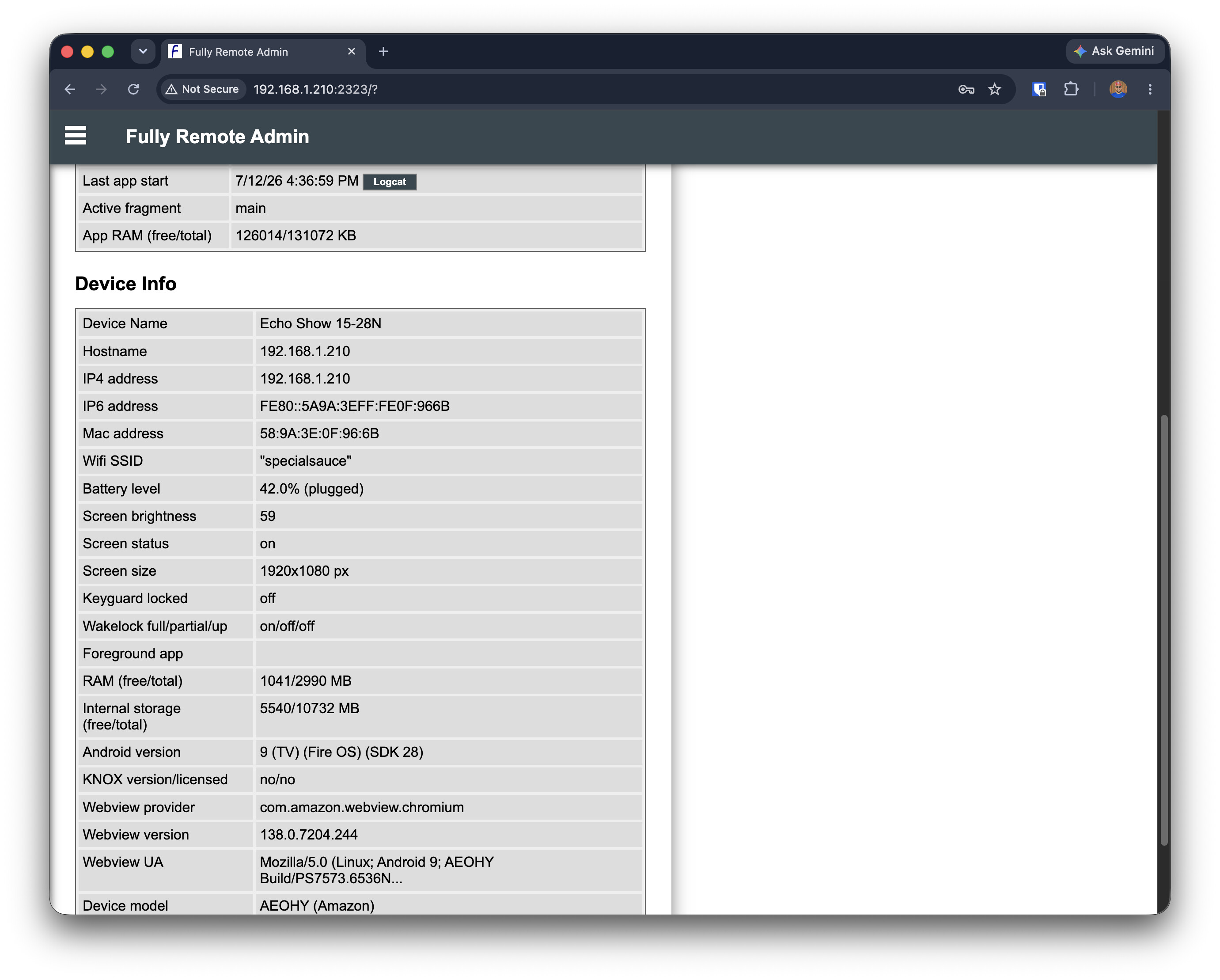
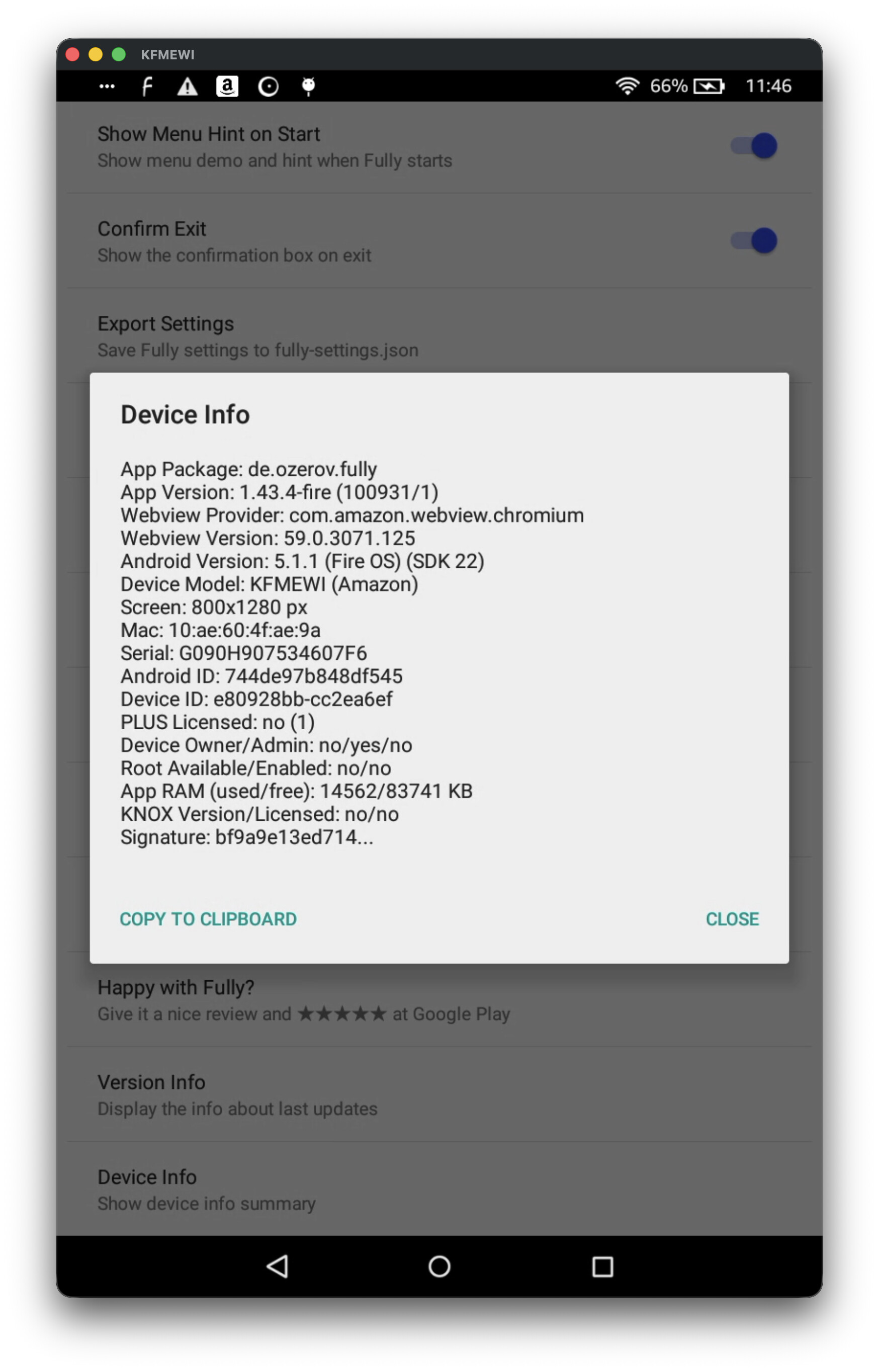
Fully Kiosk also has some diagnostic details available in Remote Admin or locally on the device:
Appreciate the insight. I’ll keep looking for the cache/data settings, but my guess is that the easiest and quickest thing to do would be to factory reset the tablet and start from scratch. Takes all of a few minutes to run through it with the toolbox and I spent close to an hour already troubleshooting.
Clearing cache and data from settings > apps > FK didn’t help. Factory reset didn’t help. Dashboard goes to dark screen, sharptools.io shows a quick, oddly rendered screen then goes white. Really odd, not sure where to go with this one…
I’m trying to see if I can get an emulator setup with the same versions you have or otherwise reproduce it. There’s sometimes narrow windows of Webview / Chromium versions where support is missing for certain browser/JS APIs.
I had tested with an older Fire tablet with an even older Webview version 59 and I wasn’t able to reproduce the error there. And I tried with a newer Webview 100+ versions and wasn’t able to reproduce either… but perhaps there’s something specific about that narrow old Webview 70 version.
I was able to reproduce the issue and push a fix. You’ll need to refresh the page in the browser to pull in the latest updates.
The issue seems to have been specifically with older webview versions 61-70 related to the modernization efforts in early 2026 and the fix has specifically been tested against WebView 70.