I pushed an update that should get this working on iOS 10.3.3
As usual, you would need to update your Custom Tile to pull in the latest changes:
I pushed an update that should get this working on iOS 10.3.3
As usual, you would need to update your Custom Tile to pull in the latest changes:
A post was merged into an existing topic: Rules and Expressions with Open Weather API
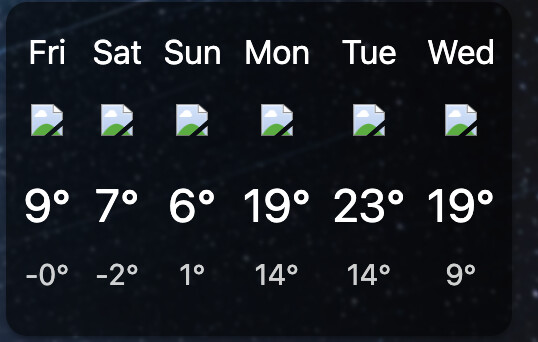
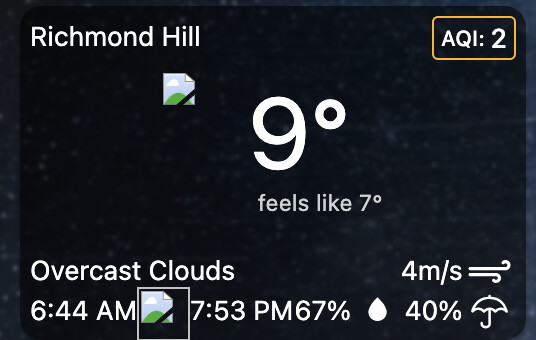
Today, I’ve noticed that all the icons are broken in my Weather Custom Tile. I did do an update from source to the latest version of 2025-12-22, but still with no luck.
I checked on Hubitat, and the info seems to be accurate, but just the icons. Is anyone else experiencing this issue today? TIA
The latest version from source should have been 2026-02-06 (per the comment header at the top of the code) which fixed the chart compatibility with really old devices like iOS 10.x
I just pushed 2026-04-09 which fixes the URL for the icons.
I just tried updating from source and still getting
VERSION: 2025-12-22
When will the 2026-04-09 version be available when we hit update from source?
Thanks
Can you try again? I forgot that the original import link was hosted in a different location, so I’ve updated that as well.
That worked, thanks Josh!
Thanks Josh for the quick response. It is working great now. 
Hey Josh, I customized some pieces of the code and would rather not overwrite everything from source. Would I be able to manually edit the sections I need to fix the broken links?
Yes, the icon fix was in the getMeteoconUrl() around line 2287 to update the URL from the original GitHub Pages source to their new domain:
getMeteoconUrl: function(code, iconStyle){
    //See: https://basmilius.github.io/weather-icons/index-line.html
    var name = METEO_CODE_TO_NAME[code] || code; //in case the raw icon name is passed in
    if(!iconStyle) iconStyle = 'line'
-    return 'https://basmilius.github.io/weather-icons/production/' + iconStyle + '/all/' + name + '.svg'
+    return 'https://meteocons.com/icons/' + iconStyle + '/' + name + '.svg'
},
For future reference, you can also review the commit history for the tile to see all the code changes that have been made over time (older commits were on the original gist).
Edit: Bas, the designer of the Meteocons icons, responded that they are working on getting a proper CDN setup and that the meteocons.com URLs themselves might change over time as the documentation changes. Once Bas releases the new 3.x version of the icons as stable or backfills the 2.x icons to their CDN, we could update the Custom Tile to use that.
In the meantime, I updated the 2026-04-15 version of the custom tile to use jsdelivr as the icon source since we already use their CDN for other dependencies and they pull from a stable immutable source:
return `https://cdn.jsdelivr.net/npm/@meteocons/svg@0.1.0/${iconStyle}/${name}.svg`
Hi Josh,
A quick question…
My tile is cut off on the right side. I couldn’t find where I can change the width of it? Would you mind pointing me to where that section of the code to change would be? TIA.
Hi Josh, I also have the missing weather icon issue. Not sure I understand how to fix it by reading above. Can you dumb it down for me? Much appreciated.
The link above has details on how to pull in the latest updates. Once you pull in the updates and save that should get your icons working again.
I had the same bug I update the source but like you it didn’t work so I removed the weather tile and then I add a new tile with weather and it works fine, hope it will helps.
Will this work with the new open weather One Call 4.0? It looks like the 3.0 version is no longer available on their website. Thanks
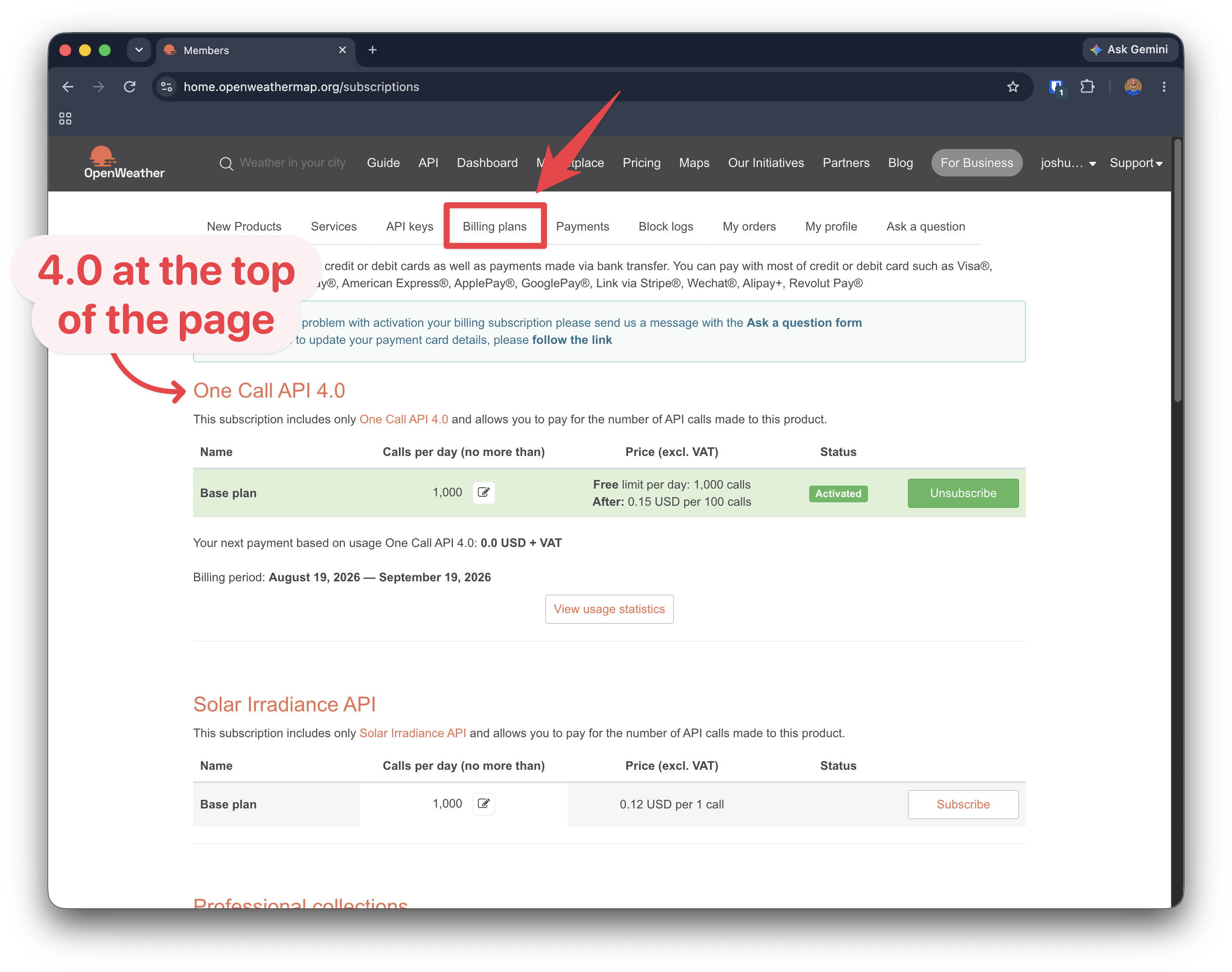
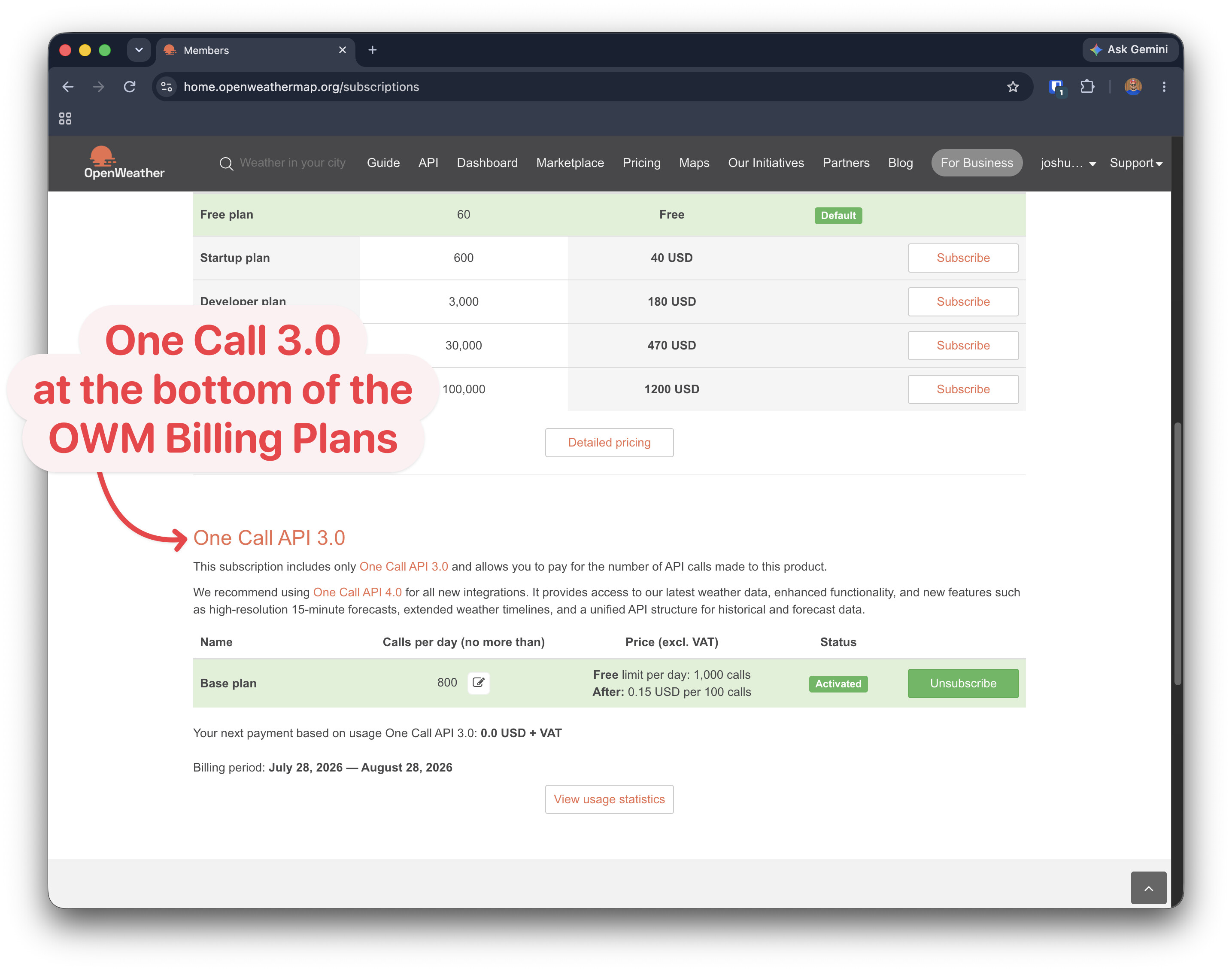
The OpenWeather 3.0 to 4.0 documentation implies that One Call 3.0 should still be available. That being said, the setting to enable it was at the very bottom of the ‘Billing Plans’ section of my account whereas 4.0 was the very first thing on that page, so you may need to scroll down.
One Call 3.0 remains available today and isn’t being switched off as part of this release. We recommend 4.0 for all new integrations, and this guide is here to help existing 3.0 customers move over at their own pace.
That being said, I went ahead and updated the tile to support the new One Call 4.0 API format. As usual, you would need to update your custom tile to pull in the latest updates.
The product is a bit ironically named at this point as One Call 4.0 now has separate endpoints for the Current Weather and Daily Forecast, so uses 2x as many API calls to achieve the same thing 3.0 did for this tile.
OWM still seems to provide 1000 API calls a day free for the OneCall 4.0 API, so evaluate the impact accordingly. And they seem to default the limit to 2000 API calls, so many people noted in the discussion above that they adjust the limit below the free allowance.
At the standard 3 hour refresh interval, that’s still only 16 API calls a day for a single dashboard displaying the weather tile at all times. That being said, if you have multiple dashboards always-on, each one adds to the count. And if you customize the refresh interval to a lower value, the usage increases accordingly.
Thanks for the reply. I just checked the website again and cant find anywhere that will allow me to subscribe to the 3.0 so if you are able to find it could you possibly send me a link or a screenshot of where it’s located? Thanks again for the help.
When I’m logged into my account, One Call 4.0 shows at the top of the page and if I scroll all the way to the bottom I see One Call 3.0.
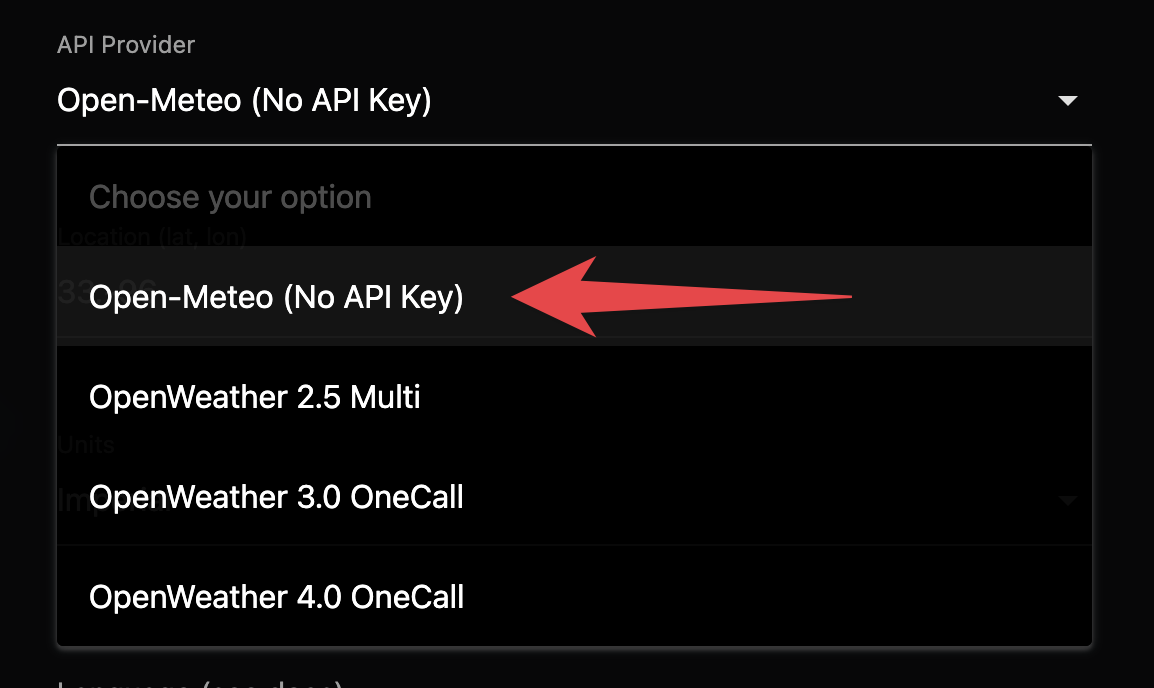
That being said, is there a particular reason you have a preference toward using a Open Weather Map provider rather than using Open-Meteo which doesn’t require an API key?
I would also note that once I activated One Call 4.0 (subscribed in OWM), existing API Keys that I had created previously started working with the One Call 4.0 API. So it’s not like you have to create a special API key for one API or the other… you just need to be subscribed to that API so that particular API version is activated.
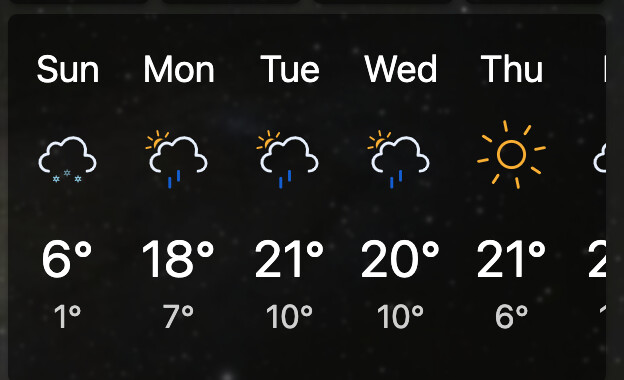
I tried using the one that doesnt request an API Key and the temps are not close to being accurate and I put the correct longitude and latitude in. I created a second tile and tried using the Open Weather 2.5 and thats a little more accurate but still a ways off so was hoping if I possibly used the 3.0 that it may be a little more accurate. I also have the refresh rate set to 10 minutes. Thanks again
 How to Update Custom Tile: Imported Code