Hi @Dj_Kolk - thanks for posting and sorry to hear that things aren’t working as expected.
Are you able to try from a different network connection? For example, if you are on home wifi, can you try connecting from your mobile device while it’s only on the mobile network and see if you can reproduce the issue?
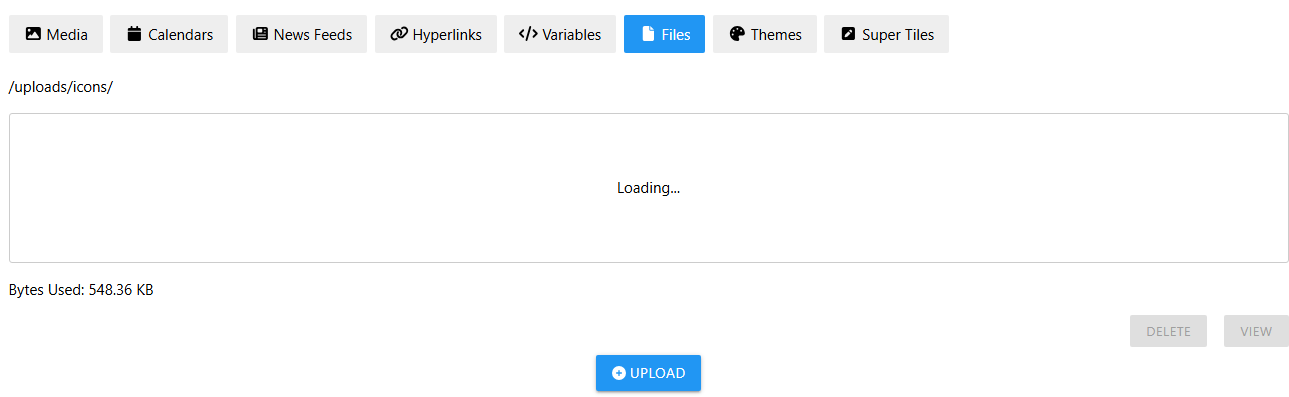
It seems like neither the listing of the files nor uploading files is working for you. We can see that there are 548.36 KB storage used in the bottom-left of your first screenshot, so we would expect to see one or more files show up in the listing instead of the stuck “Loading…” indicator. So since both direct listing and uploading aren’t working for you, I wonder if there could be some sort of fundamental network issue for you related to files.