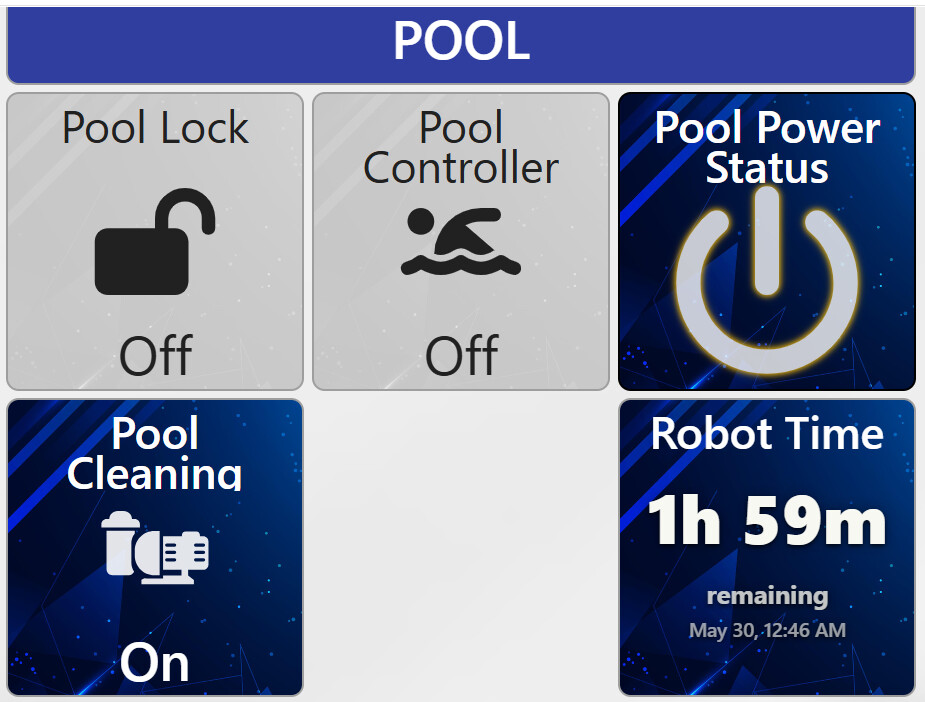
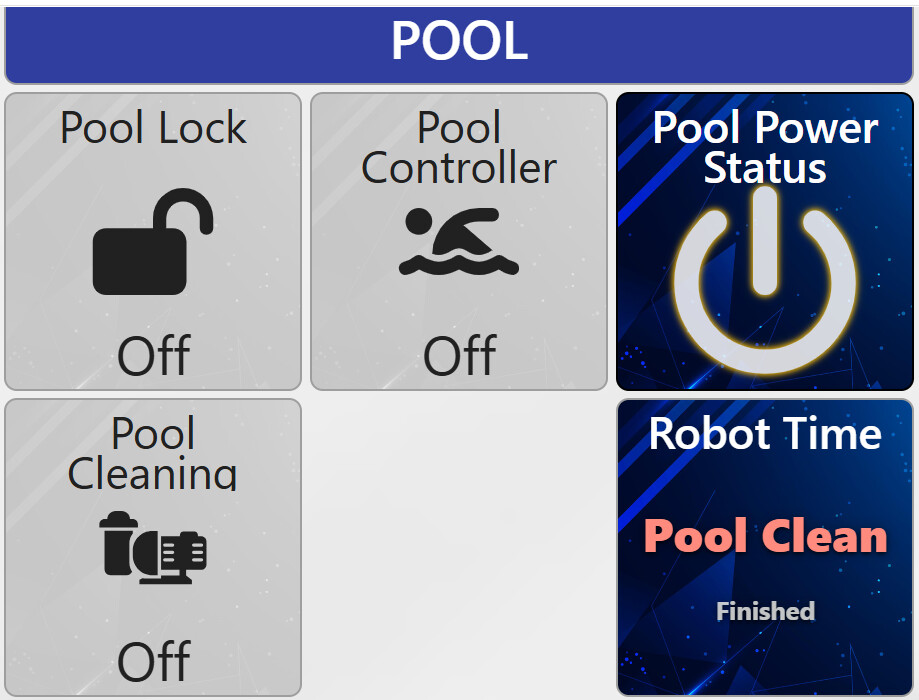
Is there anyway to create a tile with a count down timer for a dashboard? Use case: I have a virtual switch “POOL CLEANING”, That when ON, will turn OFF the pool pump, wait 2.5 hours, turn ON the pool pump and related systems, and turn OFF the “POOL CLEANING” switch. I would like to be able to look at the dashboard and see how much time is left on the cycle. Has this been done before?
Is this done within a SharpTools rule? If so, you could probably snapshot the expected 2.5 hour delayed off time into a Variable, then display that in a dashboard. You would probably need a Custom Tile if you wanted it to look more like a live countdown rather than a target time.
I think I got what I need. I created a rule in Hubitat that is essentially a countdown timer that gets set to a preset start number when a switch turns ON. I’m displaying the live timer on a SharpTools dashboard.

1 Like
I put together a Countdown Timer custom tile that provides a nice dynamic countdown if you want to store the target time in a SharpTools variable.
Import SharpTools Tile: Countdown Timer
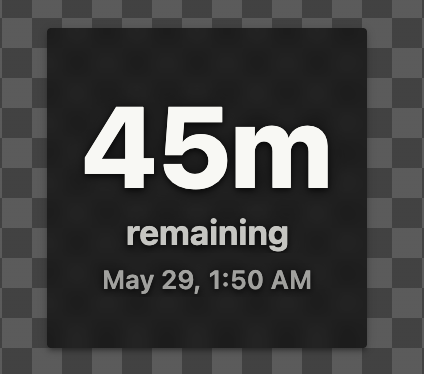
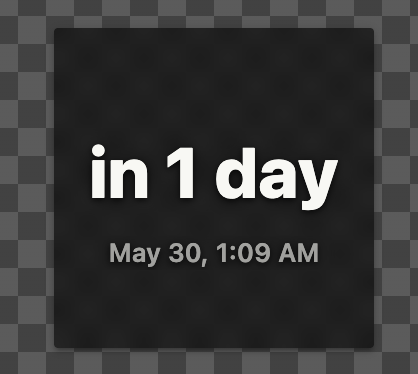
Storing a target time is way more efficient than having a device constantly updating and reporting how much time is left… rather than having an update for each ‘tick’ of the timer, you just need one single update for the target time and the actual countdown happens on your dashboard.
It also includes some other nice features like being able to easily tweak the format, use precision or friendly (relative) time formats, adjust what happens when the time is passed (eg. show a Time’s Up text or start counting ‘up’ from the time), and other neat features.
3 Likes