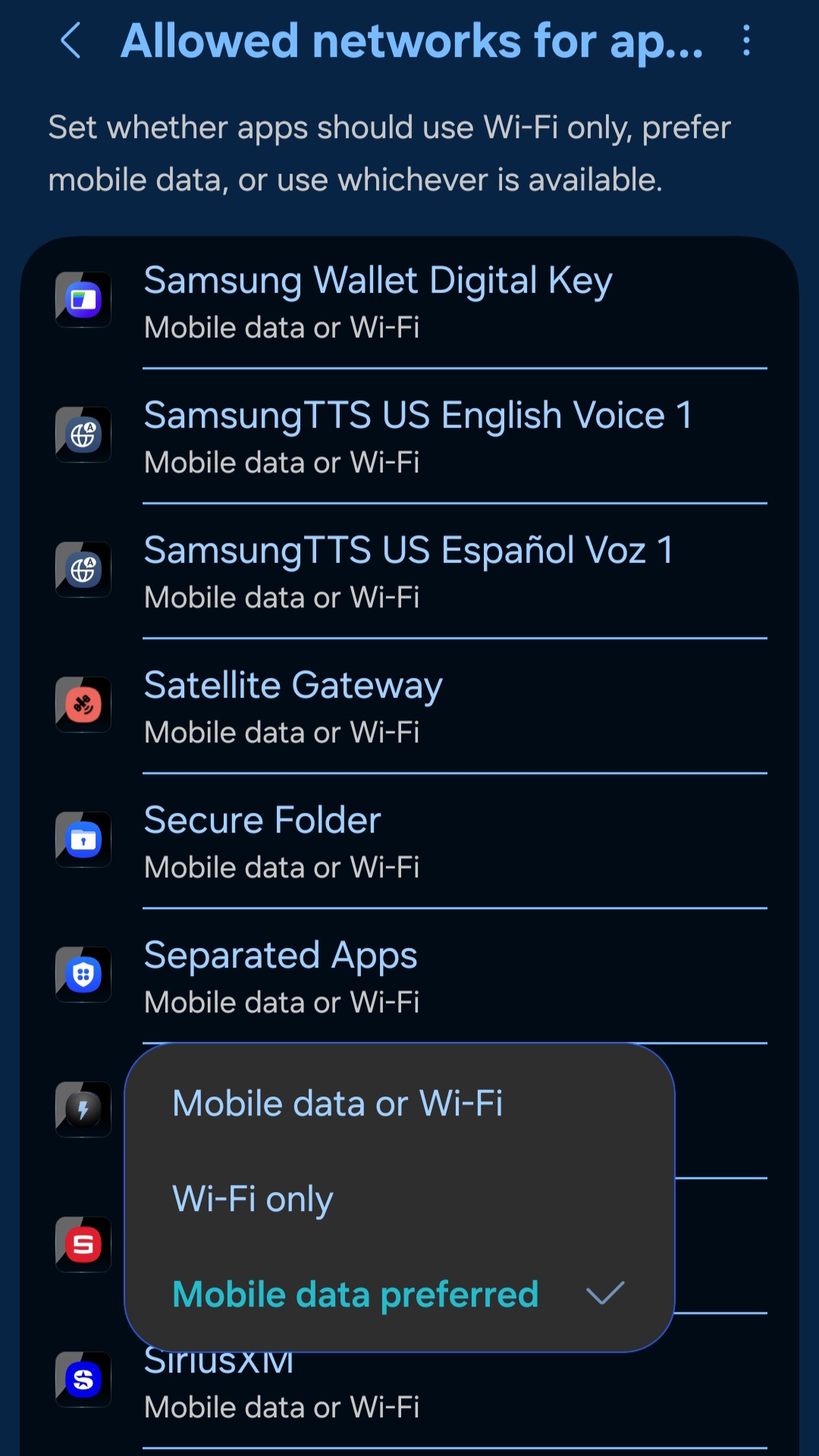
This socket “disconnected” is just maddening. We use the SharpTools dashboard to open the garage doors. When in the driveway, my WI-FI is just at the outer limits. Good enough to connect, not good enough to do anything. That said, while we are in this transition area, nothing on the dashboard works. Just the message at the bottom of the Androids saying “socket disconnected” or “socket connecting”. I have tried changing my phone settings to force SharpTools to only use cellular. Apparently Samsung changed the options to “MOBILE DATA OR WI-FI”, “WI-FI ONLY”, or MOBILE DATA PREFERRED”. I want MOBILE DATA ONLY, but that is not an option anymore. Does anyone know how to prevent the socket from disconnecting?
Just to update this post, I created a small Hubitat dashboard with only the 2 garage doors. They work 100% of the time. No socket issues. I also created 2 Hubitat widgets. 1 for each garage door on the Android Home Screens. They also work 100%. While I prefer the SharpTools dashboard, I don’t like the socket issue. Any thoughts on why there is no socket issue just using Hubitat? Maybe they do something different???
Thanks for posting and sorry to hear that things aren’t working as expected.
Black Connectivity Status Bar
The thin black connectivity related message at the bottom of the screen should only show up when the ‘socket’ connection for the realtime status updates is connecting / disconnected and should only show up when it’s not connected for ~5 seconds.
If you briefly cutover between network connections (eg. WiFi to Cellular) and the network connection is able to get reestablished quickly, and the realtime socket is able to reconnect quickly, then you wouldn’t see the bar at all.
That being said, even if for some unknown reason the realtime socket wasn’t connected, but you did have network connectivity, all of the Thing commands are sent over normal API calls. So if you tapped on a tile while you were certain you had network connectivity, it should send the command even if the realtime connection isn’t established.
Test Approach?
So the fact that you’re seeing the black connectivity bar feels like it could be a bit of a ‘canary in the coal mine’.
- Are you opening an existing browser tab / ‘Add to Homescreen’ instance that had been moved to the background without closing it?
- For testing, are you opening SharpTools once you’re out in the garage area? As a test, can you try opening it from a known good network connectivity area, then walking out to the garage bad connectivity area as a test?
Clarification of Tests / Results
Can you clarify what you mean by it’s “good enough to connect, but not enough to do anything”?
What happens when you try to control things on the dashboard? What’s the status of the small spinner in the bottom-left corner of the tile you tap? And do you get an error message or success ‘toast’? (Assuming these are standard Thing tiles – if it’s some other configuration, perhaps you can elaborate)
Hubitat Dashboard Test Approach
How are you accessing those dashboards? Is it a local or cloud dashboard URL?
If it’s within the Hubitat app, I would be curious what the results would be from within your browser… or Add to Homescreen the Hubitat Dashboard if that’s the approach you’ve used for SharpTools too.
I would also be curious what the ‘Allowed networks’ setting for that test instance is.
‘Allowed Networks’ Setting
Depending on how your phone is handling network connectivity, that may help or it may hurt things. If it deprioritizes the cellular data connectivity while you have Wifi or anything like that, it could actually make things worse.
Hubitat Dashboard Connection Indicator
A few things… the Hubitat dashboards are supposed to indicate their connectivity status using the status icon in the top-right of the dashboard.
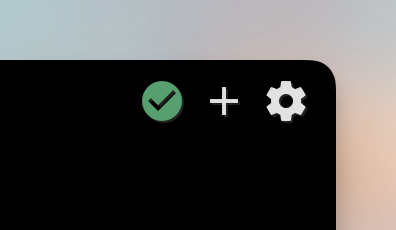
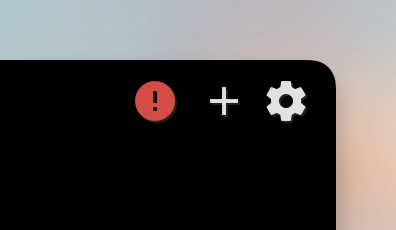
The Hubitat Cloud Dashboard links use polling every 5 seconds to get updates rather than a realtime connection. If the polling fails, the icon turns red to indicate the connectivity issue.
Historically, the Hubitat Local Dashboard links also used polling but it looks like they might have switched over to their local socket connection in one of the updates. That being said, I’m not always seeing the status update when I simulate losing network connectivity.
We see that bar almost everytime we enter the top of the driveway, (next to the house). I use a Comcast Modem/Router. It is really good. We get WI-FI about 200 feet outside of the house. For this purpose, I guess that is not a benefit. That said, 1 of 4 things happen when we are about 60 feet from the garage door. (Outer edge of WI-FI). 1- Black bar at bottom “SOCKET DISCONNECTED”, 2- Black bar at botom “SOCKET CONNECTING”, 3- Door opens normally, 4- Wife presses button on dashboard repeatedly trying to get door to open and eventually the door will start to open, stop, start to close, stop…. you get it, depending on how many times she pushes the button. (Apparently after it connects to either WI-FI or Cellular).
It can be either. The dashboard is added to the homescreen as a shortcut. (Samsung Internet Browser).
If the dashboard is open, and I open the door, walk 100 feet out of the garage, it seems to work 100% of the time. It seems the problem is on opening the dashboard.
Good enough to connect but not do anything (maybe a bad choice of phrase) means this until I close the dashboard and then reopen it seemingly when it switches to Cellular, but I can’t tell when it is using cellular or WI-FI since they are both showing connected at the top right…. (??)
See above 4 things…
Depending on connection (I assume) it will spin briefly and work, not spin at all and work, do nothing…
Sometimes a red error message, sometimes a green command sent successful. That’s the most difficult one. Sometimes after the green success and the door doesn’t open, she just keeps pushing (don’t ask why…???) That seems to be when the door will open/close repeatedly. I assume correctly so!!!
Same way. Shortcut on the home screen. (I’m assuming the Hubitat dashboard is cloud as it works everywhere.)
I set it back to both WI-FI and Cellular for the test. As I stated before, I changed mine previously to “cellular prefered” for Sharptools App thinking that would eliminate the switch-over. Unfortunately the S-25 doesn’t have “cellular only” any more. I don’t know what the “cellular preffered” actully does.
Since I have good 5G all through the house, I “assumed” switching to “cellular preferred” might solve the problem of switching by forcing SharpTools to use cellular 100% of the time. Since I don’t know what “cellular prefered” actually means over “always cellular” (previous option), I can’t really say what it will do….
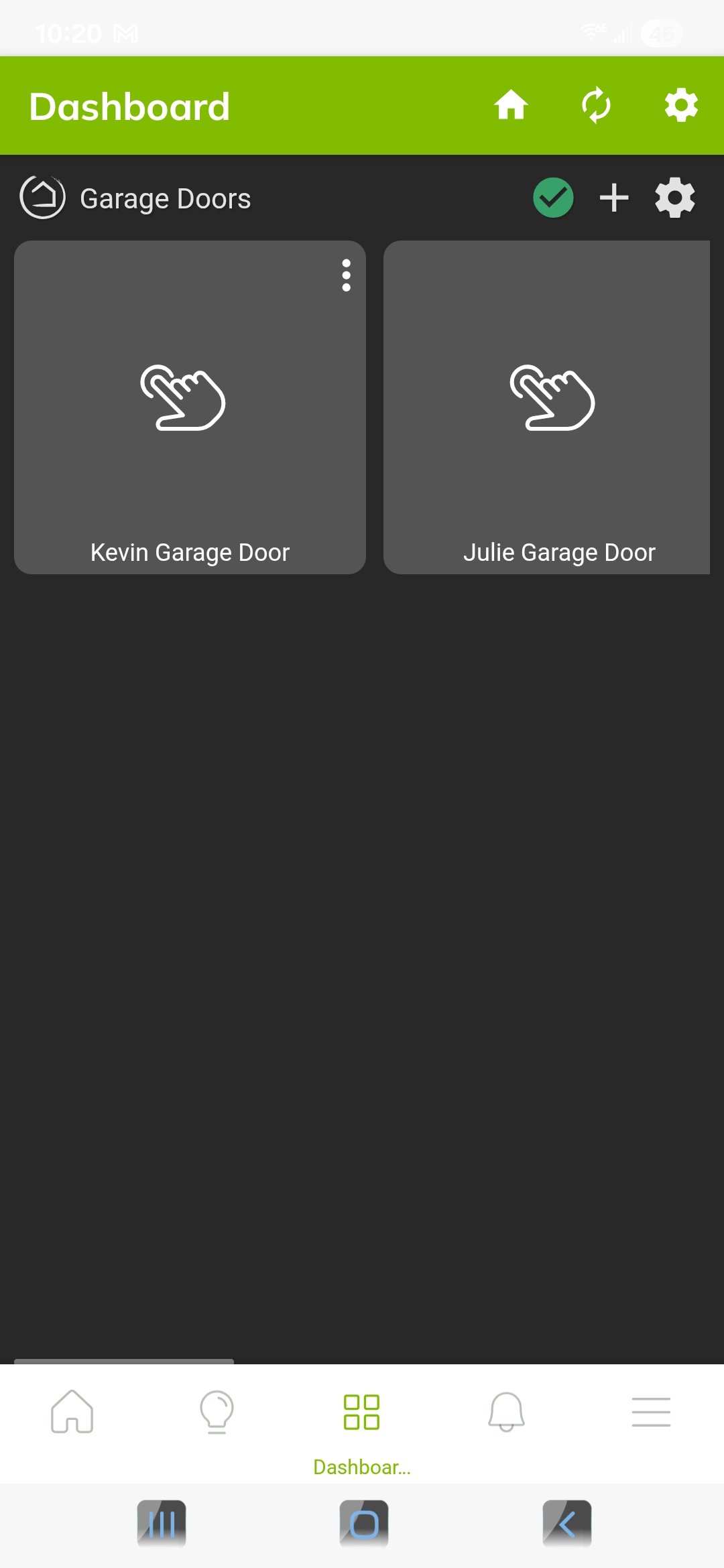
As a test, I opened the Garage Door dashboard inside the house. Then I walked down to the mailbox, about 400 feet. (slowly wating a few seconds here and there for the 5 seconds you mentioned). The green check never changed. They I walked back up. right about where we usually have trouble with the SharpTools dashboard, this happened.
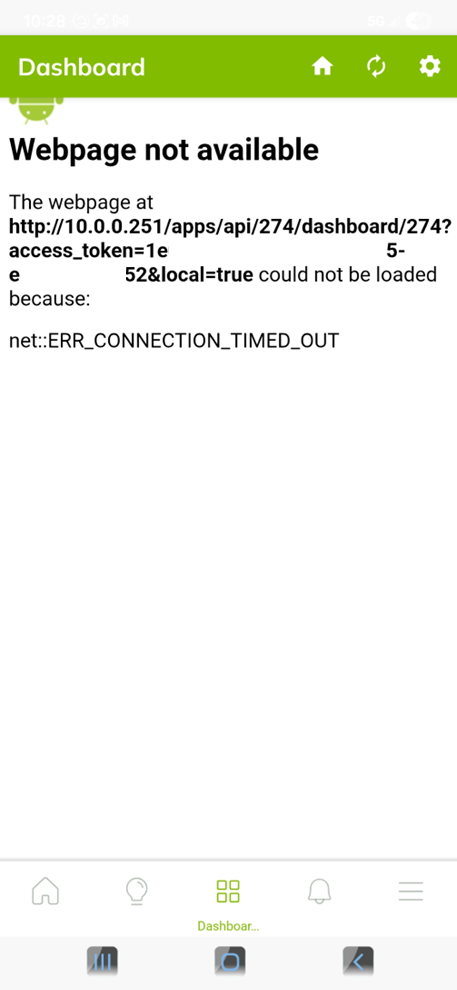
I don’t know if this is just a time out because of the length of inactivity or a connection issue. If a connection issue, that happened about where WI-FI would connect.
Hopefully that answers all your questions. (Sorry for the delay - it’s been cold outside! LOL) As I said in the begining, so far, the solution of adding 2 Hubitat widgets to the home screen is working. It’s just that sometimes the widget doesn’t disply the correct status of the switch. Others on Hubitat have reported seeing that also….