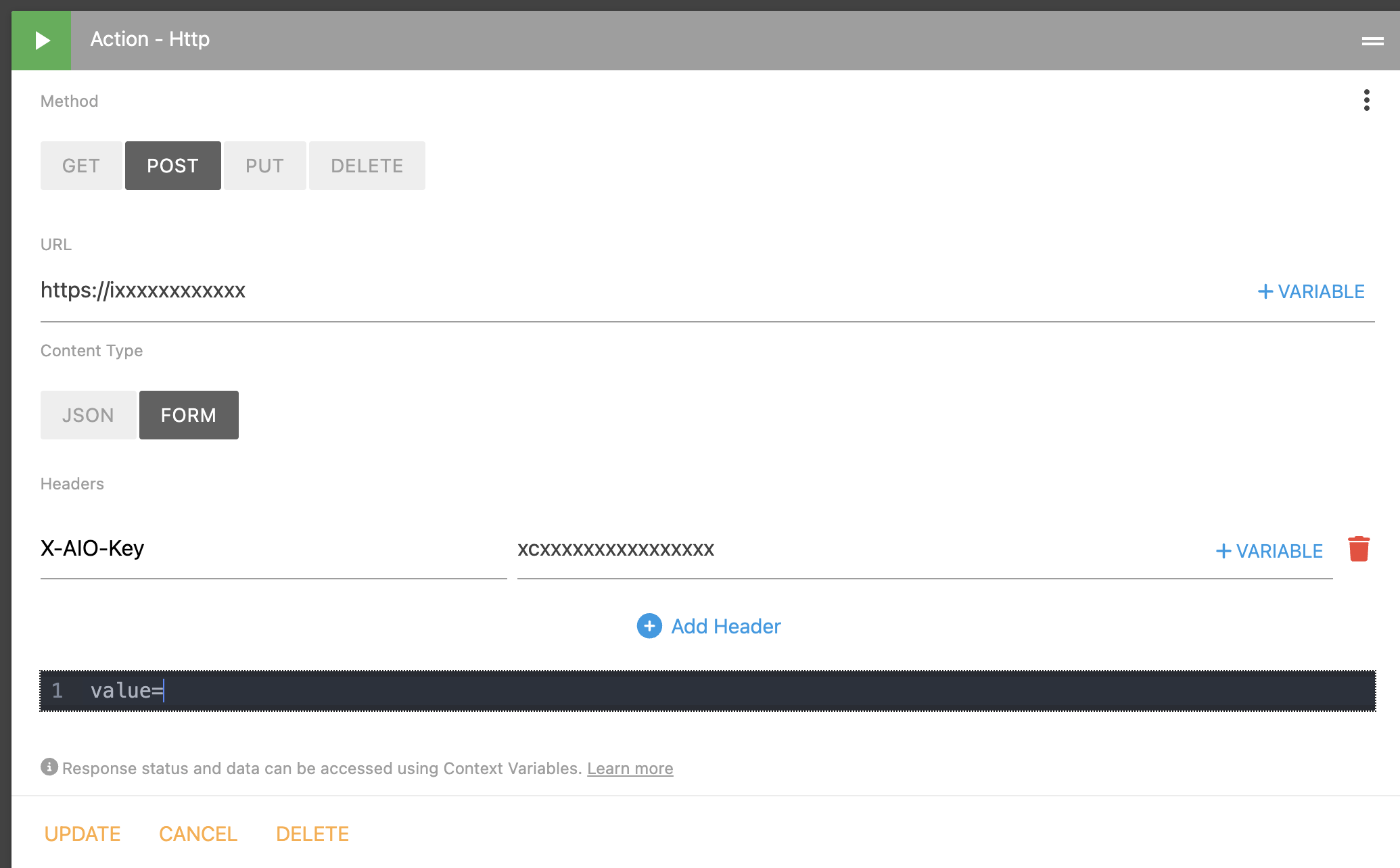
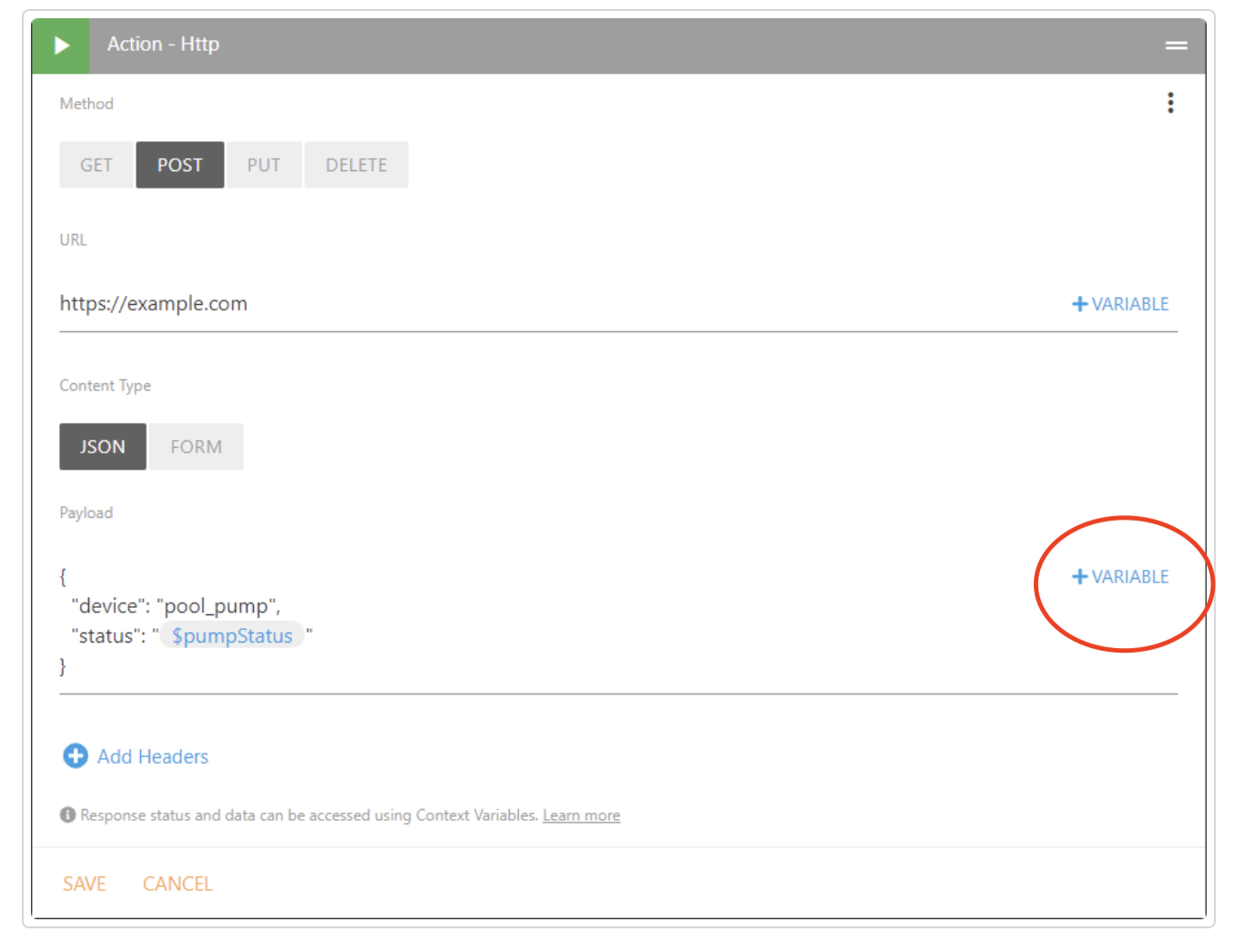
I am having trouble sending a variable with form data on a HTTP POST request, according to the documentation I have seen here I should be able to select “+Variable” as in image ST1 to add it to the FORM or JSON data but when I create that option is no available, see image ST2, if anyone can tell me how to add this option or another way to add the variable I would be grateful, I can add a variable to the URL or the HTTP headers but not the FORM or JSON data.
Here’s a quick demo of that. The {{ }} double curly braces are used for inline expressions.
With advanced situations like this where you are using an HTTP Action, you’ll want to make sure you format your JSON or payload appropriately. For example, JSON strings should have straight double quotes around them and your expression output should be a raw string value without quotes. For JSON numeric values, you do not want double quotes around the doubly curly braces and the output of your expression should be a properly formatted numeric value.