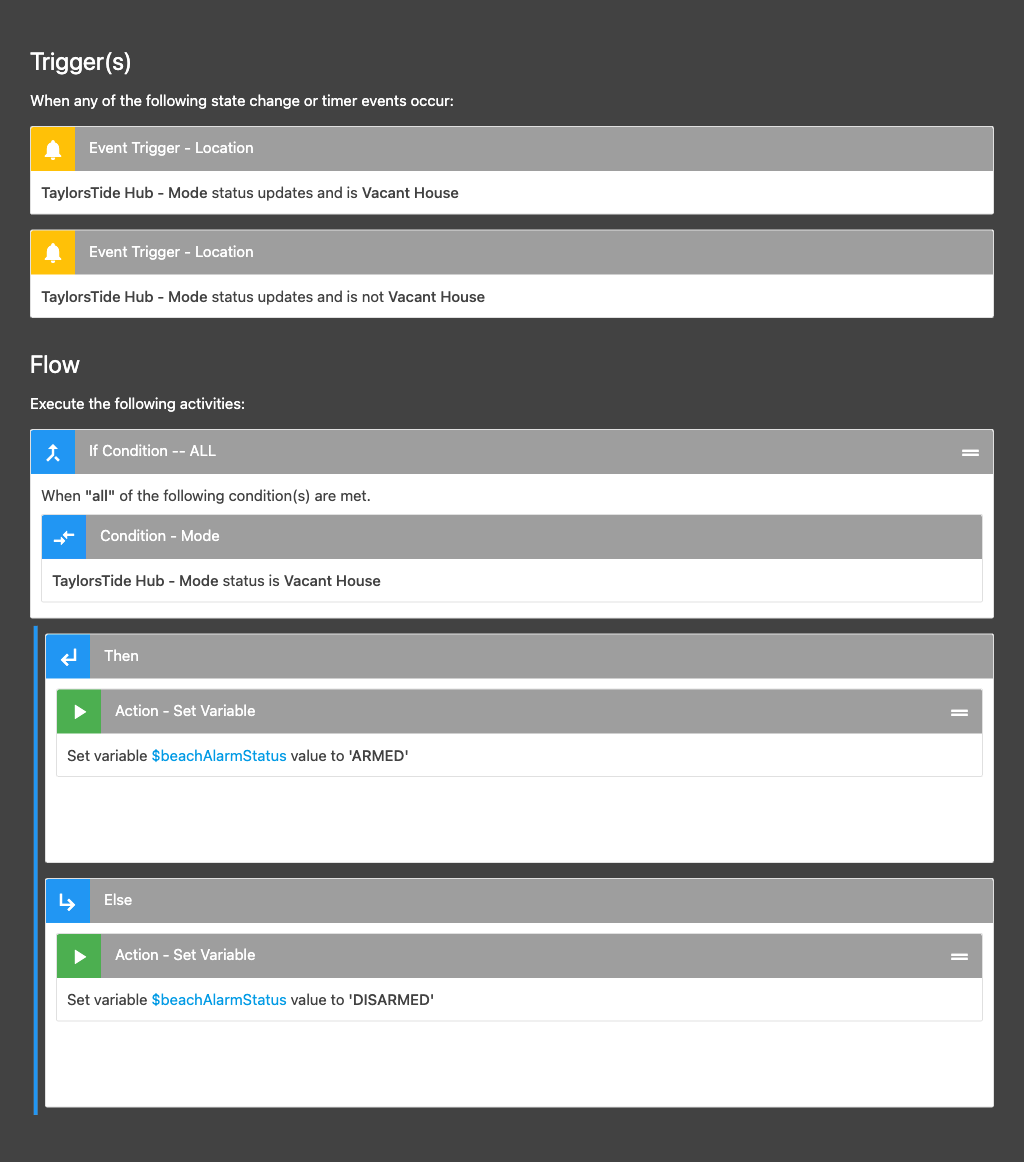
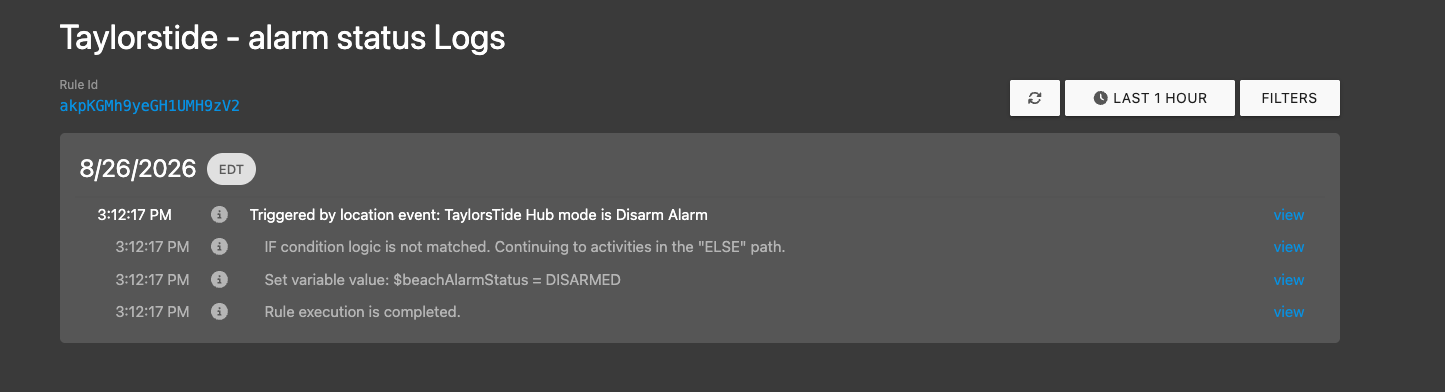
I’m trying to set a variable based on a mode change trigger. The goal is for the rule to trigger if any mode change happens. I have the Mode Picker tile on my dashboard and can confirm SharpTools is getting the Mode change state. When clicking “View Logs”, I only get “No logs found during this period.”
Hey Chris, could you run one controlled test on the hub? Enable logging before you change the mode, otherwise we miss the interesting lines.
On the Hubitat hub, open the SharpTools app, enable logging, then tap Done so it saves.
Change to a mode that is different from the hub’s current mode. Selecting the already-active mode may not generate a new event.
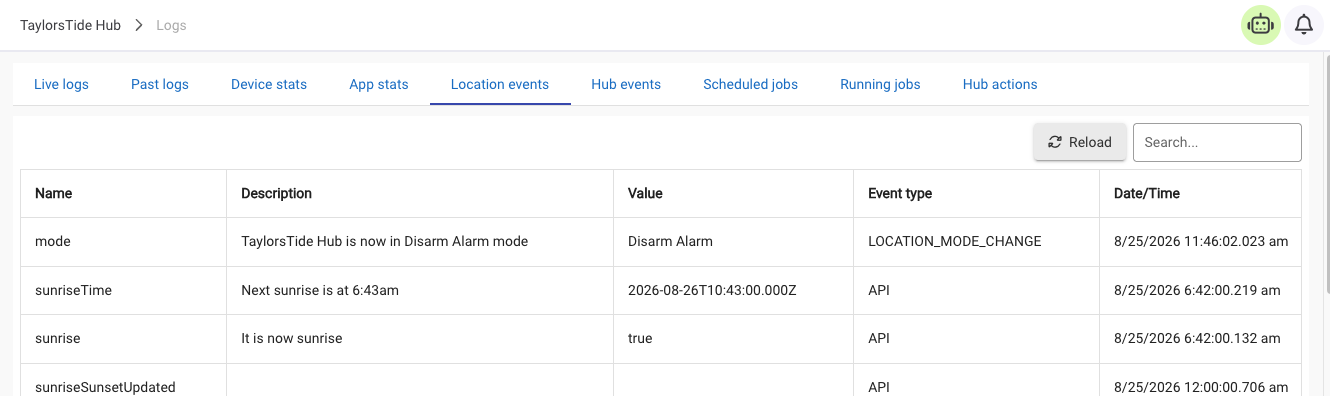
In Logs → Location Events, look for a mode event at that time with the new value and event type LOCATION_MODE_CHANGE.
In the Hubitat logs, look for SharpTools lines like Sending event for LOCATION: mode -> … and Event data successfully posted to SharpTools.io. If it fails, grab anything about HTTP, TLS, DNS, or timeout.
Send the hub platform version from Settings → Hub Details.
A screenshot of Location Events plus those log lines is perfect.
Thank you for the reply. Changing mode with logging enabled does show a successful event and logs. It’’s important to point out, the Mode Selector in Sharptools does show the proper mode enabled.
Thanks Chris. Those screenshots were exactly what we needed. Hubitat changed the mode, generated the location event, and the SharpTools app posted it successfully.
We found an issue on our side: this Hubitat location event can get classified incorrectly before it reaches Rule Engine, so the dashboard updates but the rule never runs. That’s why logs stay empty.
No more Hubitat changes or logs needed. We’ll follow up when there’s a fix to test.