I have openweather tile on my dashboard. The Tile shows me no condition since a few days. Before, it shows me the cloud or if it’s rainy with a picture. Now, it looks like this. Do you have an idea, how to fix it?
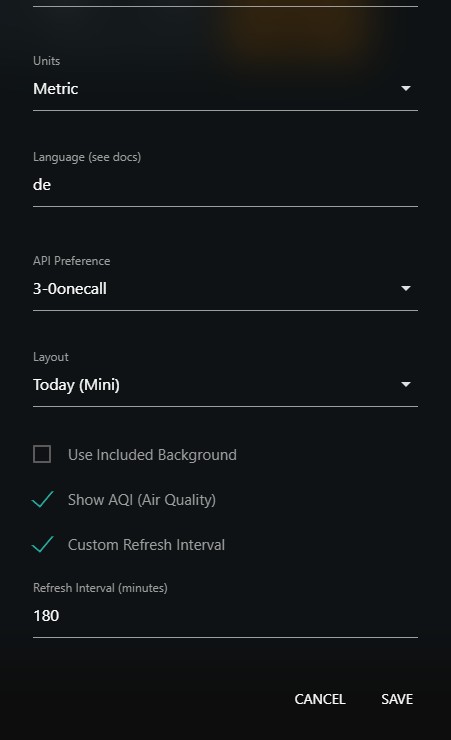
You can pull in the latest Open Weather Custom Tile updates with a fix. The icon source changed the URLs for the icons (more details in the original thread).
Thank you for your answer. I updated the code and it looks good after that. I have other custom tiles for my homey etc. Would you suggest updating every custom tile like this “Update from source”. So I have all custom tiles up-to-date with the newest source code?
It’s something of a personal preference I suppose. If you run into any issues, that’s one of the first things I would try.
But many people prefer to read through the original discussion thread for each Custom Tile to better understand what updates, if any, there have been before deciding to update.
Same problem here – I open” Weather Imported” and press Update and get this message: Succesfully updated.
But my tile still looks broken.
What am I doing wrong?
Make sure to follow the instructions linked above. There’s screenshots in the linked article showing the process. You have to ‘Update from Source’ from the little cog menu first, then save those changes with the main ‘Update’ button.
Thanks - it works perfectly now
1 Like
This topic was automatically closed 10 days after the last reply. New replies are no longer allowed.