It’s been a long time since I have needed to edit or add tiles to my dashboard, so forgive me in advance for being a dimwit.
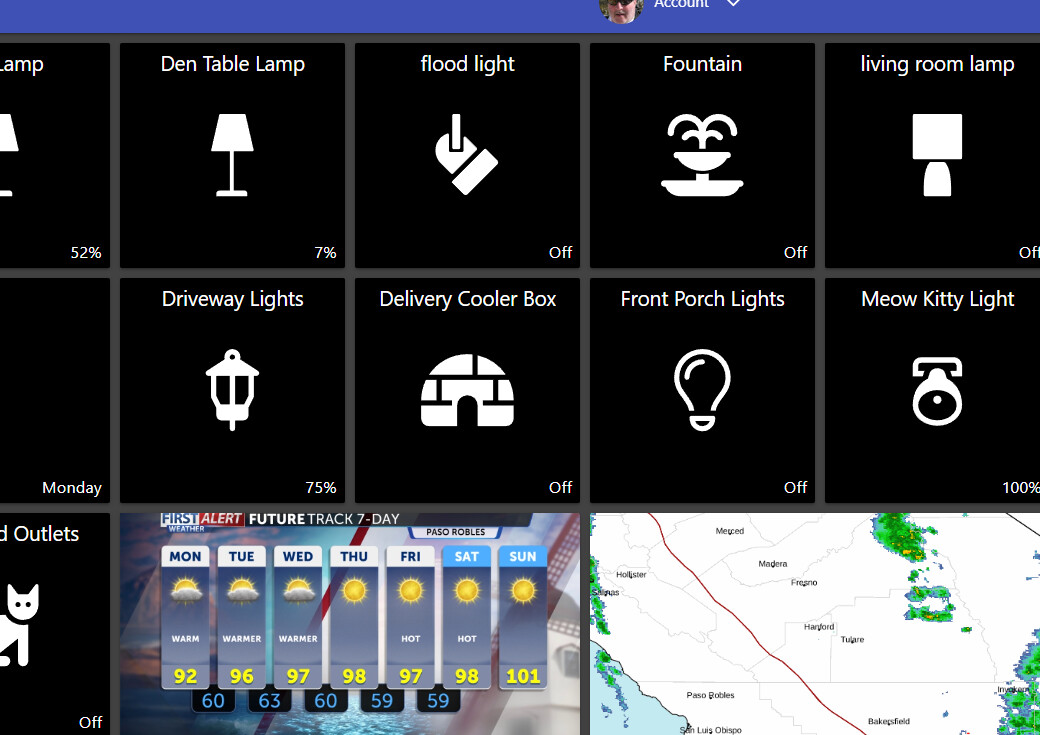
It began when I changed out some front porch lights that were set to a dim level of 20%, but the new lights were much brighter than the last. No problem, I thought, I’ll just dim them more. Oops, suddenly I realized there is no slider bar on the tile anymore and for that matter all of the slider bars were gone on my dashboard?
I went about editing an existing tile to include a dim slider bar, but it didn’t save. I then tried adding a new (duplicate) tile thinking ST would notice the functionality and add a slider for me. Still no bueno. Long story short, I cannot add or see any slider bars.
As mentioned, I have been away for quite a while. perhaps I am running legacy code and not the latest, causing the issue? If so, how would I check? Otherwise, I searched across the groups.io and could not find anything close to my issue.
Any pointers would be greatly appreciated (and my cat sleeping under those bright lights would be grateful too).
Running a windows desktop PC w/the latest Chrome install.
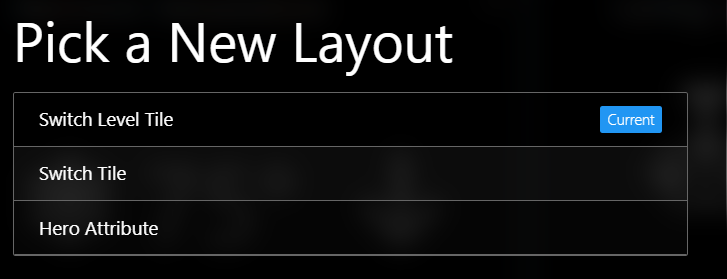
Thank you for your help. I just now checked and it is already set to a switch level tile (which I did not previously know). Regardless, I changed it to a switch tile and then changed it back to a switch level tile again but sadly it still doesn’t work..
Welcome back! Can you clarify what you’re trying and what isn’t working?
With the default configuration of the Switch Level tile, you either have to tap the small percentage in the bottom-right corner of the tile or long-press on the tile to bring up the dimmer controls.
Alternatively, you can edit the individual tile’s settings and adjust the default Action from Toggle to Display Dimmer.
Hey Josh, I’m super grateful for your help. Literally as I was typing my reply to you, my issue was corrected. I couldn’t get the percentage dim level to show on a tile for some lights, even while selecting the ‘switch level’ As suggested previously, but now, there it is.
My apologies for wasting your time. I love ST and clearly I need to get re-engaged to avoid similar blunders.