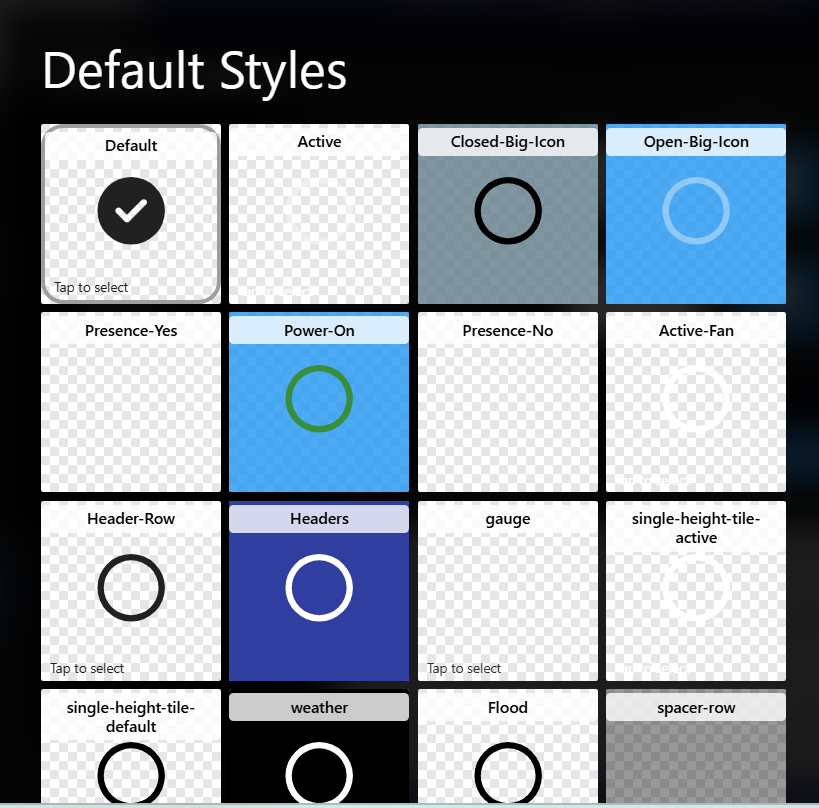
Is there a way/better way to organize styles for selection when editing a tile? I have 17 styles in this particular theme. They are very hard to read and select. Maybe a list view or something…???
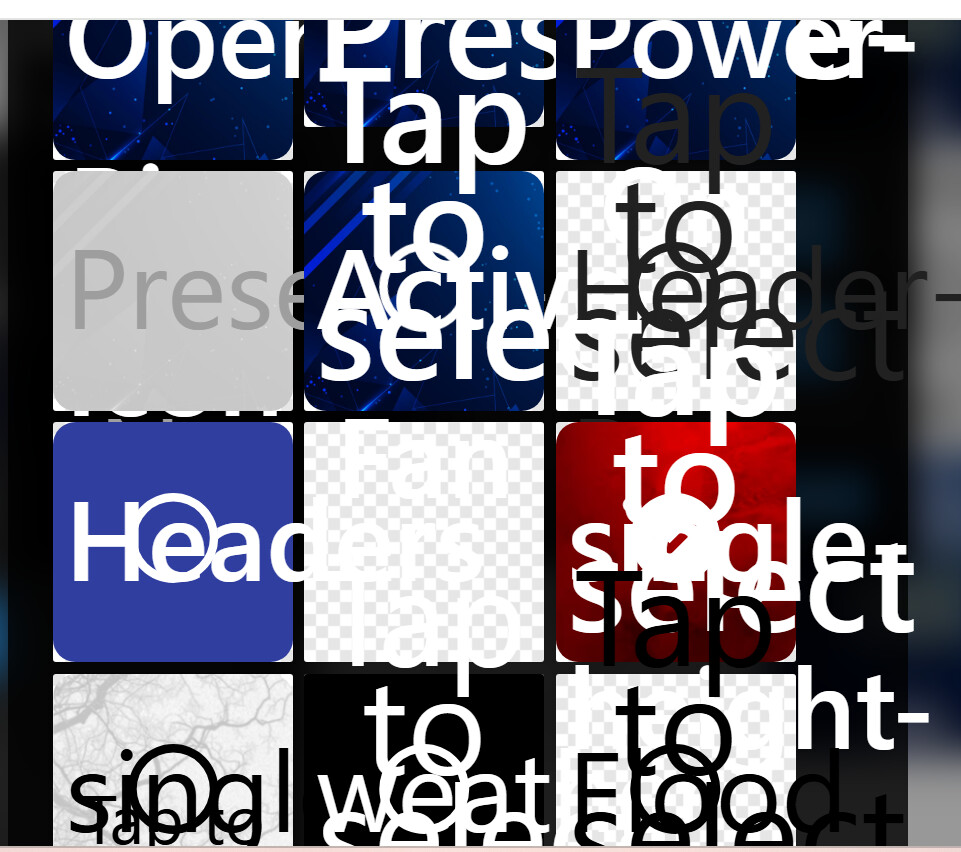
Is there Custom CSS applied to this Theme? This kind of rendering seems unusual.
There is. I can figure them out after trying a few. I even thought maybe hovering the mouse might bring up the style name, but it doesn’t.
The Style Name normally shows at the top of the style card.
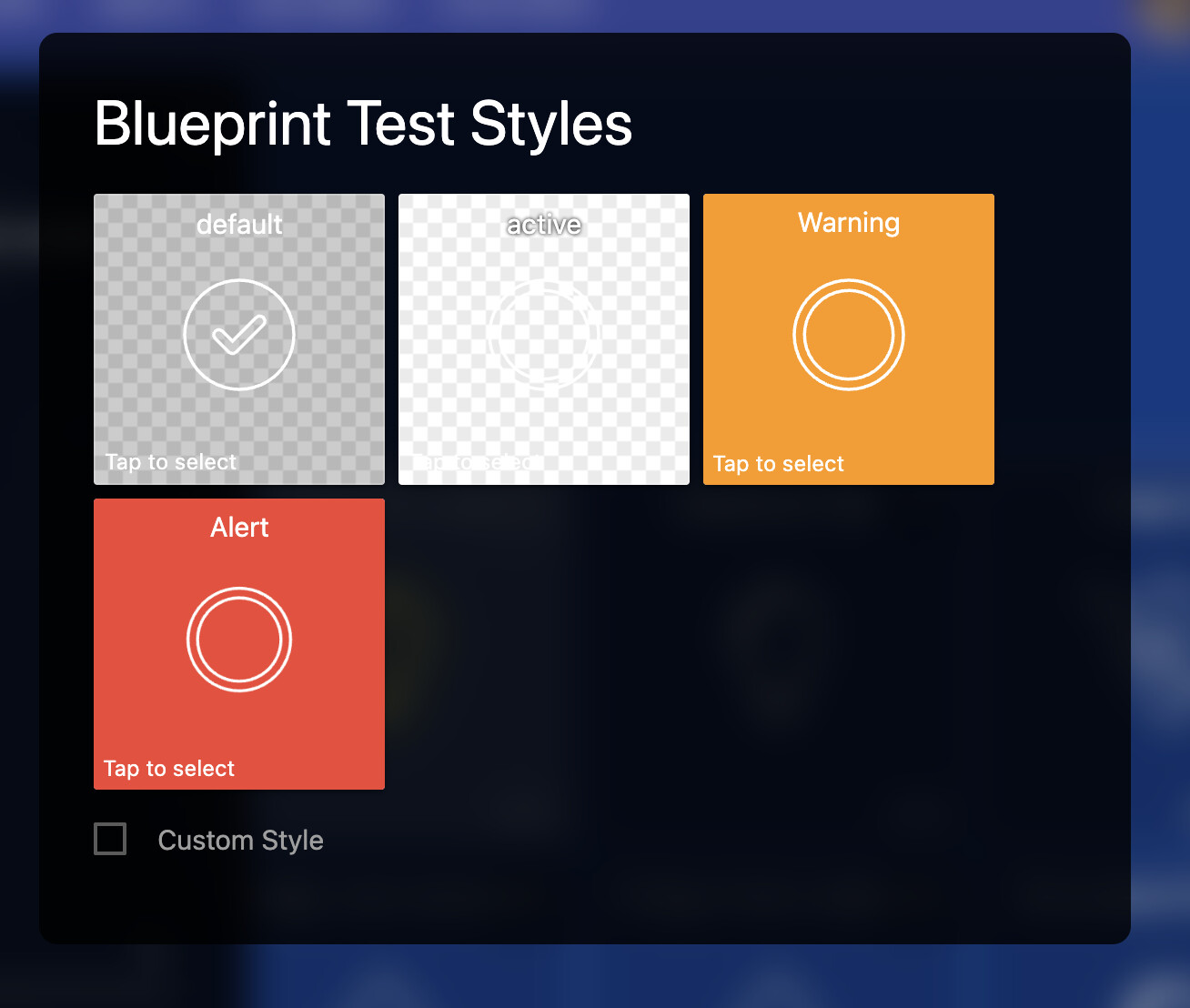
All of the style preview tiles are wrapped in a .style-selections-list, so you might be able to adjust your Custom CSS accordingly so certain customizations don’t apply when it’s the preview picker (eg. :not(.style-selections-list) .--theme-style-active { } or a similar concept)
The Style Name itself is in a .style-name span inside the .tile, so if your Custom CSS has really broad targeting, it might be hitting that.
Did you hand build the CSS or use an AI tool to help? Modern Agentic AI tools like ChatGPT Codex and Claude Code have Chrome/Browser features, so you might be able to use those to look at the Custom CSS you’ve designed as well as how it’s breaking this page and have it help refine it.
I hand built the CSS over a couple of years. I actually don’t use a few of them and could probably remove a few. I do get the style name when I hover over the style after it has been selected, it’s just all jumbled up when I want to actually select one.
Without knowing what the CSS is and actually trying it in a browser, it’s hard to know what the actual issue is, but it seems like something about the Custom CSS is impacting the display of Style Preview.
As alluded to above, the Style Preview tiles are inside a .style-selections-list so you could theoretically use that to better target your CSS.
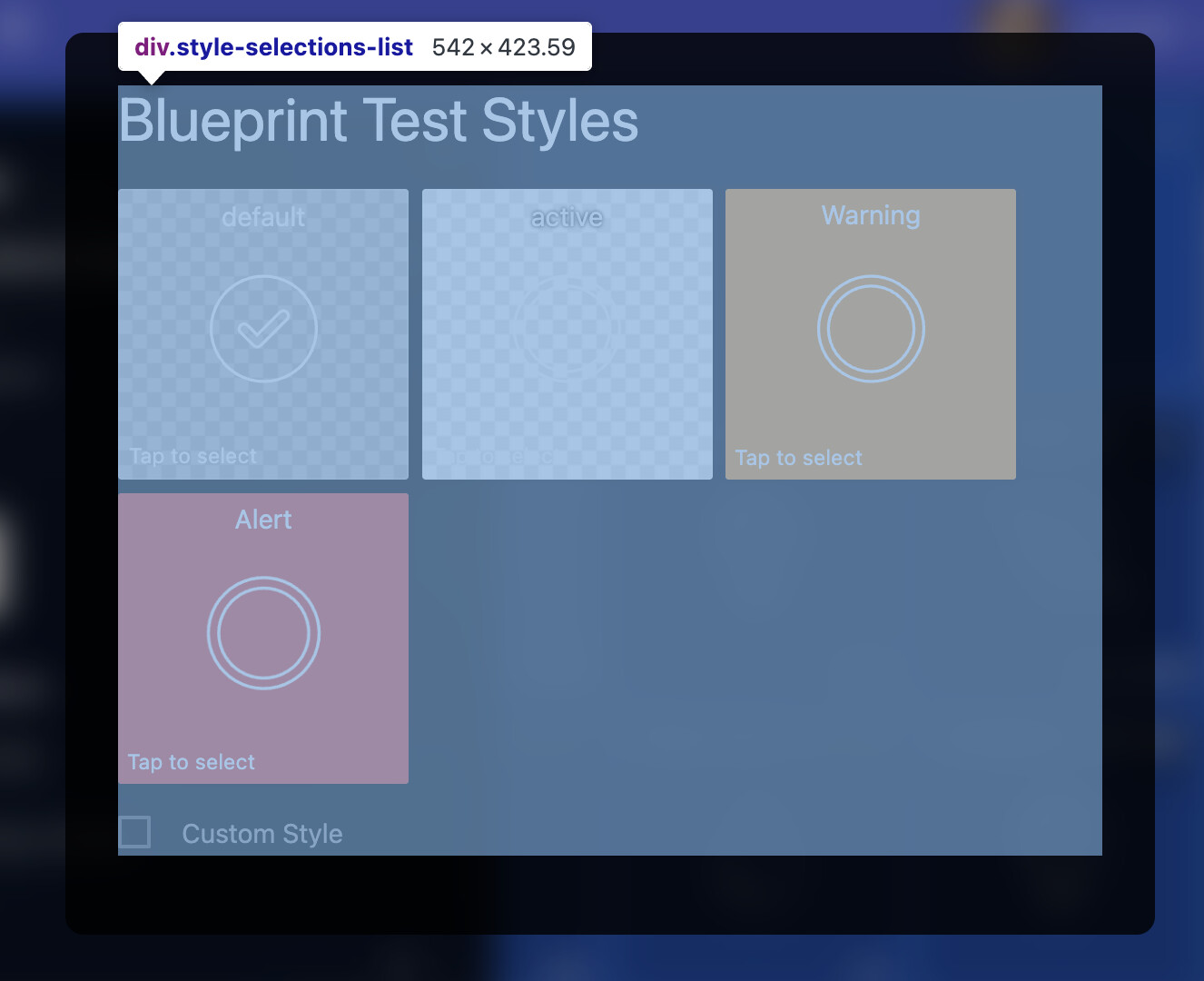
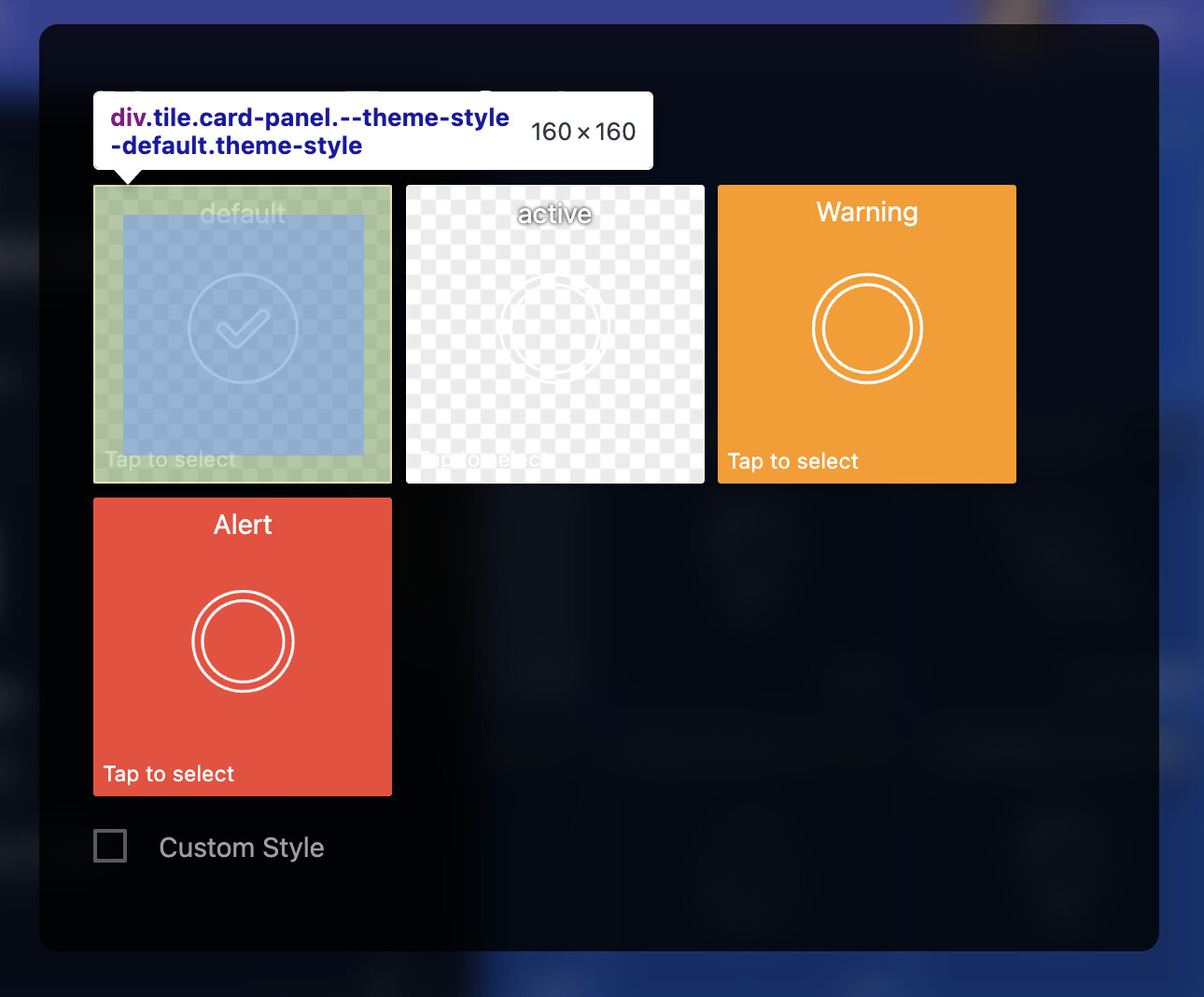
- Either making certain styles apply only when they are not in that preview:
:not(.style-selections-list) .--theme-style-NAME { /* * For example, anything hiding certain elements * or overriding fonts or icons in a significant way * could be applied only when they are *NOT* in the * preview */ } - Or targeting overrides specifically for the preview:
.--theme-style-NAME {
   /* Normal custom CSS here */
}

.style-selections-list .--theme-style-NAME {
 /*
  * Then add OVERRIDES specifically for the style selections
  * making sure to reset font size overrides or redisplay things
  * that were hidden or similar
  */
}
As usual, this is not official guidance and the DOM elements could change in the future requiring you to update those selectors, but this is the broad concept.
Thanks Josh- I got it back to usable, but for some reason the “tap to select” is still out of control. Does that live somewhere else? I realize my css is causing this, but can’t figure out which part. Like I said, it is back to usable so I can work around the large distracting text… LOL.
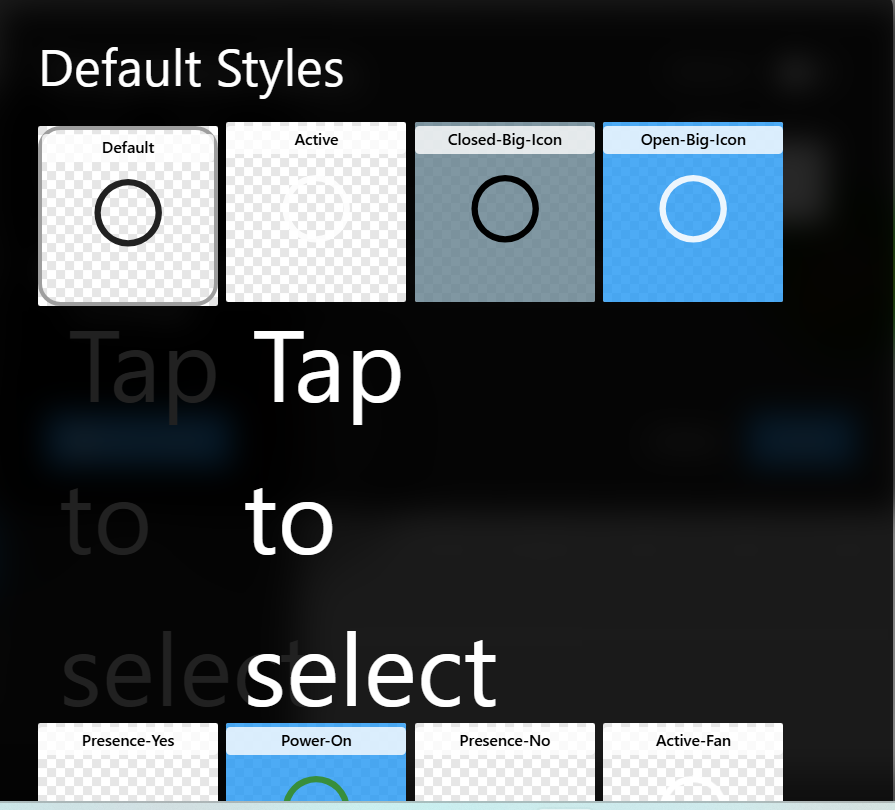
The ‘Tap to Select’ text is in the standard .tile-footer so same concept above with using the .style-selections-list and either targeting it with overrides or :not() exclusions could work.
Without knowing what your other CSS looks like, you may have to adapt accordingly, but something like:
.style-selections-list .tile .tile-footer {
  font-size: 0.8rem; /* either ensure a heavy weighted selector
                        or use !important sparingly */
}
As usual, this is not official guidance and the DOM elements could change in the future requiring you to update those selectors, but this is the broad concept.
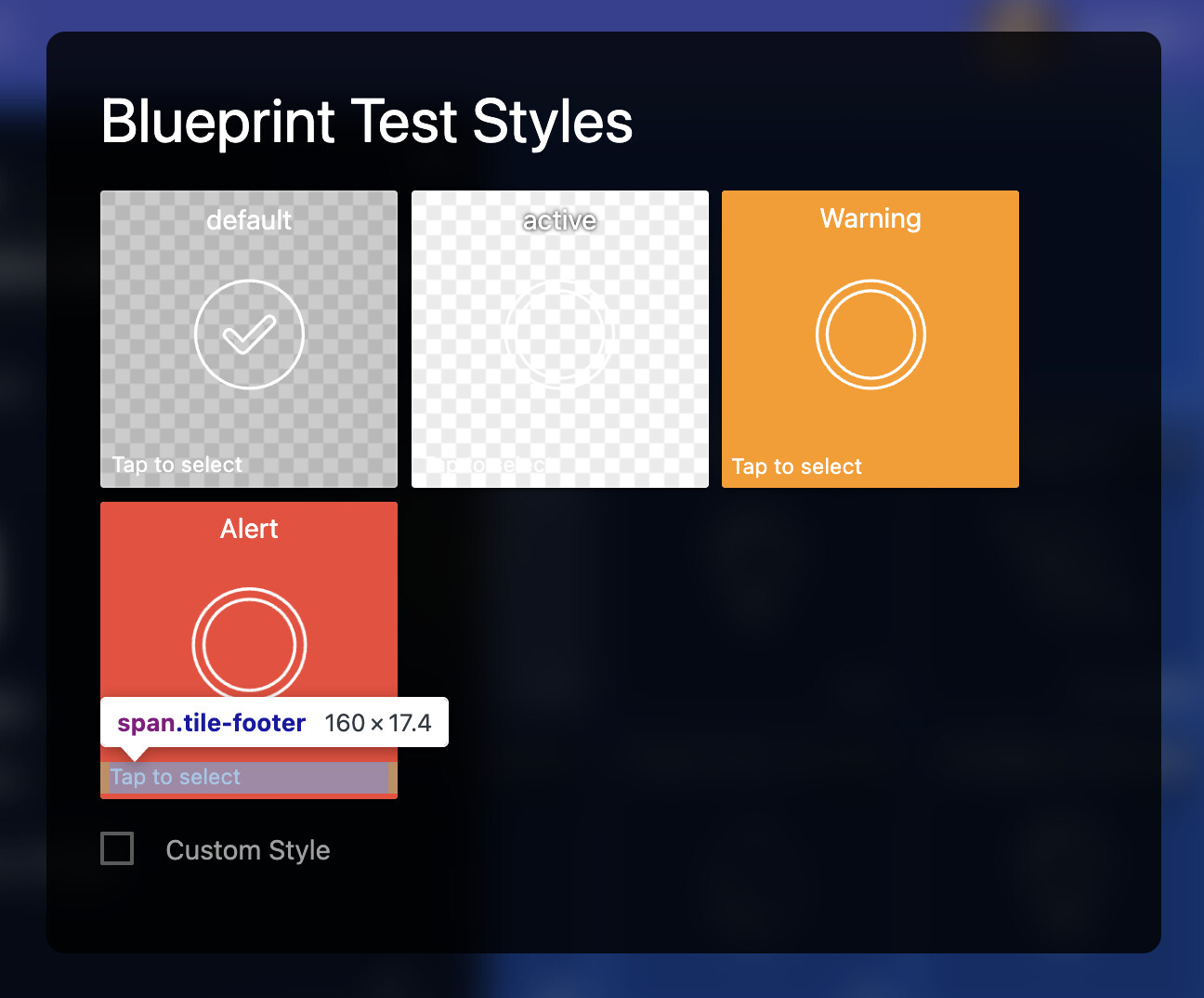
Using your browser’s developer tools to inspect the ‘Elements’ (DOM) is a good approach for investigating this kind of thing:

This topic was automatically closed 10 days after the last reply. New replies are no longer allowed.