I have moved to Sharptools from Action Tiles and am having an issue with a wall mounted kindle in full screen view. It sometimes, after some time of inactivity, which I think is about 12-18 hours, just stops updating. The clock tile for example stops at whatever time it’s stopped updating and none of the ‘buttons’ work. I need to exit full screen , refresh and it all comes back to life.
Welcome to the community and thanks for posting. Sorry to hear that things aren’t working as expected.
Can you tell me more about the device? What exact make and model is it? If I remember correctly, you can open Fully Kiosk Settings and in one of the general menus toward the bottom of the list of menu options, there’s an option to view the device details to get the exact model.
Edit: it was the last menu and setting for me: Other Settings > Device Info
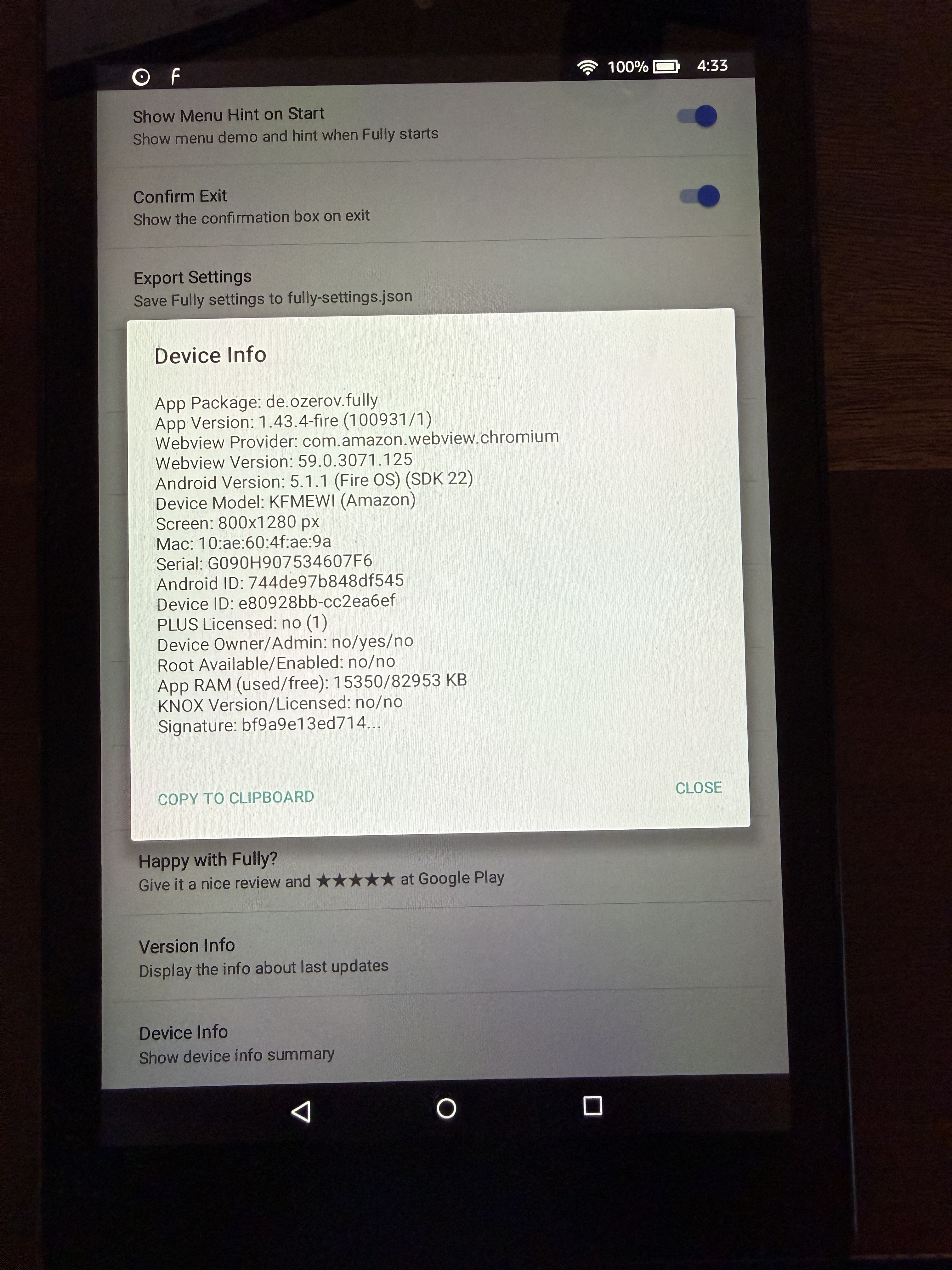
For example, this is an older Fire Tablet I keep around for testing as indicated by the old ‘Webview Version’ which is only 59.x (for reference, new versions of Chrome are 143.x)
If it’s really a “Kindle” branded device, it’s likely a very old device with limited resources. I would try to make sure it’s as up-to-date as possible as the old Amazon devices shipped with really outdated browsers that had bad performance issues (and Fully Kiosk uses the browser engine that the device provides).
Alternatively, Fully Kiosk has some options to detect crashes and try to automatically recover from them. I don’t recall what the settings are off the top of my head, but you might be able to find them while looking through the various settings or other community members who use Fully Kiosk might be able to chime in.
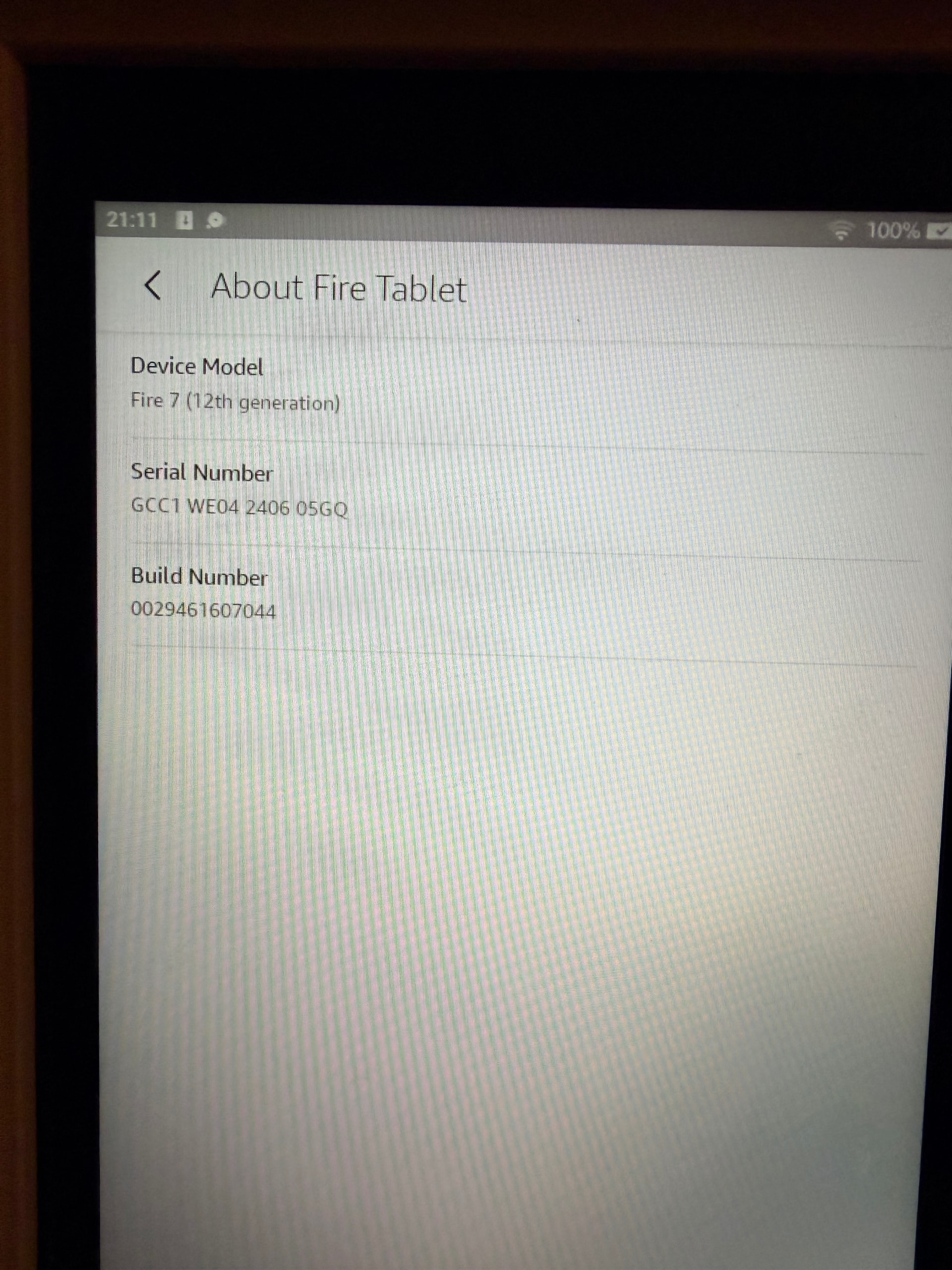
Hi - thanks for the reply, and sorry for the delay to mine… I was on the road. Picture of my device below. It’s an old Fire tablet, that always sells for £30ish on Black Friday. I’m using the Silk browser in it to run the webpage, should I move to another browser?
From a quick search, it looks like the Fire 7 (12th generation) was released in 2022, so I would suspect it ships with a relatively recent browser.
That being said, it is sold as a budget-friendly device, so it might not have the best performance… but I would think it would work fine for a basic dashboard. Things like camera streams and that sort of thing might push the limits of that device, but I would think a basic dashboard should be fine.
My apologies. I guess I assumed you were using the app Fully Kiosk Browser as that’s a really popular solution with Amazon Fire tablets for displaying dashboards. You can find more details about it here:
It’s been a while since I’ve really dug into the Fully Kiosk settings, but from what I recall they also have some neat features to auto reload the page on certain events and to recover from browser crashes and things of that nature.
If you are coming from ActionTiles and used their app, Fully Kiosk will be familiar to you. The AT app was actually a white-labeled version of the free version of Fully Kiosk. As alluded to in the linked article, Fully Kiosk has a bunch of really neat features – the core browser features are included for free, but some features like the Screensaver and Wake on Motion (camera) are part of their one-time premium upgrade which is like $5-10 per device.