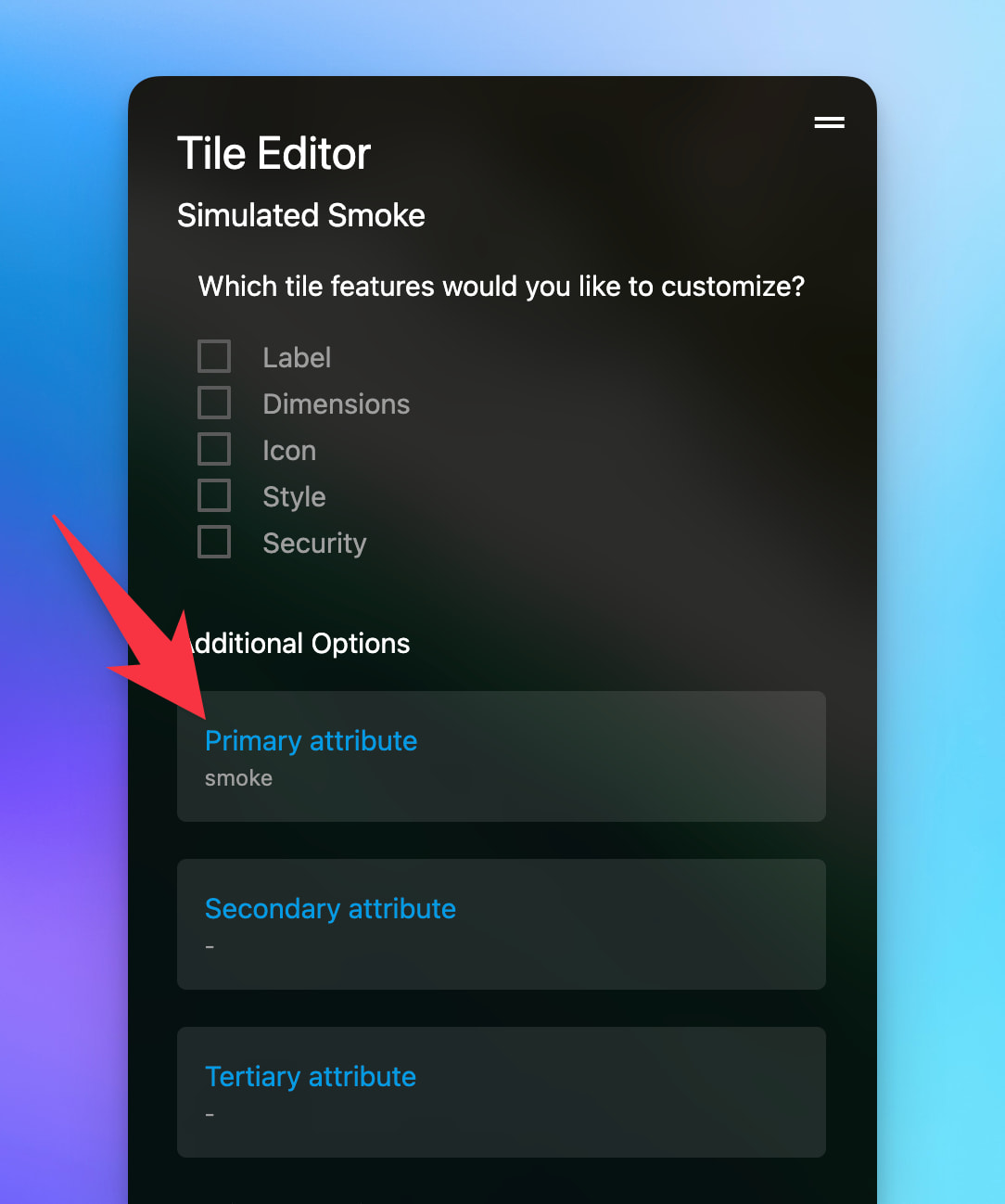
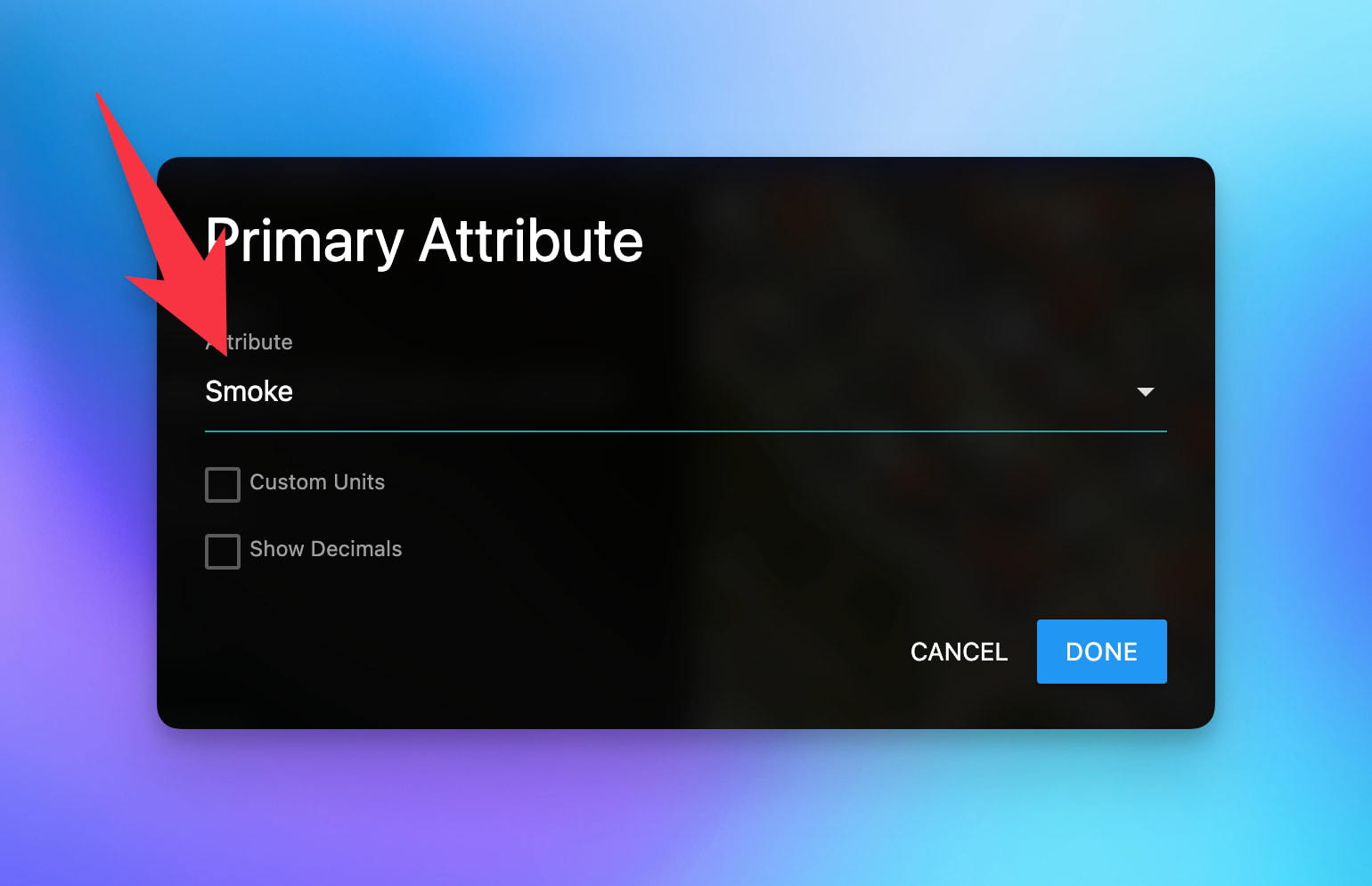
I have two of the Ecolink Smoke/CO Audio Detector (FF-ZWAVE5-ECO). I’m having problems getting the capabilities to show up. I have attached a screen shot below. The forum is only allowing me to post one screen shot. I will see if I can add the others.
You might still be working on a final image demonstrating the issue, but can you clarify what you meant by:
I’m having problems getting the capabilities to show up.
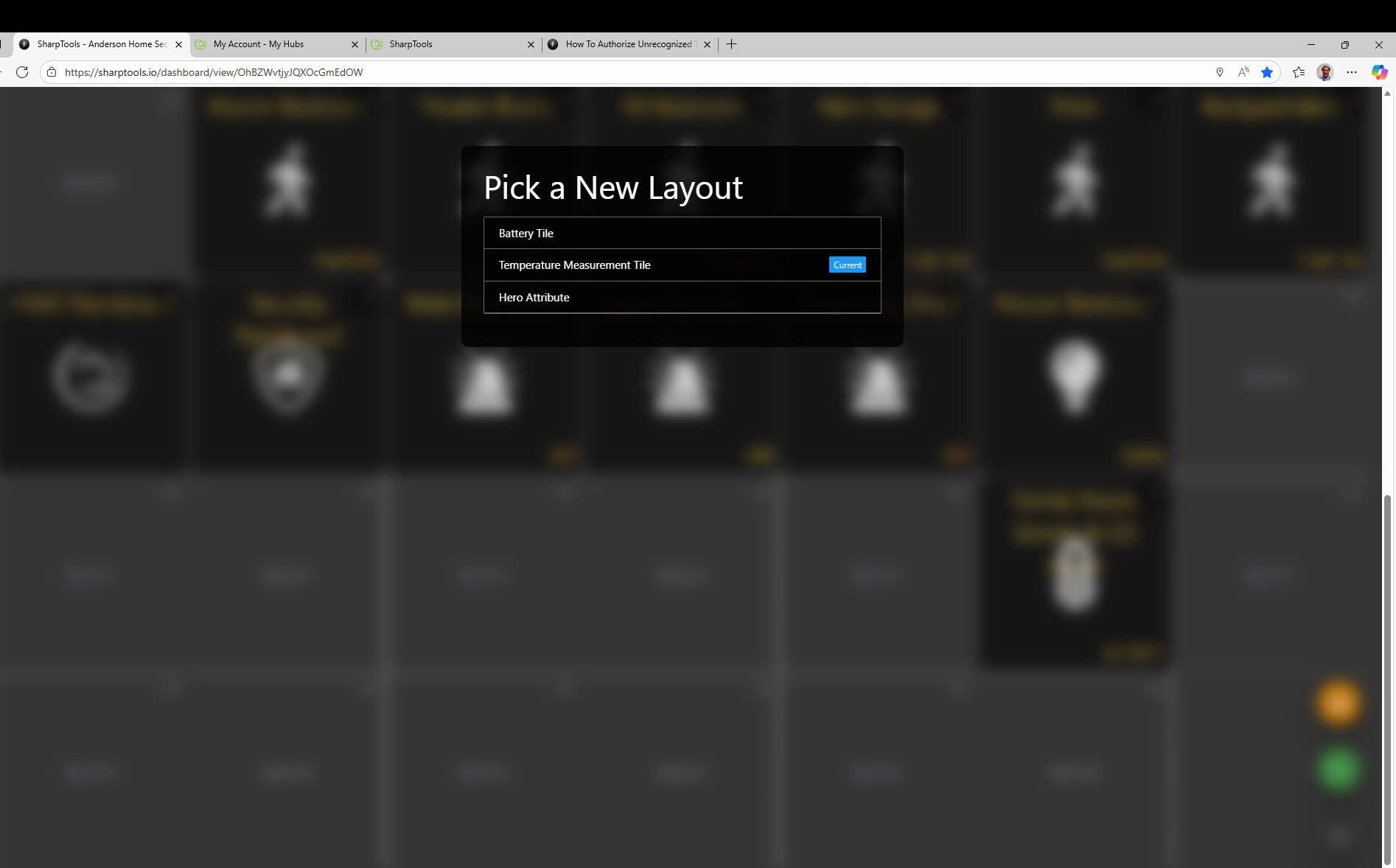
Did you try the Hero Attribute Tile Layout as that should enable you to select whatever attributes you’d like to display.
Alternatively, if you’d like more control over the layout or you want to mix and match data from various devices, you might like the Super Tile. The tile type comparison article might be helpful to you as well as it clarifies the differences between some of the advanced / customizable tile types.
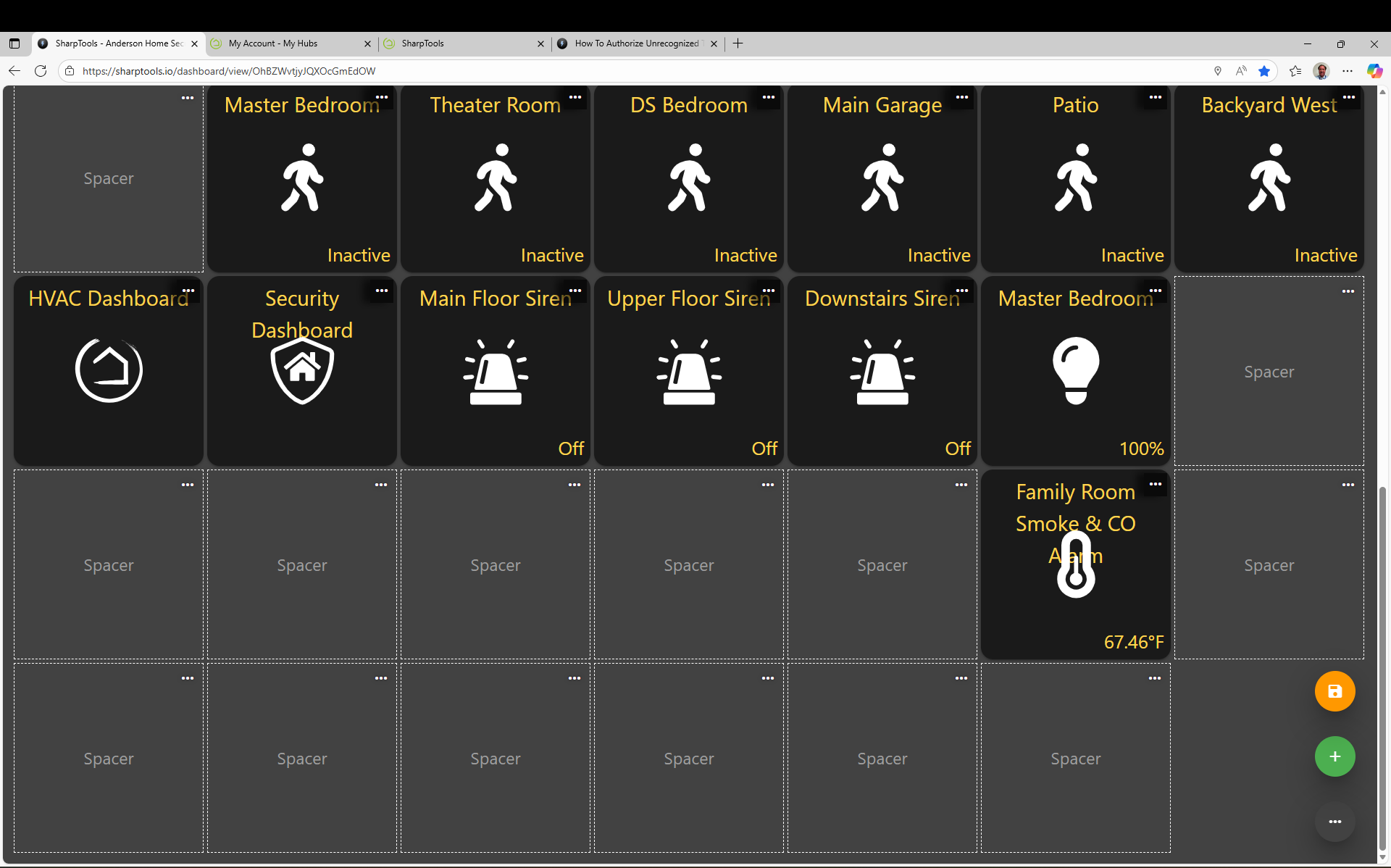
I have several screen shots trying to show what’s going on. On Tile Layout, the only attributes showing are Temperature and Battery.
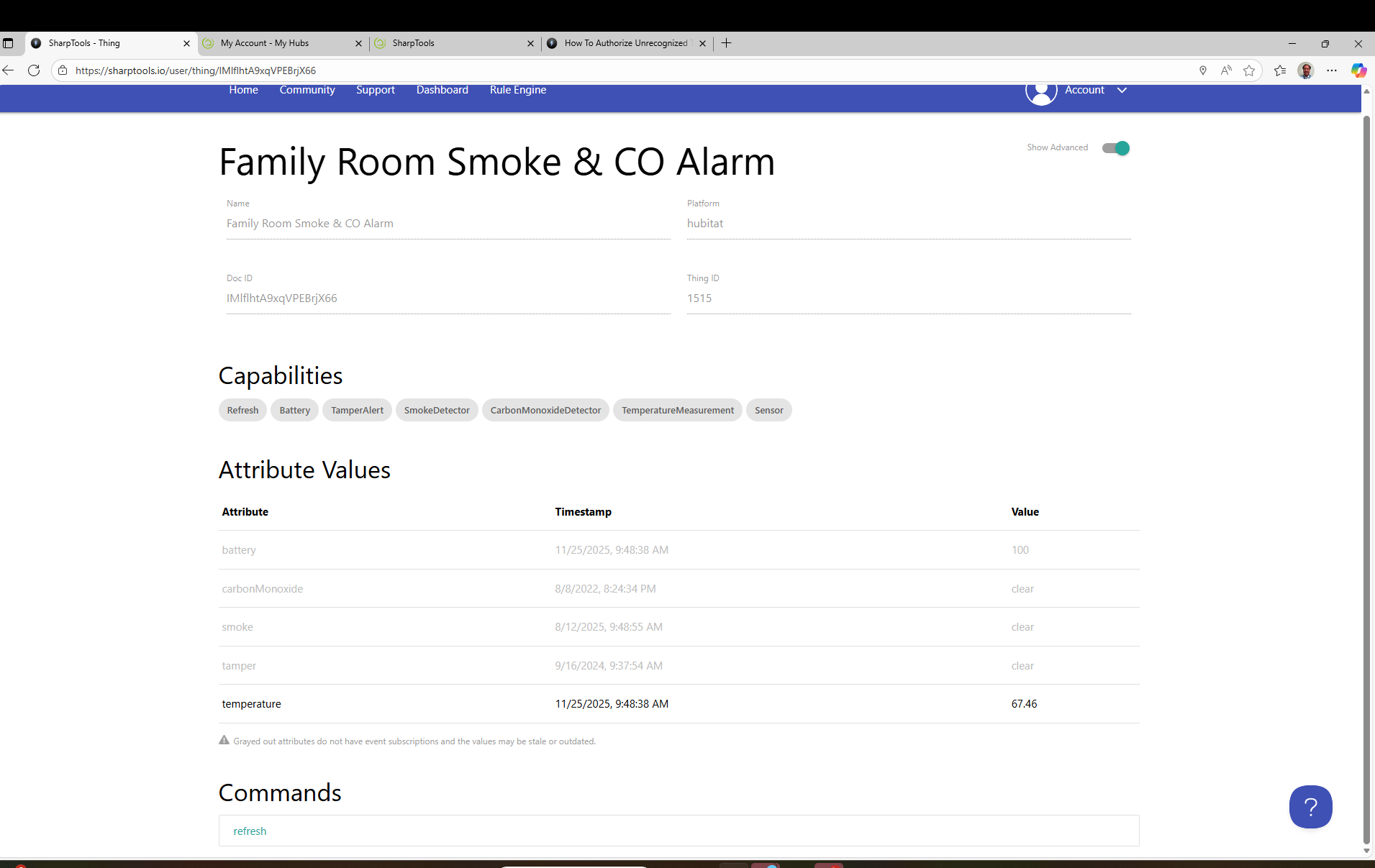
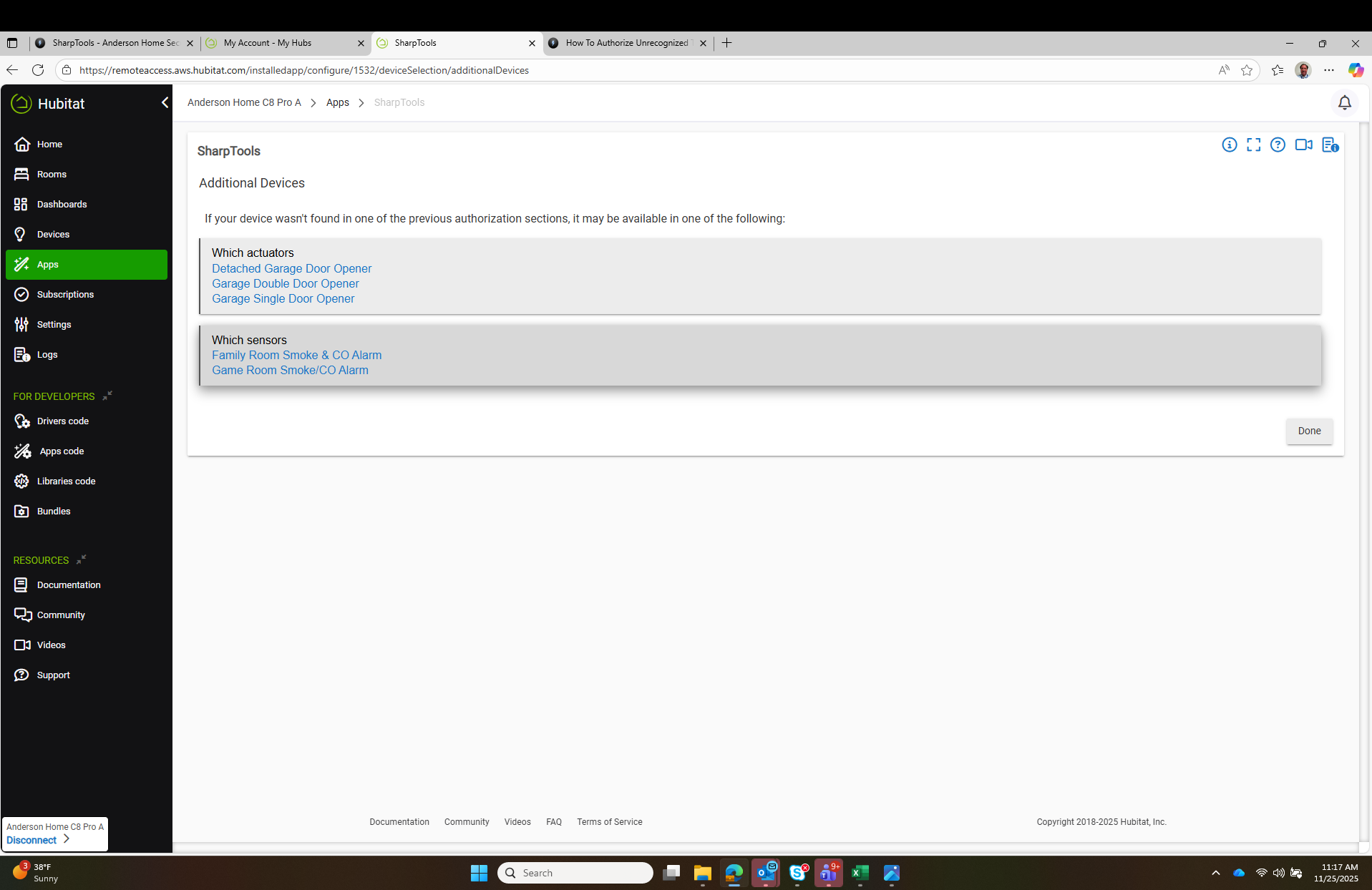
On the SharpTools web page, I can get to portion that shows the attributes values, However, Smoke and CO are greyed out with a message below. The screenshot is part of what I sent.
Thanks for the clarification. Try the Hero Attribute Tile layout I mentioned in my reply above. I linked a few articles explaining Hero Attribute Tiles and Super Tiles and when they are useful.
The Hero Attribute will switch to show the Temperature Value rather than the temperature icon. I’m struggling to get any information of smoke or CO to show.
Can you share a screenshot of the Tile Editor screen and the attribute options that are displayed when you tap on any of the slots (Primary, Secondary, Tertiary)?
Based on the device details screenshot you shared above, you should have the option to display any of those attributes (battery, carbonMonoxide, smoke, tamper, temperature)