On the Gauge.js version? In reading the Gauge.js documentation looks like they have a setting for adjusting the point length but it always seems to start at the center of the gauge with no offset.
So you could adjust the length from the default of 0.74 to 0.3 for example to shorten it, but I don’t see an option to offset the starting position from the center.
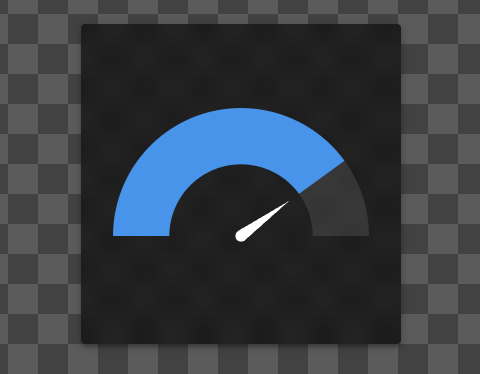
Super Tile Gauges
Have you looked at the official Gauges included with Super Tiles? I built those from scratch and included a variety of different pointer types.
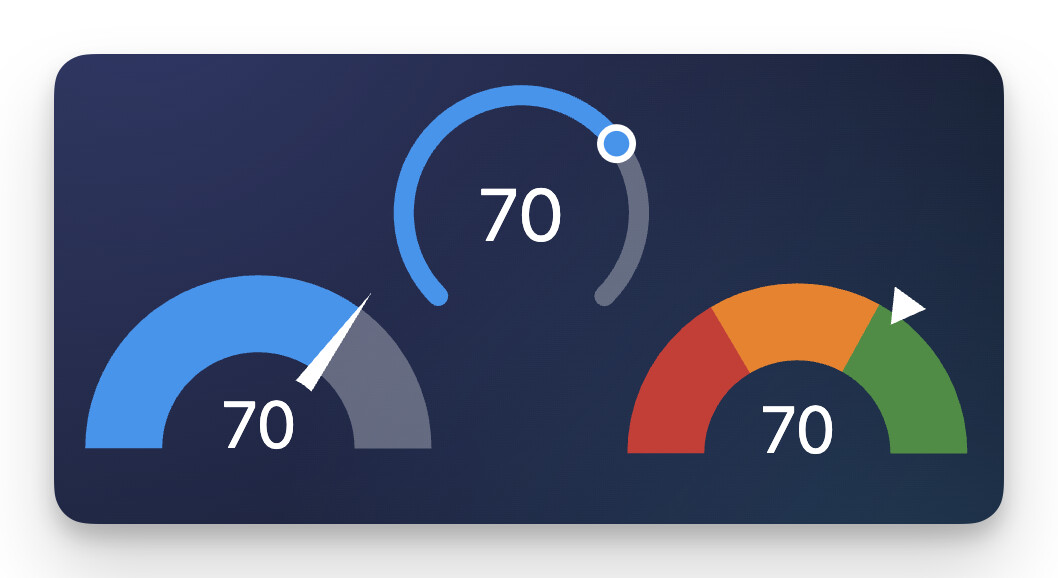
For example, this screenshot shows a few different variations. From left to right:
- Needle (short)
- Thumb
- Triangle (outer)
Here’s a few more for reference. Left to right:
- Thumb*
- Note how the ‘Thumb’ adapts for the ‘Arc’ vs ‘Radial’ gauge types
- Needle
- Triangle (inner)
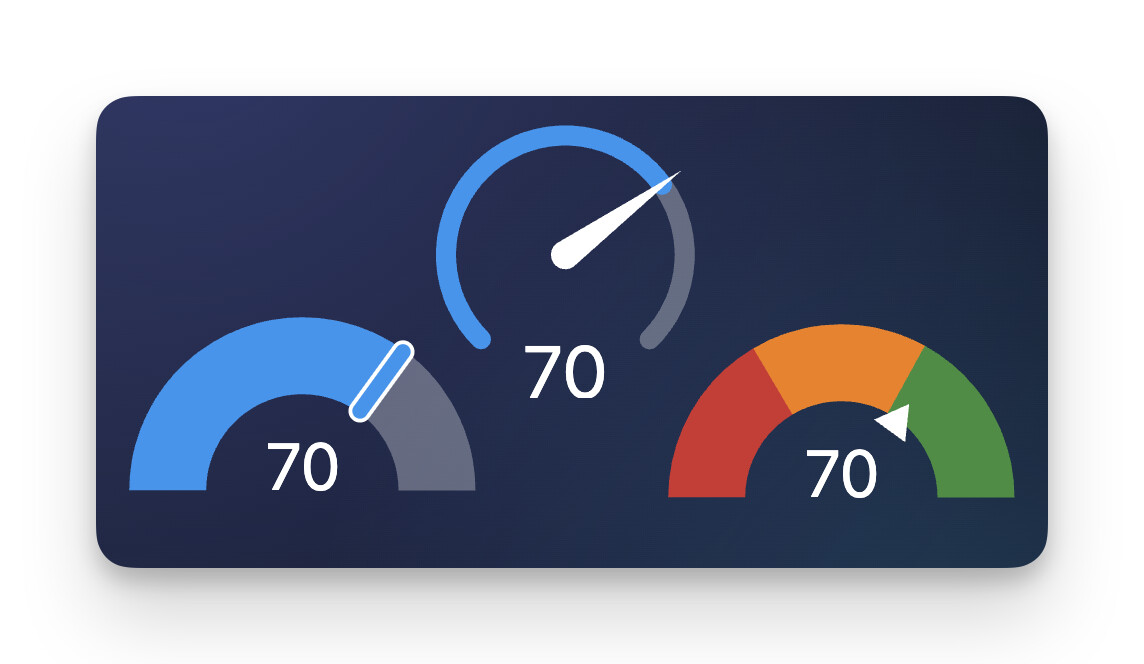
There’s also a ‘Circle’ gauge type with the Super Tile and with all of the gauges you have the option to NOT display a pointer and to make the gauges interactive/controllable or not.