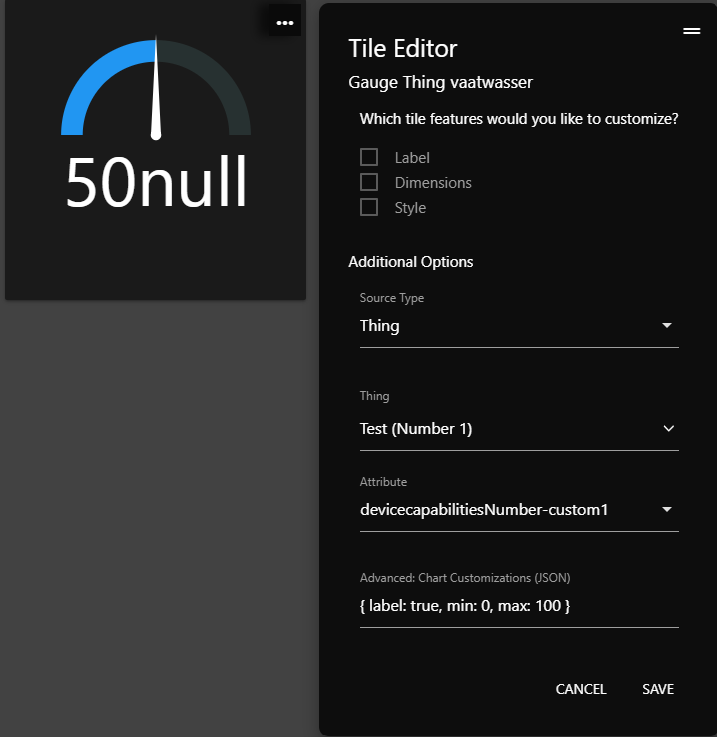
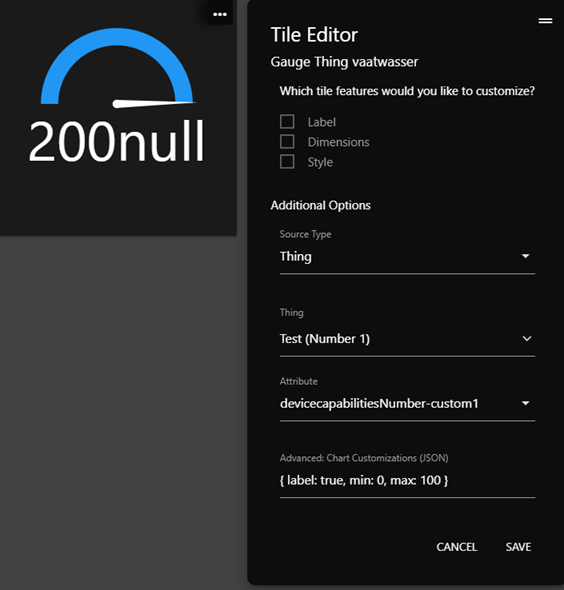
Now next i would like to make a dicimal number, and i see it is covered in another post with the code: function formatNumber(number, digits=1) { but i have a hard time to understand where to put in my code ther is as followed :
I do not see it on line 194 but on line 205 and when i change the digits from 0 to 1 and update it is the same. I know i do somthing wrong but i dont know what.
The Custom Tiles listed at the top of this thread support customizations of the thickness of the arc. IIRC, the font size in the Gauge.js variant is set in the CSS of the Custom Tile but could in theory be customized… and the Apex Charts version can be customized with their JSON specification.
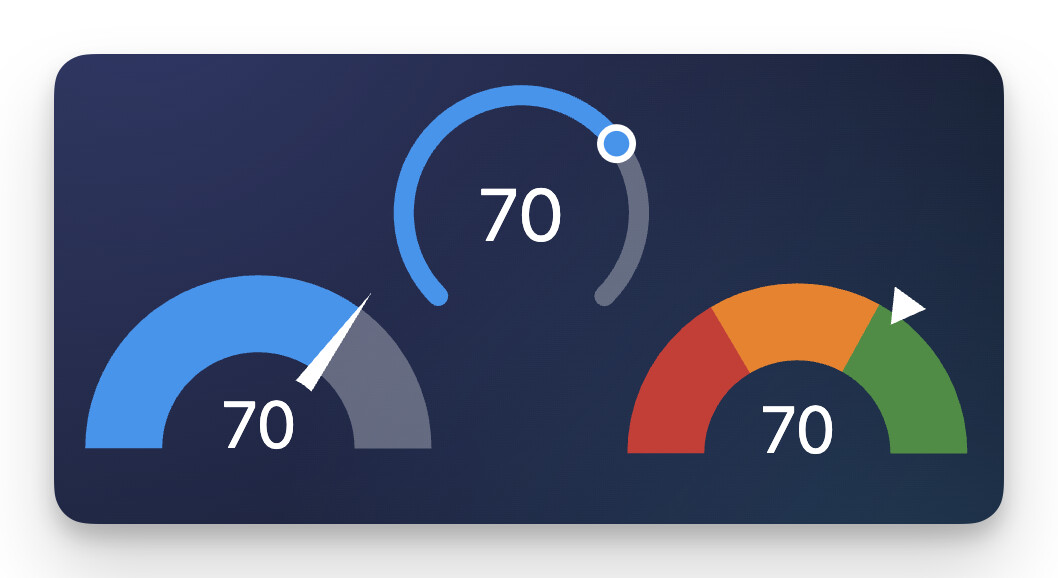
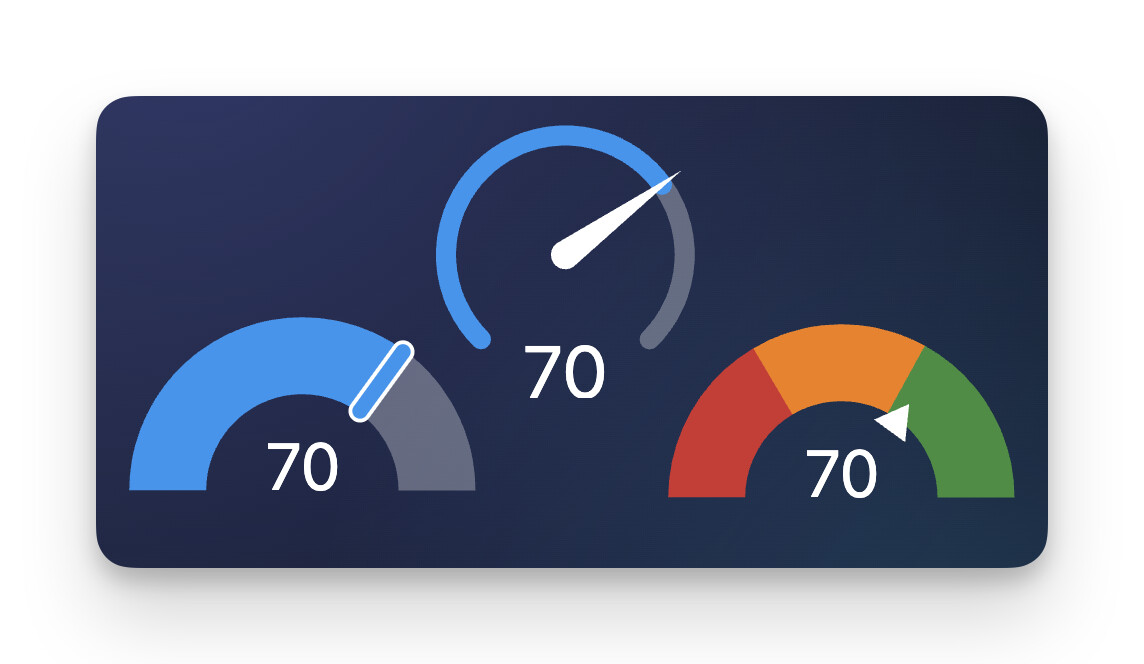
The native Super Tile Gauge does not support customization of the arc. The width changes automatically based on if you pick Arc, Circle, or Radial as the gauge style. And the font dynamically scales based on the number of characters to fit in the space (and thus can’t be overridden).
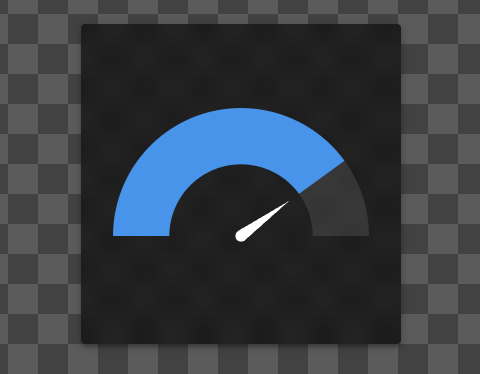
On the Gauge.js version? In reading the Gauge.js documentation looks like they have a setting for adjusting the point length but it always seems to start at the center of the gauge with no offset.
So you could adjust the length from the default of 0.74 to 0.3 for example to shorten it, but I don’t see an option to offset the starting position from the center.
There’s also a ‘Circle’ gauge type with the Super Tile and with all of the gauges you have the option to NOT display a pointer and to make the gauges interactive/controllable or not.
Sorry, I’m maybe a little bad in explaining, but when i set the label of a arc on MAX 100 and when the value become more than 100 (let’s say 150) the needle is not going back to the half when it get’s a new value of 50, but to 1/3 (1/3 of 150). It is like it got a new max value of 150.
Can i fix the max value to 100 even when the value goes over this?
Maybe picture will explain it a little more. I found out to limit max the gauge, but it will also fix the value to a maximum. I calculate the energy cost on a montlhy base. I want to be lower than a fixed cost. But in the winter i will go over. So that is the moment i don’t want a fixed maximum value.
This is what i see. Hopefully you see what i’m seeing.
As alluded to above, the underlying Gauge.js library used in this Custom Tile implementation is developed by a third party so it’s possible this is a quirk of theirs.
A few months after releasing these Custom Tiles and seeing the community interest, we built Gauges natively into SharpTools with Super Tiles. The Super Tile Gauges implementation doesn’t use any third party libraries and is a native feature of our platform and officially supported which is why I was asking if you’ve tried it.
Thank you, Josh. Indeed this one can exceed the max value without the problem that there will be a scale adjustment. This is great.
Just a question. I can change color in segments, but is it possible to make a gradient color of the gauge scale? And make some more adjustment? Make the font of the label smaller and the arc thinner?
The features of the Super Tile Gauges are noted in the linked thread. There are color segments, but not gradients. The thickness of the Radial style is thinner which might fit your needs – there’s not a manual override of the arc thickness.
The Custom Tile gauges in this thread are open source, so you can tweak them to your needs. I would also strongly recommend reading the documentation for the underlying Gauge Library used for each Custom Tile as noted in the original post.
For example, from the Gauge.js documentation it looks like passing in a limitMax: true in your Advanced Chart Customizations (JSON) might cover what you need as it seems to prevent the ‘max’ value of the gauge from increasing. From a quick test, if you are over the ‘max’ with that setting, the pointer is just pinned hard-right to the max but it doesn’t increase the ‘scale’ of the gauge range so you don’t have to worry about the reset effect.