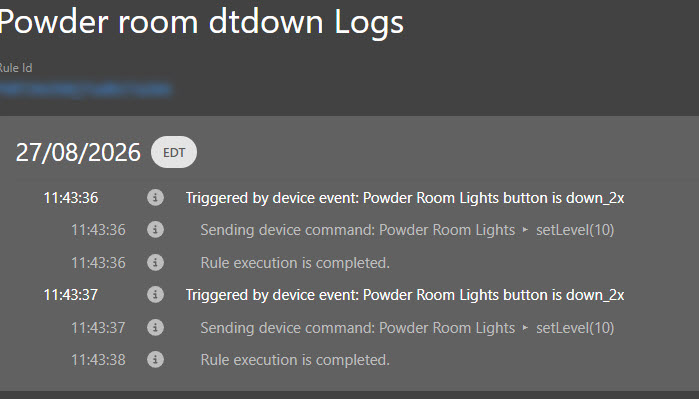
I started using SharpTools in 2023 with my SmartThings hub and Enbrighten GE smart light switches. When the announcement was released that API usage was too high, I wanted to add scenes to reduce my usage. To do so, I created scenes in Smartthings app, then disconnected my “home” which had all my “things” and re-added it. The new scenes appear along with all my “things” (light switches). All my rules are still present and the “things” on my dashboard work successfully when I click them. Lights turn on and off from the dashboard so I know Sharptools is working.
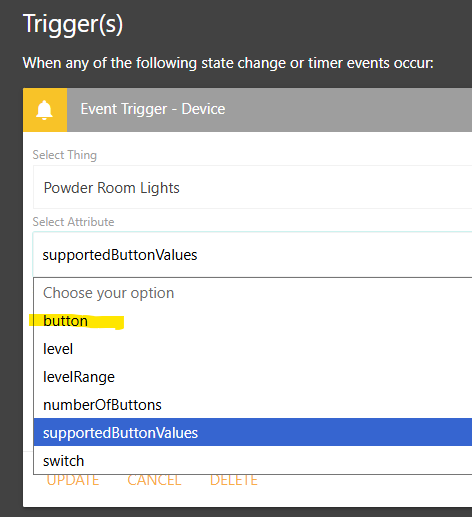
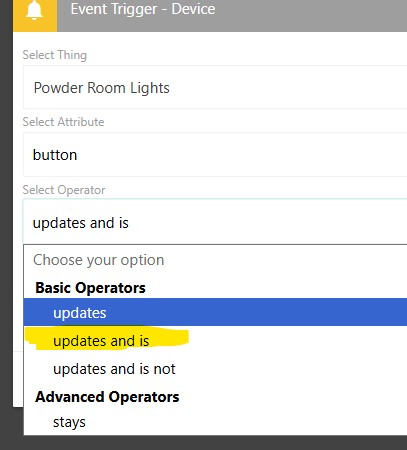
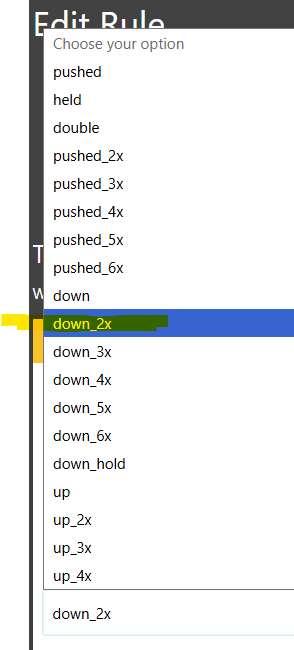
However, none of my Rule Engine rules are working now. I checked the logs and they don’t trigger at all. So, I’m wondering if Event Tigger - Select Attribute should change? Or Select Operator updates and is something different than down_2x? Or do i need a new driver for my switches?
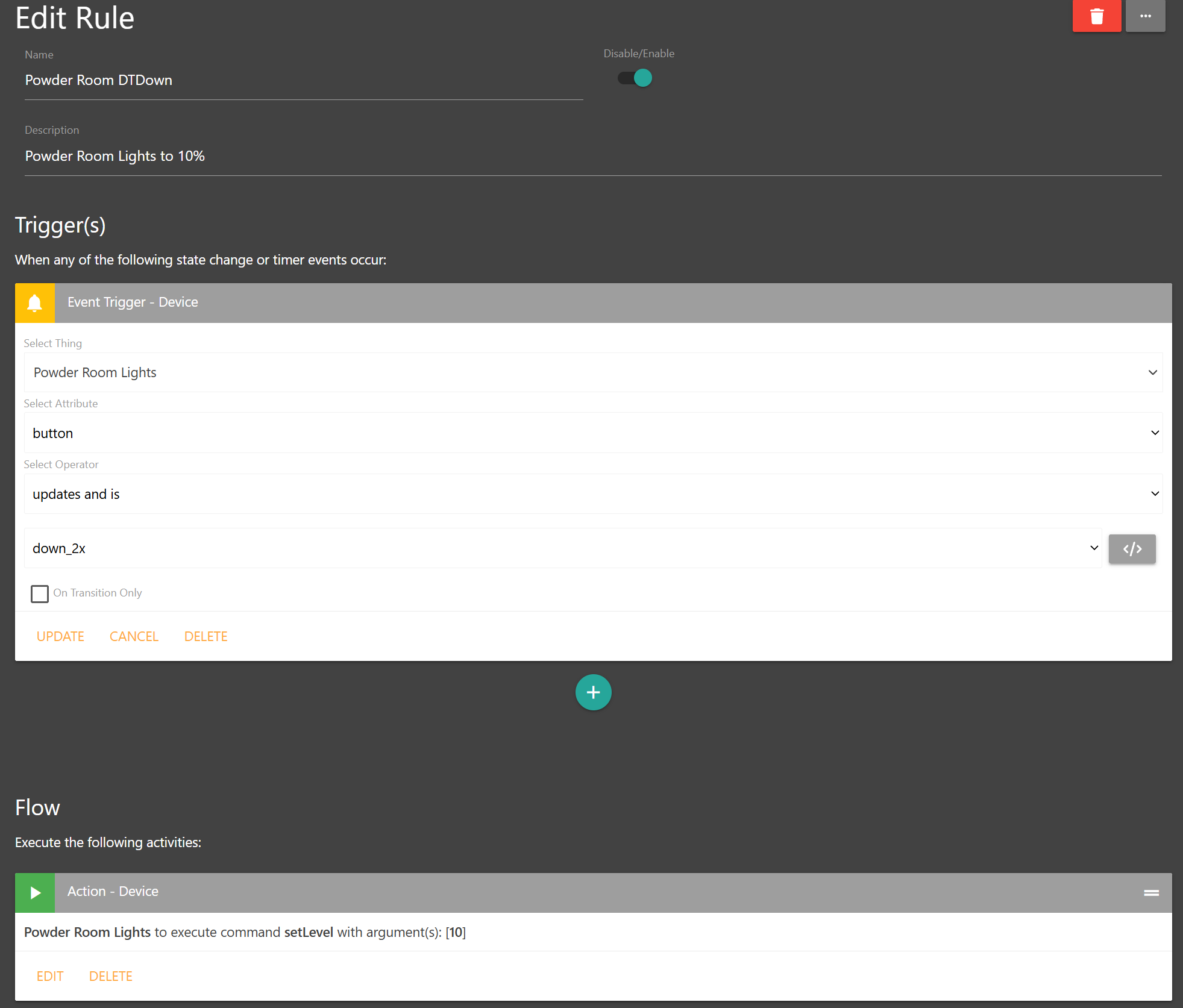
Here is an example of one rule that should allow my wife to double tap down to turn the lights to 10 percent dim level.
EVENT TRIGGER - DEVICE
SELECT THING
- Light Switch
SELECT ATTRIBUTE
- button
SELECT OPERATOR
- updates and is
- down_2x
FLOW
SELECT THING
- Light Switch
SELECT COMMAND
- setLevel
INPUT ARGUMENT 1
- #10